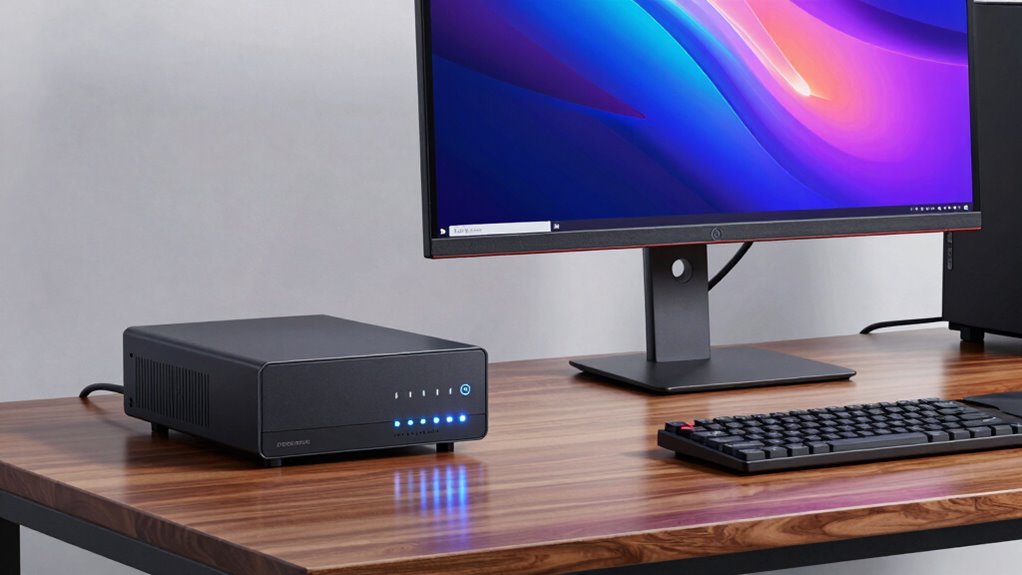

A UPS system is essential for your workstation because it safeguards your projects, data, and hardware from unexpected power outages and electrical surges. It provides battery backup, giving you time to save work and shut down properly, preventing data loss and hardware damage. Plus, it smooths out power fluctuations that could harm your equipment over time. Investing in one keeps your work environment reliable and resilient. Want to discover more about why it’s a smart choice?

Play games on Amazon Luna for your next adventure, included with Prime
- A rotating selection of games, no download needed
- Play on TV, laptop or phone
- Fast, free delivery for your gear, too
Key Takeaways
- Workstations handle critical data and projects that require protection from unexpected power interruptions.
- Power fluctuations can damage sensitive workstation components over time, reducing their lifespan.
- Seamless battery backup ensures work continuity and prevents data loss during outages.
- Surge protection shields delicate hardware from voltage spikes common in office environments.
- Investing in UPS safeguards important work and reduces costly downtime and hardware repairs.
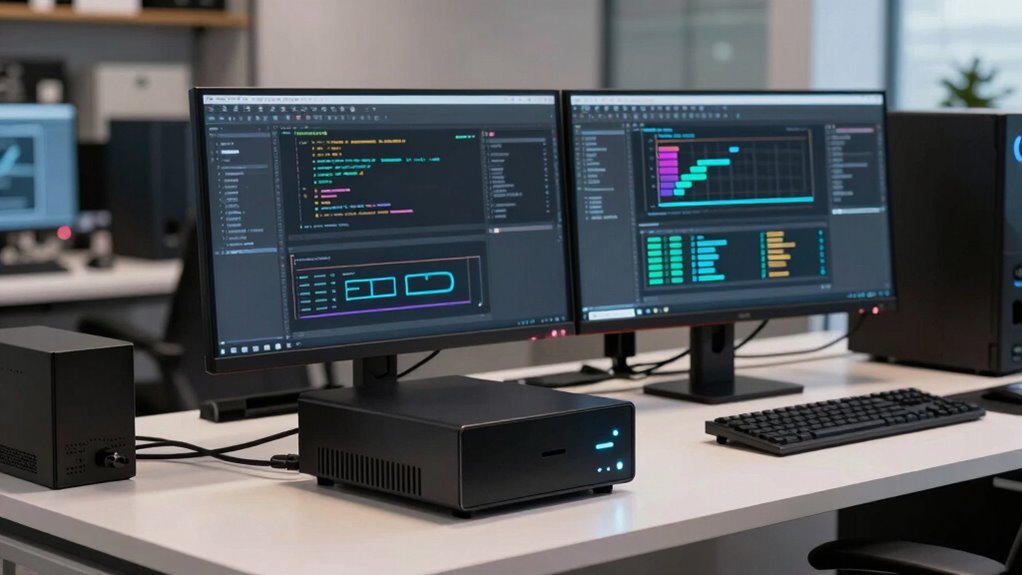
Have you ever experienced a sudden power outage that disrupted your work or caused data loss? If you rely on your workstation for important tasks, that moment can be frustrating and costly. This is where UPS systems come into play. They’re not just for gaming PCs or high-end setups—they’re essential for maintaining power stability and protecting your work. When the power suddenly cuts out, a UPS provides battery backup that keeps your workstation running long enough for you to save your work and shut down properly. Without it, you risk losing hours of effort, corrupted files, or even hardware damage caused by unexpected shutdowns.
Power stability is crucial for any workstation, especially if you’re working with sensitive data or running resource-intensive applications. Fluctuations in the power supply, like surges or dips, can harm your equipment over time or cause unexpected crashes. A UPS acts as a buffer, smoothing out these irregularities and ensuring a consistent power flow. It prevents your devices from experiencing sudden surges that could fry circuits or cause hardware failures. This stability extends the lifespan of your equipment and keeps your workflow uninterrupted, even during electrical disturbances. Proper power protection is essential to safeguard your entire setup. Additionally, a reliable UPS can help prevent hardware damage caused by power irregularities, saving you money on repairs or replacements. Incorporating power stabilization measures can further enhance your setup’s resilience against electrical issues. According to experts, understanding and addressing power quality is vital for optimal equipment performance and longevity.
Power fluctuations can damage equipment; a UPS provides essential stability and protection for your workstation.
Battery backup is the core feature of a UPS. When the main power source fails, the UPS automatically switches to its internal battery, giving you crucial extra minutes to save your work and shut down properly. This transition is seamless, so you won’t notice any interruption in your work. The battery backup not only protects your data but also prevents sudden hardware shutdowns that can cause corruption or loss. Plus, many UPS units include surge protection, further shielding your workstation from voltage spikes that can damage sensitive components.
Investing in a UPS for your workstation is a smart move. It provides peace of mind, knowing that unexpected power issues won’t derail your productivity. With reliable power stability and a robust battery backup, you can focus on your tasks without constantly worrying about power outages. Whether you’re working on critical projects, managing large files, or running complex software, a UPS safeguards your work environment. It’s an investment that enhances your workstation’s resilience, reduces downtime, and helps you avoid costly repairs or data recovery efforts down the line. In today’s digital world, a UPS isn’t just a luxury—it’s a necessary tool to keep your work uninterrupted and secure.
As an affiliate, we earn on qualifying purchases.
Frequently Asked Questions
Can UPS Systems Protect Against Power Surges?
Yes, UPS systems can protect against power surges by providing surge protection that blocks sudden voltage spikes. They help maintain power stability, ensuring your workstation stays safe and operational during unexpected power fluctuations. When you use a UPS with surge protection, it shields your equipment from damage caused by surges, prolonging its lifespan and preventing costly repairs. This makes a UPS a smart investment for safeguarding your work environment.
How Long Can a UPS Power a Workstation During an Outage?
During a power outage, a UPS can typically power your workstation for about 5 to 15 minutes, depending on its battery capacity and your system’s power demands. To maximize runtime, choose a UPS with a higher battery lifespan and prioritize power efficiency. This way, you’ll have enough time to save your work, shut down properly, and avoid data loss. Keep an eye on battery health for peak performance.
Are There Specific UPS Features for Professional Workstations?
Think of a UPS as your workstation’s guardian angel. It offers features like adjustable battery lifespan, ensuring your system stays protected longer, and easy installation considerations that fit your workspace. Look for units with surge protection, automatic voltage regulation, and monitoring capabilities, so you stay ahead of power issues. These specific features keep your professional workstation running smoothly during outages, safeguarding your work and boosting productivity.
What Maintenance Is Required for UPS Systems?
You need to regularly maintain your UPS system by replacing the batteries when they no longer hold a charge, which typically occurs every 3-5 years. Additionally, keep the firmware updated to guarantee peak performance and security. Check the system’s status lights and logs periodically, and clean dust from vents. Proper maintenance prolongs your UPS’s lifespan, guarantees reliable power, and protects your workstation during outages.
Is a Larger UPS Necessary for High-Performance Workstations?
Yes, a larger UPS is necessary for high-performance workstations because size considerations and power capacity are vital. High-end workstations demand more power, so a UPS with higher capacity guarantees reliable backup during outages. Don’t underestimate the importance of choosing the right size—if it’s too small, your equipment could shut down unexpectedly. Investing in a larger UPS provides peace of mind, keeping your workstation protected and running smoothly under heavy loads.
surge protector with battery backup
As an affiliate, we earn on qualifying purchases.
As an affiliate, we earn on qualifying purchases.
Conclusion
A UPS system is like a trusty safety net for your workstation, catching you when power suddenly drops and keeping your work afloat. It’s not just for gamers—professionals rely on it to protect sensitive data and maintain productivity. Think of it as a silent guardian standing guard, ensuring your work doesn’t fall apart when the lights go out. Investing in one keeps your digital world steady, no matter how turbulent the power gets.
uninterruptible power supply for PC
As an affiliate, we earn on qualifying purchases.
As an affiliate, we earn on qualifying purchases.
power surge protector for computer
As an affiliate, we earn on qualifying purchases.
As an affiliate, we earn on qualifying purchases.
Fall Picks
fall essentials
As an affiliate, we earn on qualifying purchases.