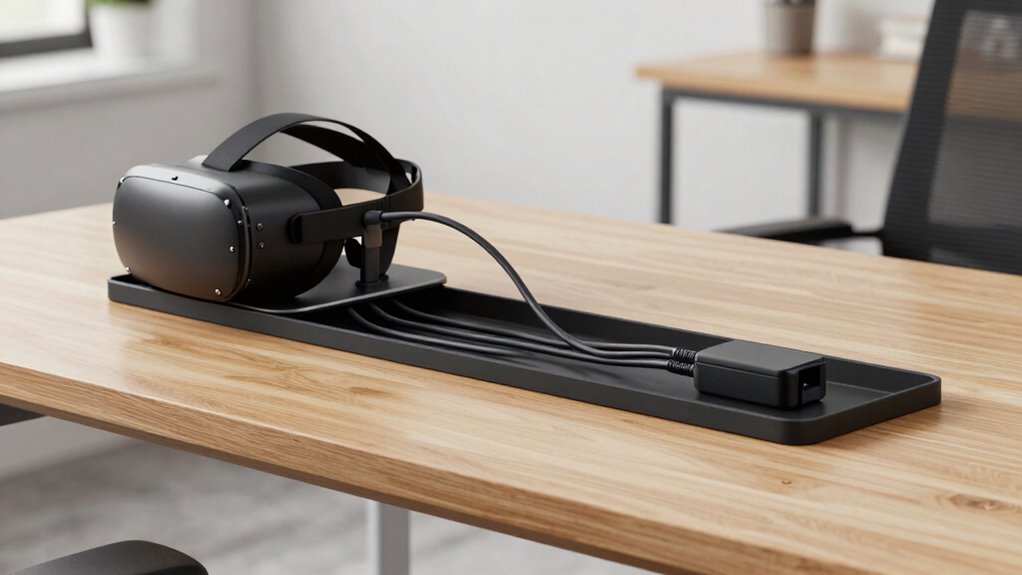

Under-desk cable trays help you keep cords organized, accessible, and out of sight, making your creator and VR setups more manageable and less cluttered. They prevent tangles, reduce cable wear, and improve safety by minimizing tripping hazards. Plus, they make it easier to add or swap devices without hassle. With everything neatly in place, you’ll experience a cleaner workspace and better focus. Keep exploring to discover how these simple solutions can transform your setup even further.
Key Takeaways
- Keeps cables organized and hidden, reducing visual clutter and creating a cleaner workspace.
- Simplifies installation and reconfiguration of devices, saving time and effort.
- Prevents cable damage and wear, extending the lifespan of your equipment.
- Enhances safety by minimizing tripping hazards and accidental disconnections.
- Maximizes desk space, improving ergonomics and focus during creative or VR sessions.
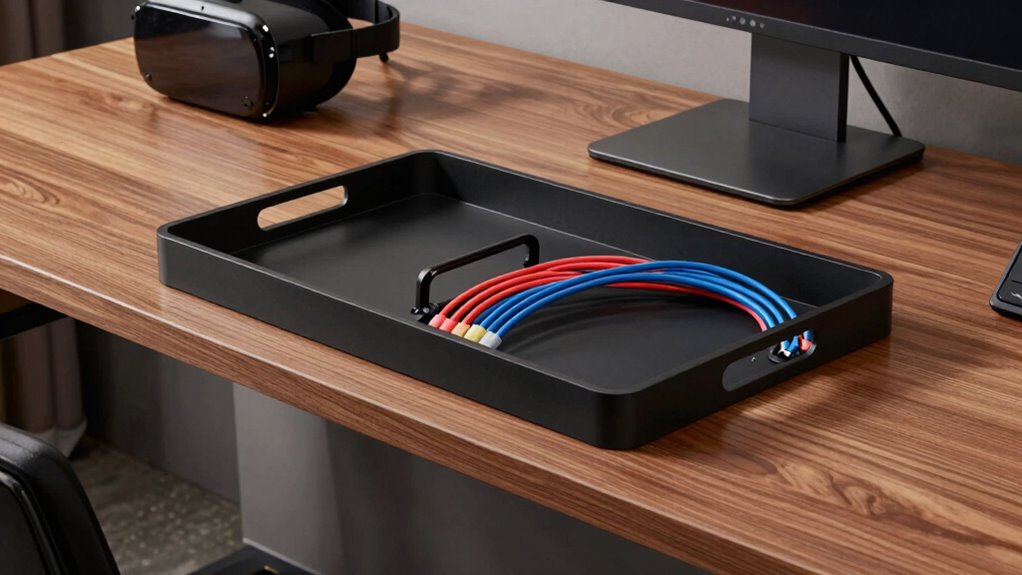
If you’re serious about creating a clean, efficient workspace for your creator projects or VR setups, under-desk cable trays are a game-changer. They help you tackle cable management head-on, preventing clutter from taking over your desk area. When cables are neatly routed and organized, it’s easier to focus on your work or immersive experiences without tripping over cords or feeling overwhelmed by a tangled mess. An effective cable management system also reduces wear and tear on your cables, prolonging their lifespan and saving you money in the long run. Moreover, well-organized cables contribute to a safer workspace by minimizing the risk of accidental disconnections or damage.
One of the biggest advantages of under-desk cable trays is their ergonomic design, which promotes a cleaner, more comfortable setup. With cables tucked away underneath, your workspace looks tidier and more professional. This not only boosts your mental clarity but also makes it easier to access essential devices without having to untangle cords or shuffle through a jumble of wires. The ergonomic design of these trays ensures cables are routed in a way that minimizes strain on both your cables and your body. You won’t have to reach across cables that are sprawled across your desk, reducing unnecessary movements and potential discomfort during long sessions. Plus, by keeping cables out of sight, you gain more usable desk space for equipment, accessories, or even just a more open, inviting environment. Maintaining cable organization is crucial for a clutter-free workspace and overall productivity. Proper cable routing also enhances the overall workspace ergonomics, making long work or gaming sessions more comfortable. Additionally, choosing the right cable management solution can help prevent potential damage caused by cable wear and tear, extending the life of your equipment.
Under-desk cable trays create a tidy, ergonomic workspace, reducing strain and maximizing desk space.
Installing under-desk cable trays is straightforward, and once in place, they provide a stable, dedicated pathway for all your cords. This organization allows you to easily add, remove, or swap devices as needed without the hassle of untangling or rerouting cables constantly. They also help maintain a consistent, tidy appearance, which can be particularly motivating when you’re working on creative projects or engaging in VR sessions that demand focus. Whether you’re setting up a multi-monitor workstation, a complex VR rig, or just want a clutter-free desk, these trays streamline your entire setup. They’re designed to blend seamlessly with various desk styles, further enhancing the overall ergonomic design of your workspace.
In short, under-desk cable trays are essential for anyone serious about maintaining an organized, ergonomic environment. They simplify cable management, improve safety, and boost productivity by creating a workspace that’s as functional as it is tidy. When your cables are managed properly, you spend less time troubleshooting and more time doing what you love—creating, gaming, or exploring virtual worlds.
under desk cable management tray
As an affiliate, we earn on qualifying purchases.
As an affiliate, we earn on qualifying purchases.
Frequently Asked Questions
Are Under-Desk Cable Trays Compatible With All Desk Types?
Under-desk cable trays are generally compatible with most desk types, but desk compatibility depends on your desk’s design and material options. Metal or wood desks often work well, but you should check if the tray can be securely mounted. Consider material options like steel or plastic, which provide durability. Measure your desk’s width and thickness to guarantee proper fit, making installation straightforward regardless of your desk’s style.
How Easy Is It to Install Under-Desk Cable Trays?
Installing under-desk cable trays is surprisingly straightforward, making cable management and desk organization much easier. You’ll typically need basic tools like a screwdriver or drill, and most trays come with mounting brackets and clear instructions. With a little effort, you can secure the tray under your desk quickly, keeping wires out of sight and creating a cleaner workspace. It’s a simple upgrade that considerably improves your setup’s neatness and functionality.
Can Cable Trays Handle High Weight Loads?
Yes, cable trays can handle high weight loads, depending on their weight capacity and load distribution. You should check the tray’s specifications to guarantee it supports your cables’ combined weight. Proper load distribution is key; spreading cables evenly prevents stress on any single point, helping the tray maintain stability. When installed correctly, sturdy cable trays safely manage your setup’s weight, keeping your workspace organized and secure.
Do Cable Trays Improve Airflow and Cooling?
Imagine a gentle breeze flowing through an open window—cable trays do something similar for your setup. They promote airflow enhancement by preventing cables from tangling and blocking vents, which boosts cooling efficiency. This improved airflow helps keep your devices at ideal temperatures, reducing overheating risks. So, yes, cable trays actively contribute to better airflow and cooling, making your workspace more comfortable and your equipment more reliable over time.
Are Cable Trays Customizable for Different Setups?
Yes, cable trays are customizable for different setups. You can choose from various cable tray aesthetics and color options to match your workspace or gaming setup. This flexibility helps you organize cables neatly, reducing clutter and enhancing the overall look. Whether you prefer a sleek, minimalist style or something more vibrant, custom cable trays allow you to tailor your cable management system to fit your specific needs and preferences.
As an affiliate, we earn on qualifying purchases.
Conclusion
With under-desk cable trays, your setup becomes a well-organized symphony, where cords stay in harmony and clutter fades into the background. They’re the unsung heroes that turn chaos into calm, making your creator or VR space not just functional but a pleasure to work and play in. Say goodbye to tangled messes and hello to a sleek, stress-free environment—you’ll wonder how you ever managed without them.
As an affiliate, we earn on qualifying purchases.
As an affiliate, we earn on qualifying purchases.