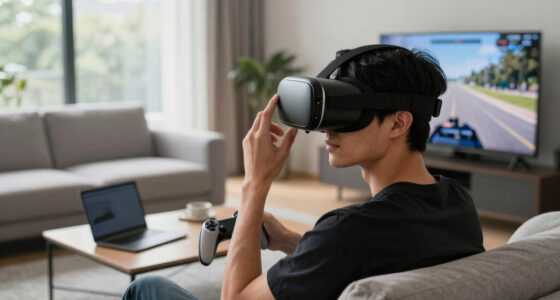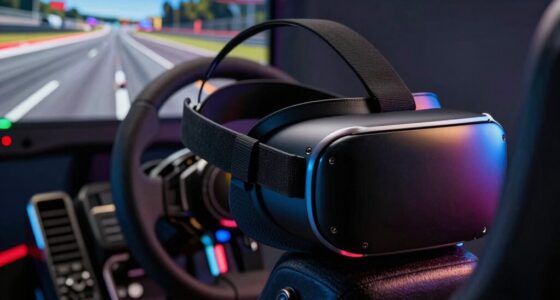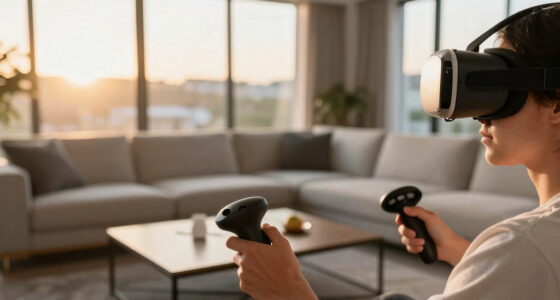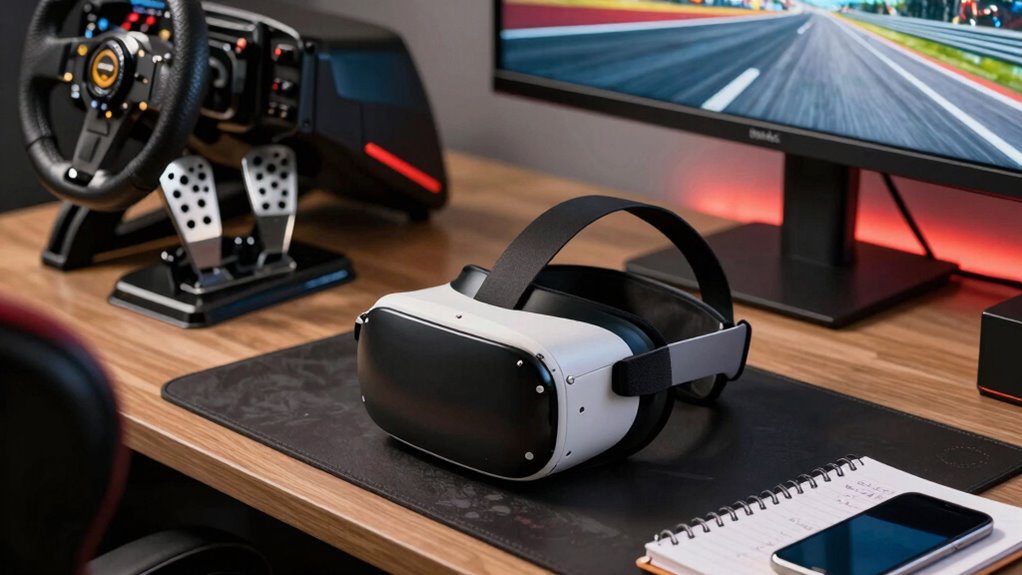
To plan your sim racing VR setup, start by ensuring your chosen VR headset, wheel, and pedals are compatible and will work smoothly together. Check your PC or console specs to handle high-quality graphics and USB connections. Set a clear budget, balancing cost and quality for hardware and accessories. Consider future upgrades for longevity. Focus on features like resolution and tracking accuracy that match your immersive goals. Keep these steps in mind, and you’ll be on your way to a perfect setup—more tips ahead will guide you further.
Key Takeaways
- Assess hardware compatibility between VR headset, steering wheel, pedals, and your PC or console before purchasing.
- Set a realistic budget considering both equipment costs and future upgrade options.
- Research hardware specifications and reviews to ensure good performance and long-term durability.
- Identify essential features like resolution, tracking accuracy, and wheel feel to match your immersive gameplay goals.
- Plan for sufficient space, sturdy mounting options, and accessories to create a comfortable, stable setup.
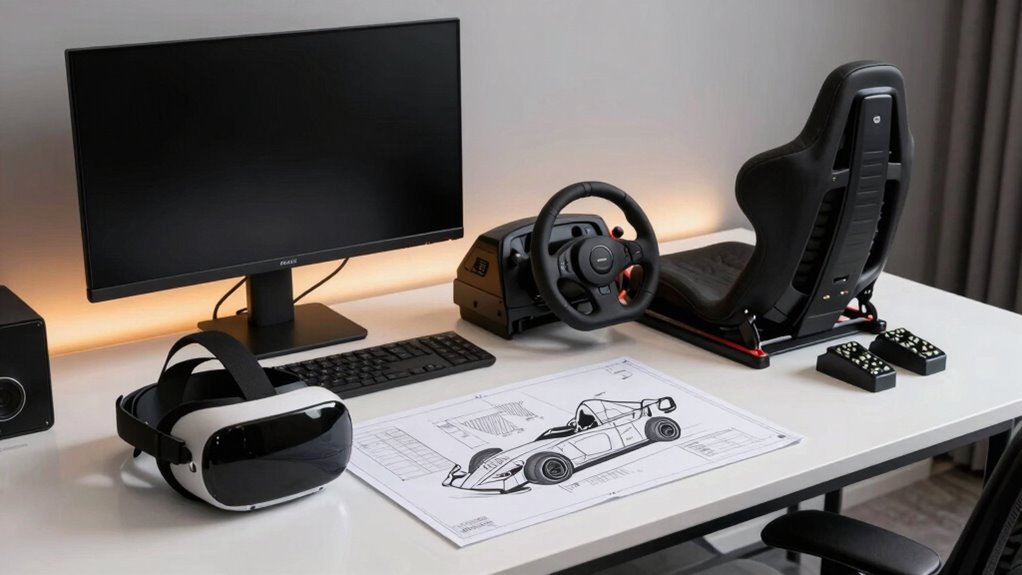
Getting started with a sim racing VR setup can be exciting, but it requires careful planning to guarantee you get the most realistic and immersive experience. One of the first things to think about is hardware compatibility. Your VR headset, racing wheel, pedals, and cockpit components need to work seamlessly together. Check the specifications of your VR headset to verify your PC or gaming console can handle the demands, especially in terms of graphics processing and USB connections. Make sure your wheel and pedal setup are compatible with your chosen racing software and that they connect easily to your system. Compatibility issues can cause frustration, so researching specific models and their integration options upfront saves you time and money later.
Ensure your VR headset, wheel, and pedals are compatible with your system to avoid frustration and maximize immersion.
Budget considerations also play a vital role in planning your sim racing VR setup. Set a clear budget to determine what equipment you can afford without sacrificing essential features. High-end VR headsets like the Oculus Rift S or HTC Vive Pro offer impressive visuals and comfort but come at a higher cost. Conversely, more affordable options like the Oculus Quest 2 or Windows Mixed Reality headsets can still deliver a solid experience if paired with the right hardware. The same applies to racing wheels and cockpits—some models offer more realism and durability but are pricier. Decide whether you want a full, immersive cockpit or a more compact setup, balancing your budget with your space constraints.
While considering your budget, don’t forget to allocate funds for a good-quality PC or console that can handle VR gaming smoothly. A powerful graphics card, enough RAM, and a fast processor are essential to avoid lag and stuttering that can break immersion. You might also want to invest in accessories like a sturdy desk or dedicated stand for your cockpit, as well as quality seating for comfort during long sessions. Additionally, choosing hardware with proper compatibility ensures a hassle-free experience and maximizes your investment. Being aware of future upgrade options can also help you plan for potential hardware improvements down the line, making your setup more adaptable. It’s also beneficial to consider hardware durability, especially for equipment that will see regular use, to ensure longevity and consistent performance. Conducting thorough research on hardware specifications can further help you select components that meet performance and compatibility standards.
Planning ahead means prioritizing features that matter most to you, like resolution, tracking accuracy, or the feel of the wheel. Compare different brands and models, read reviews, and think about future upgrades. It’s better to invest a bit more now in hardware that’s compatible and meets your needs than to buy cheap equipment that won’t give you the immersive experience you crave. Also, researching hardware compatibility in relation to your specific VR and racing peripherals can prevent compatibility issues before purchase. By keeping hardware compatibility and budget considerations at the forefront, you set yourself up for a smooth, enjoyable journey into sim racing with VR.
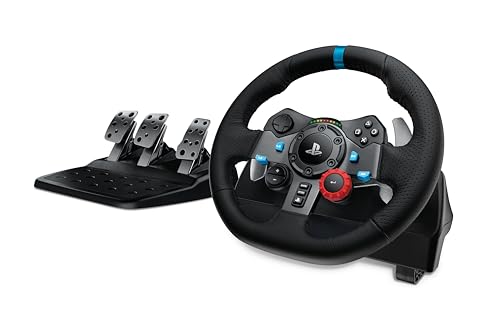
Logitech G29 Driving Force Racing Wheel and Floor Pedals, Real Force Feedback, Stainless Steel Paddle Shifters, Leather Steering Wheel Cover for PS5, PS4, PC, Mac – Black
Immersive Gaming Experience: Perfect for PlayStation 5, PS4 and PC gaming titles, the Driving Force simulates the feeling…
As an affiliate, we earn on qualifying purchases.
As an affiliate, we earn on qualifying purchases.
Frequently Asked Questions
What Is the Ideal VR Headset for Sim Racing?
The ideal VR headset for sim racing offers excellent VR motion tracking and headsets comfort. You want a headset with precise motion tracking to keep your view steady during intense turns, and comfort is key for long sessions. The Oculus Quest 2 and HTC Vive Pro are top choices, providing smooth tracking and comfortable fit. Choose one that fits your head well and offers high-resolution visuals for an immersive experience.
How Much Space Is Needed for a VR Sim Racing Setup?
Think of your space like a well-tuned engine—every inch counts. You’ll need at least 6 to 8 feet of width and about 8 feet of length for comfortable equipment placement and safe movement. Space optimization is key; arrange your VR headset, pedals, and steering wheel to avoid clutter and allow smooth shifts. Clear enough room, and your setup runs like a finely calibrated race car, ready for victory.
Can I Upgrade My VR System Later?
Yes, you can upgrade your VR system later. When upgrading, focus on improving VR controller ergonomics and headset comfort, which greatly enhance your experience. New controllers may offer better grip and responsiveness, while an upgraded headset can provide higher resolution, wider field of view, and better comfort for longer sessions. Just make certain your PC or console supports the new hardware, and consider compatibility to seamlessly enhance your sim racing setup over time.
What Safety Precautions Should I Consider?
You should prioritize safety gear like a comfortable headset with proper padding and adjustable straps to prevent discomfort. Make sure good ventilation in your setup area to avoid overheating during intense races and to keep fresh air circulating. Regularly check wiring and equipment for damage, and keep your space clear of tripping hazards. Taking these precautions helps you stay comfortable, safe, and focused, enhancing your overall sim racing experience.
How Do I Calibrate VR for Optimal Performance?
To calibrate your VR for ideal performance, start by adjusting the headset fit to prevent motion sickness and guarantee comfort. Calibrate your controllers accurately within the VR settings, making sure button mappings are correct. Test the tracking and responsiveness in a safe environment, tweaking the calibration if needed. Proper calibration minimizes lag and discomfort, enhancing your racing experience and immersion, so take your time to set everything up correctly.
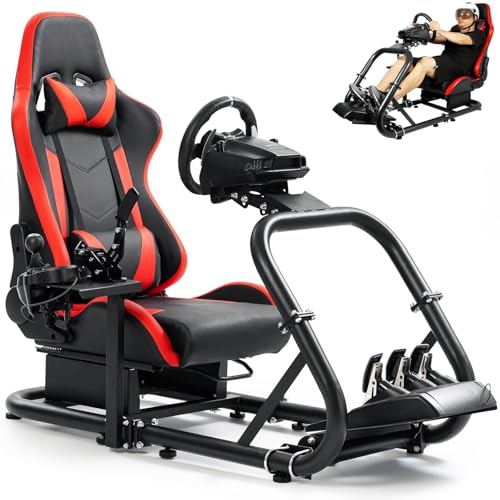
Marada Racing Sim Cockpit with comfortable Seat Fit for Logitech G27 G923 G920,for Thrustmaster, Large Round Tube&Adjustable Professional Driving Race Mount,Wheel Pedal Handbrake Not Included
【Design & Material】Racing simulator cockpit is designed with 50*50mm large round tube, 4-hole flange structure connection, stable and…
As an affiliate, we earn on qualifying purchases.
As an affiliate, we earn on qualifying purchases.
Conclusion
Now, picture yourself gripping the wheel, VR headset immersing you in the roaring race track, the cockpit supporting your every turn. By planning ahead, you’ll create a seamless setup that feels natural and exhilarating. Think of it as crafting your personal racing sanctuary—where every detail, from seat comfort to VR clarity, elevates your experience. With the right preparation, you’ll be hitting those virtual curves with confidence and thrill, ready for every race ahead.

Meta Quest 3S 256GB | VR Headset — Thirty-Three Percent More Memory — 2X Graphical Processing Power — Virtual Reality Without Wires — Get Batman: Arkham Shadow Included Plus Access to 40+ Games
NO WIRES, MORE FUN — Break free from cords. Game, play, exercise and explore immersive worlds — untethered…
As an affiliate, we earn on qualifying purchases.
As an affiliate, we earn on qualifying purchases.

mskvhJ Steering Wheel Compatible with Meta Quest 2 & 3 for Racing Games – Adjustable Controller Mount for VR Driving, Bearings Supported Version (608 Bearings Required, Game Console Not Included)
Function – This steering wheel mount holds controllers compatible with Meta Quest 2 and Quest 3. It allows…
As an affiliate, we earn on qualifying purchases.
As an affiliate, we earn on qualifying purchases.