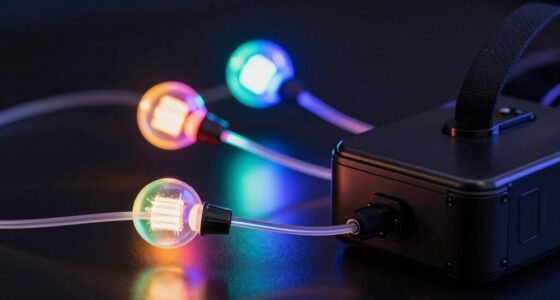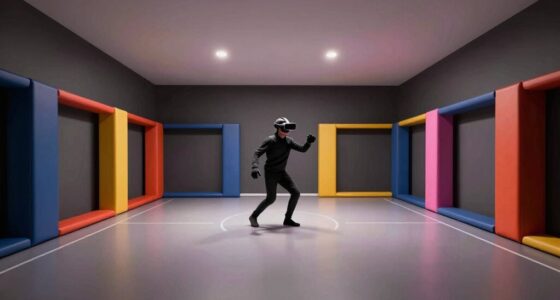

To share your space smartly between VR and daily life, create a dedicated, clutter-free zone with clear boundaries using markers or lighting. Use boundary systems and environmental sensors to stay aware of your surroundings, and incorporate haptic feedback for added safety. Communicate your safety measures to others and adjust your setup for both comfort and security. These steps make blending virtual and real worlds seamless—continue exploring to discover more ways to make your space both functional and safe.
Key Takeaways
- Designate and clearly mark dedicated VR zones separate from daily activity areas to prevent accidents.
- Use boundary systems and sensors to alert users when approaching physical space limits.
- Incorporate haptic feedback and environmental sensors for real-time spatial awareness during VR sessions.
- Communicate safety boundaries to household members and establish shared guidelines.
- Keep the physical environment decluttered and safe, ensuring easy transition between VR and everyday use.
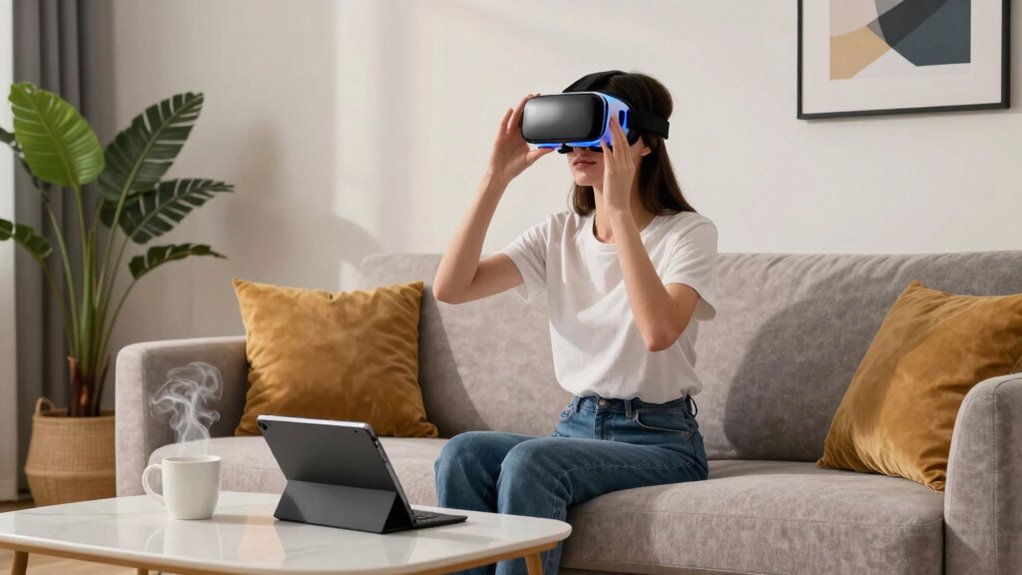
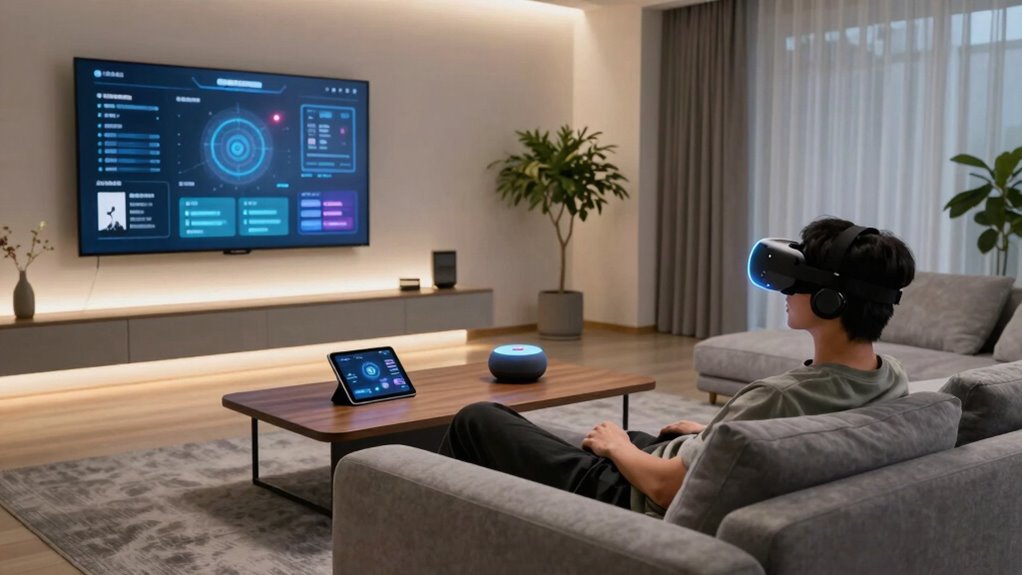
As virtual reality becomes more integrated into everyday life, the boundaries between digital and physical spaces are increasingly blurred. You find yourself orchestrating a world where the virtual and real coexist, often without clear lines separating them. To share your space effectively between VR and daily life, you need to get smart about managing your environment. That means setting up your physical area so it accommodates both your virtual experiences and real-world tasks safely and efficiently.
One key to doing this smoothly is understanding how haptic feedback enhances your sense of presence. When your VR headset or controllers incorporate haptic feedback, you feel physical sensations that correspond with virtual interactions. This tactile response helps you develop better spatial awareness, making it easier to judge distances and objects within your virtual environment. By feeling the virtual surfaces or objects, you’re less likely to accidentally bump into real-world furniture or walls, which is especially important when your physical space is limited. Incorporating spatial awareness training and tools can further improve your ability to navigate both realms comfortably. Additionally, utilizing environmental sensors can provide real-time feedback about your surroundings to prevent accidents.
Haptic feedback enhances presence, improves spatial awareness, and helps prevent accidents in limited physical spaces during VR experiences.
To optimize your shared space, start by decluttering and clearly defining zones. Create a dedicated area for VR that’s free of obstacles, with enough room to move comfortably. Use markers or lighting to differentiate this zone from the rest of your home, so you’re always aware of the boundaries. Incorporate sensors or boundary systems that alert you when you’re approaching the edge of your safe zone. These tools serve as a physical reminder, helping you maintain good spatial awareness and avoid accidents.
Adjust your VR setup to include devices that enhance your awareness of your surroundings. For example, some systems offer external cameras or sensors that track your real-world movements, providing visual cues within the virtual environment. This way, you’re constantly aware of your physical space, even when immersed in a virtual world. Combining good spatial awareness with haptic feedback also means you can enjoy more immersive experiences without losing touch with reality. Additionally, maintaining a safe environment is crucial for preventing injuries or accidents during intense virtual sessions.
Finally, communicate with others in your household about your VR routine. Make sure they understand the boundaries and safety measures you’re implementing. This collaboration ensures your shared environment remains safe and accessible for everyone. Sharing space between VR and daily life doesn’t mean you have to sacrifice safety or convenience. With the right setup—focusing on haptic feedback, spatial awareness, and clear boundaries—you can seamlessly integrate virtual experiences into your daily routine while keeping your physical environment secure and functional.
A well-structured environment supports both your virtual and real-world activities, helping you enjoy immersive tech safely and comfortably.

CQRobot Contact Water/Liquid Level Sensor Compatible with Raspberry Pi/Arduino. for Automatic Irrigation Systems, Aquariums, Plants, in The Garden, in Agriculture etc.
Contact Water/Liquid Level Sensor, This is a photoelectric water liquid level sensor that is operates using optical principles….
As an affiliate, we earn on qualifying purchases.
As an affiliate, we earn on qualifying purchases.
Frequently Asked Questions
How Can I Prevent Accidents During VR Use at Home?
To prevent accidents during VR use at home, stay aware of virtual hazards and clear your play area of obstacles. Use boundary systems or guardians to stay within safe zones. Regular equipment maintenance guarantees your headset and sensors work properly, reducing risks. Always supervise children, and take breaks to avoid fatigue. By staying alert to virtual hazards and maintaining your equipment, you create a safer environment for immersive gaming or experiences.
What Are the Best Storage Solutions for VR Equipment?
You need smart storage furniture that keeps your VR hardware organized and accessible, blending seamlessly into your home. Look for solutions with dedicated compartments for headsets, controllers, and sensors, preventing clutter and damage. Vertical shelves or closed cabinets with cable management work well. This way, your VR equipment stays protected, easy to find, and ready for your next immersive experience—while maintaining a tidy living space.
How Does VR Impact Daily Household Routines?
VR impacts your daily household routines by creating a space for virtual immersion, which can enhance entertainment, workouts, or work-from-home tasks. As you integrate VR into your routine, habit formation becomes key to balancing virtual time with real-world responsibilities. You might find yourself adjusting daily schedules or setting boundaries to guarantee VR enhances rather than disrupts your household harmony. Proper organization helps maintain a seamless flow between virtual experiences and everyday living.
Can VR Setups Be Customized for Small Living Spaces?
Yes, you can customize VR setups for small living spaces. Opt for a compact design that maximizes your limited area without sacrificing functionality. Incorporate modular furniture that easily adapts to your needs, allowing you to create open spaces or storage solutions as necessary. This way, you can enjoy immersive VR experiences while maintaining a practical, clutter-free environment, perfectly suited for your cozy living space.
What Safety Measures Are Recommended for Family Members?
Think of family safety like a protective shield around your loved ones. You should supervise device use, especially for children, ensuring they stay within safe boundaries. Clear space and secure furniture prevent accidents during VR sessions. Regularly check for device overheating and educate family members about proper usage. These measures create a safe environment, allowing everyone to enjoy VR without worry, much like a sturdy fence protects a garden’s treasures.
2 Pack Property Line Markers 9.84 x 2.95 Inch Steel Survey Marker Stakes Heavy Duty Garden Stake Hi-Vis Orange Building line Marker Posts for Paving Stones Lawn Edges Weed barriers Gardens
Package Includes: You will receive 2 survey marker stakes, each measuring about 9.84 x 2.95 inches. These stakes…
As an affiliate, we earn on qualifying purchases.
As an affiliate, we earn on qualifying purchases.
Conclusion
As you navigate the delicate dance between virtual and real, remember that your space is like a bridge, connecting two worlds with a single step. By thoughtfully sharing and respecting your environment, you become the guardian of balance—like a lighthouse guiding ships safely to shore. Embrace this harmony, and your daily life and VR will coexist peacefully, illuminating new possibilities. After all, it’s your space—make it a sanctuary where both worlds can thrive side by side.

AMVR GA1 31.5 Inch VR Haptic Feedback Golf Club Attachment Compatible with Meta/Oculus Quest 3S/Quest 3, Carbon Fibre Long VR Golf Handle Grip for Golf + (31.5 Inch Haptic Feedback Golf Club)
Extended and Weighted Design:Compatible with Meta/Oculus Quest 3/Quest 3S,the new VR golf club features a professional-grade lengthened and…
As an affiliate, we earn on qualifying purchases.
As an affiliate, we earn on qualifying purchases.

Electronics, Close-Range Sensors and Artificial Intelligence in Forestry
As an affiliate, we earn on qualifying purchases.
As an affiliate, we earn on qualifying purchases.