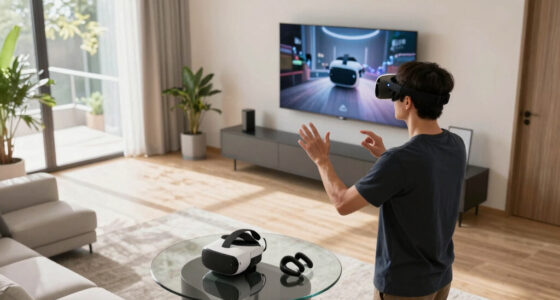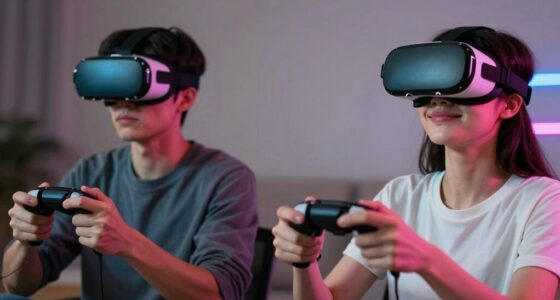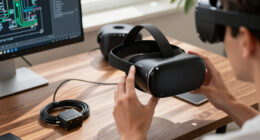

Many new VR buyers mistakenly think that having the latest hardware specs guarantees the best experience. While specs like resolution and refresh rate matter, they aren’t everything. Compatibility with your headset, controllers, and content ecosystem is just as important. Without the right compatibility, even high-end hardware can underperform. If you want to make the most of your VR setup, understanding the full picture is key — and there’s more to explore ahead.

Play games on Amazon Luna for your next adventure, included with Prime
- A rotating selection of games, no download needed
- Play on TV, laptop or phone
- Fast, free delivery for your gear, too
Key Takeaways
- Many new buyers assume high specs automatically guarantee the best VR experience, overlooking compatibility and content ecosystem.
- Compatibility with hardware and software is often underestimated, leading to setup issues and limited functionality.
- Focus on specs like resolution and refresh rate ignores the importance of available content and ongoing updates.
- New buyers may overlook the significance of a robust content library and long-term support for sustained enjoyment.
- Thorough research on hardware compatibility and content ecosystem is crucial to avoid costly mistakes and dissatisfaction.
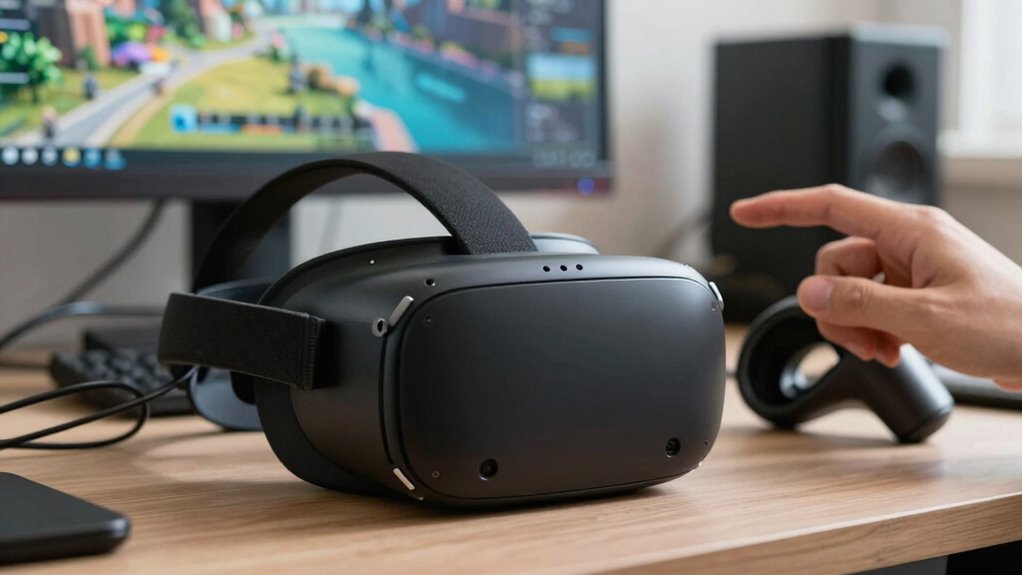
Many new VR buyers assume that having the latest specs automatically guarantees the best experience, but that’s a misconception. While high-end hardware can offer impressive performance, it’s not the only factor that determines how enjoyable your virtual reality experience will be. You need to pay close attention to hardware compatibility—making sure your headset, controllers, and PC or console work seamlessly together. Even if your hardware is top-of-the-line, if it isn’t compatible with your chosen VR system, you’ll face frustration and limitations. For example, some headsets require specific ports or graphics cards, and failing to verify these details before buying can lead to compatibility issues that restrict features or cause performance problems.
Prioritize hardware compatibility to ensure seamless VR experiences and avoid performance limitations or frustrations.
Beyond hardware compatibility, content availability plays a vital role in your overall VR experience. Not all VR systems offer access to the same library of games, apps, and experiences. It’s common to focus on specs like resolution and refresh rate, but if the content you want isn’t available for your platform, you’ll find yourself disappointed. Many new buyers overlook whether the VR ecosystem they select has enough content to keep them engaged. Some platforms boast a wide variety of titles, while others are more limited, especially in niche genres or exclusive experiences. This becomes especially important if you’re investing in VR for specific types of entertainment, education, or social interactions.
Additionally, it’s worth considering how updates and future content expansions will be handled. A system with excellent hardware but limited content availability can quickly become dull, whereas a slightly lower-spec device with a robust content library might provide more lasting value. Always check the compatibility of your hardware with the software and content ecosystem you’re interested in, and don’t assume that the most powerful specs will automatically translate into a more satisfying experience. Sometimes, compatibility issues and content gaps are what hold back the true potential of a VR setup. Also, hardware compatibility ensures a smoother setup process and reduces potential frustrations down the line. Furthermore, assessing the content ecosystem helps ensure ongoing support and new experiences to keep your VR setup fresh and engaging. Recognizing the importance of content updates can help you choose a system that will remain relevant and enjoyable over time.
In the end, your enjoyment hinges less on raw power and more on how well your hardware works with your chosen content. Make sure you thoroughly research both hardware compatibility and content availability before making a purchase. Doing so ensures you won’t just buy a powerful headset—you’ll buy a system that delivers engaging, seamless, and satisfying virtual experiences.
VR headset compatibility checker
As an affiliate, we earn on qualifying purchases.
As an affiliate, we earn on qualifying purchases.
Frequently Asked Questions
How Long Does the Battery Typically Last During Extended VR Sessions?
During extended VR sessions, your headset’s battery life typically lasts around 2 to 4 hours, depending on usage and power management settings. To maximize playtime, you should optimize power management by lowering display brightness, turning off unused features, and using power-saving modes. Keep in mind, intensive graphics or audio can drain the battery faster, so managing these factors helps extend your immersive experience without frequent recharging interruptions.
Are There Any Health Risks Associated With Prolonged VR Use?
Diving into VR is like stepping into a vivid dream, but beware—prolonged use can cast shadows of health risks. You might experience eye strain, as your eyes strain against the digital horizon, or motion sickness, like a turbulent sea inside your head. To stay safe, take regular breaks, adjust the headset properly, and listen to your body’s signals. Your immersive journey should be exciting, not exhausting.
Can I Use My Existing Gaming Accessories With the New VR Headset?
Yes, you can often use your existing gaming accessories with the new VR headset, but check for accessory compatibility first. Some accessories, like controllers or headsets, might need adapters or updates. Keep in mind, battery longevity varies depending on the accessory and usage, so you might need extra batteries or charging options. Always verify compatibility and battery life to guarantee a seamless gaming experience with your current accessories.
What’s the Best Way to Troubleshoot Common VR Connectivity Issues?
Think of your VR setup as a finely tuned orchestra, where hardware compatibility and software updates are the conductors. To troubleshoot, first check all cables and connections, ensuring they’re snug like a well-wound clock. Update your software and firmware to keep everything in harmony. If issues persist, restart your device, and test with different ports or hardware. This approach clears the static, letting your virtual symphony play smoothly again.
How Does VR Content Quality Vary Between Different Headset Models?
VR content quality varies between headset models mainly due to differences in content resolution and tracking accuracy. Higher resolution headsets deliver sharper, more immersive visuals, while better tracking ensures smoother, more precise movements. When choosing a headset, consider these factors since they directly impact your experience. A model with superior content resolution and tracking accuracy provides a more realistic and enjoyable virtual environment, making your overall VR sessions much better.
VR controllers and headset bundle
As an affiliate, we earn on qualifying purchases.
As an affiliate, we earn on qualifying purchases.
Conclusion
So, when you’re shopping for a VR headset, remember that more specs don’t always mean better experiences—think of it like chasing a mirage. I once convinced a friend to buy a high-end headset, only to find out it wasn’t compatible with his favorite games. It’s like buying a shiny new car but ignoring if it fits your daily commute. Focus on what truly enhances your experience, not just the specs that sound impressive.
As an affiliate, we earn on qualifying purchases.
As an affiliate, we earn on qualifying purchases.
Fall Picks
fall essentials
As an affiliate, we earn on qualifying purchases.