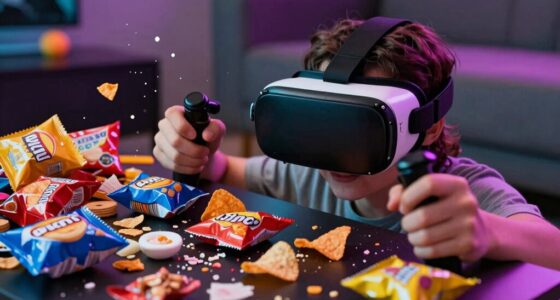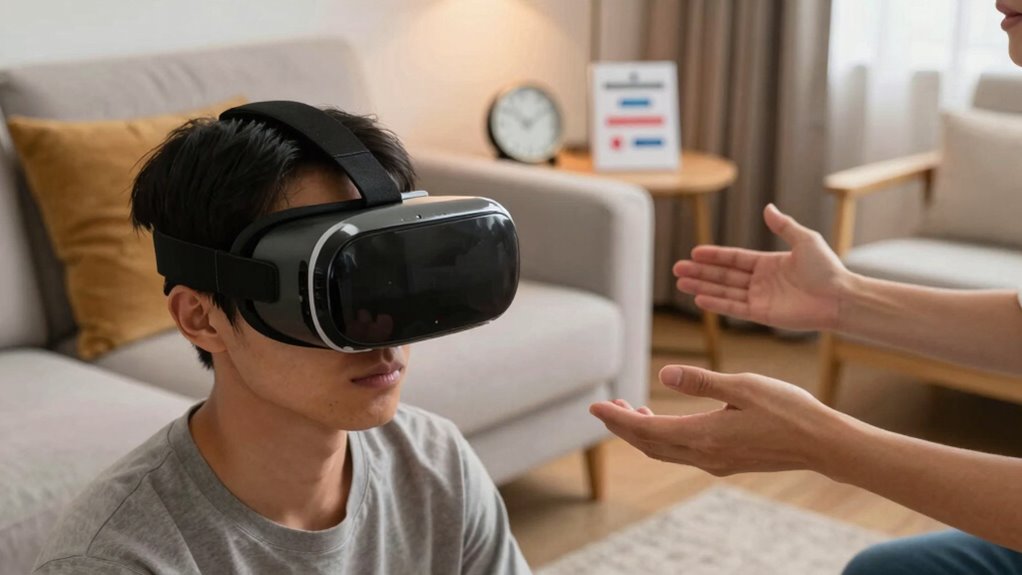

When hosting a VR session for house guests, set clear boundaries by communicating off-limit areas and using boundary systems. Guarantee everyone’s safety by double-checking equipment, removing hazards, and encouraging breaks to prevent fatigue or discomfort. Maintain open communication about comfort levels, observe reactions, and respect requests to pause. Foster a respectful environment focused on safety and fun. If you keep exploring these tips, you’ll learn how to make VR sessions enjoyable and secure for everyone.

Get VR and gaming gear delivered free — and shop member deals
- Fast, free delivery on millions of items
- Access to Prime Big Deal Days deals on October 6–7
- Prime Video, Amazon Music and more included
Key Takeaways
- Establish clear virtual and physical boundaries before starting to ensure safety and prevent damage.
- Encourage regular breaks to avoid fatigue, motion sickness, and maintain comfort during extended VR sessions.
- Maintain open communication, checking in on guests’ comfort levels and respecting their requests to pause or stop.
- Secure the play area by removing hazards, securing cables, and ensuring enough space for safe movement.
- Promote respectful behavior by avoiding loud noises and abrupt movements, fostering a safe and enjoyable environment for all.
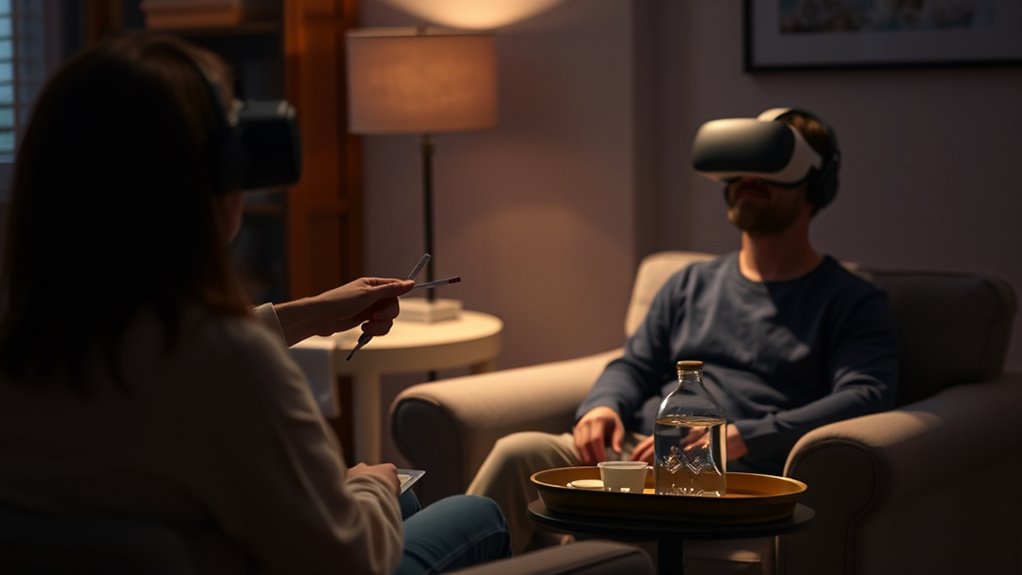
Virtual reality sessions can be incredibly immersive and fun, but they also require some basic etiquette to guarantee everyone has a positive experience. When hosting house guests for VR, it’s essential to establish clear expectations about virtual boundaries and safety precautions. These guidelines help prevent accidents, protect personal space, and ensure that everyone feels comfortable while exploring virtual worlds.
First, be proactive about setting virtual boundaries. Before starting the session, communicate what areas are off-limits and encourage your guests to be aware of their surroundings. This might include designating a safe zone—an area free of furniture or obstacles—where they can move freely without risking injury or damaging anything. Remind your guests to pay attention to their physical space, especially when they’re immersed in the VR environment. Using boundary systems like guardian setups or boundary warnings can help prevent accidental collisions with furniture or other people. Emphasize that respecting these virtual boundaries isn’t just about avoiding damage; it’s about keeping everyone safe.
Establish a safe zone and communicate boundaries to keep everyone safe during VR sessions.
Safety precautions are equally important. Make sure your guests are physically comfortable and aware of how to operate the equipment properly. Offer guidance on adjusting straps, controlling movement, and using controllers to avoid strain or discomfort. Encourage breaks during extended play sessions—sitting or standing for too long in VR can lead to fatigue, dizziness, or motion sickness. Remind your guests to stay hydrated and to take a moment outside the headset if they start feeling disoriented or overwhelmed. Also, double-check that your VR setup is secure and free of hazards, like loose cables or sharp objects, that could cause accidents. Being aware of VR-specific safety considerations can further help mitigate risks.
Throughout the session, maintain open communication and observe your guests’ reactions. If someone seems uneasy or signals they want to stop, respect their wishes immediately. Keep in mind that everyone’s comfort level with VR varies, so be attentive and adaptable. Encourage your guests to share feedback about their experience, which can help you improve safety measures and etiquette for future sessions.
Finally, set a tone of respect and consideration. Remind your guests to avoid abrupt movements or loud noises that could disturb others or cause accidents. Reinforce that everyone’s safety and enjoyment depend on mutual respect and attentiveness. By establishing clear virtual boundaries and taking proper safety precautions, you create a welcoming environment where everyone can enjoy the immersive thrill of VR without worries. With these simple rules in place, your house guest VR sessions will be memorable for all the right reasons.
As an affiliate, we earn on qualifying purchases.
Frequently Asked Questions
What Should I Do if I Feel Uncomfortable During a VR Session?
If you feel virtual discomfort during a VR session, you should immediately remove the headset and take a break. Don’t hesitate to communicate your feelings to your host; they can help with a safe intervention. Listening to your body is key—trust your instincts and pause whenever needed. Your comfort and safety come first, so prioritize your well-being and step back if anything feels off or overwhelming.
How Can I Tell if My House Guest Is Respecting Boundaries?
You can tell if your house guest is respecting boundaries by observing their actions and communication. They should seek guest consent before sharing equipment or entering your personal space. Watch for signs of discomfort or hesitation, and encourage open dialogue about personal space awareness. If they ask questions or pause when near you, it’s a good sign they respect your boundaries. Trust your instincts and address any concerns calmly and directly.
Are There Recommended Age Restrictions for VR Use?
Yes, there are recommended age restrictions for VR use. Generally, most experts suggest following age guidelines from manufacturers, often recommending VR for children aged 12 and up. Parental supervision is essential for younger kids, ensuring they use VR safely and appropriately. These guidelines help prevent eye strain, motion sickness, and other health concerns, so always check device-specific recommendations and supervise children during VR sessions to promote safe and enjoyable experiences.
How Long Should a Typical VR Session Last to Ensure Safety?
Keep your VR session to about 30 to 45 minutes to play it safe, as longer durations can lead to fatigue and disorientation. Follow safety guidelines by taking regular breaks and staying aware of your surroundings. Remember, too much of a good thing can backfire, so listening to your body is key. Shorter sessions help prevent discomfort and make sure you enjoy VR without risking your well-being.
What Precautions Should I Take to Prevent VR Equipment Damage?
To prevent VR equipment damage, you should regularly perform equipment maintenance, like cleaning lenses and checking cables for wear. Follow storage guidelines by keeping your gear in a cool, dry place, away from direct sunlight and dust. Handle headsets gently and avoid dropping or twisting them. Always disconnect devices when not in use, and store controllers safely. These precautions help prolong your VR equipment’s lifespan and ensure safe, enjoyable sessions.
As an affiliate, we earn on qualifying purchases.
Conclusion
So, next time you’re hosting a VR session, remember: respect boundaries, take breaks, and keep safety in mind—because nothing says “good guest” like accidentally knocking over your host’s priceless porcelain vase… in virtual reality. Follow these simple etiquette tips, and you’ll guarantee everyone has a fun, safe experience—without accidentally turning the living room into a digital demolition derby. After all, the only thing worse than a bad guest is a virtual one!
As an affiliate, we earn on qualifying purchases.
As an affiliate, we earn on qualifying purchases.
Halloween Picks
halloween
As an affiliate, we earn on qualifying purchases.