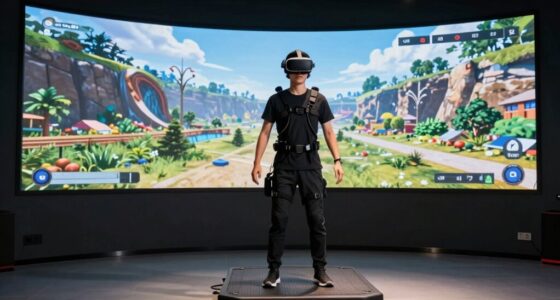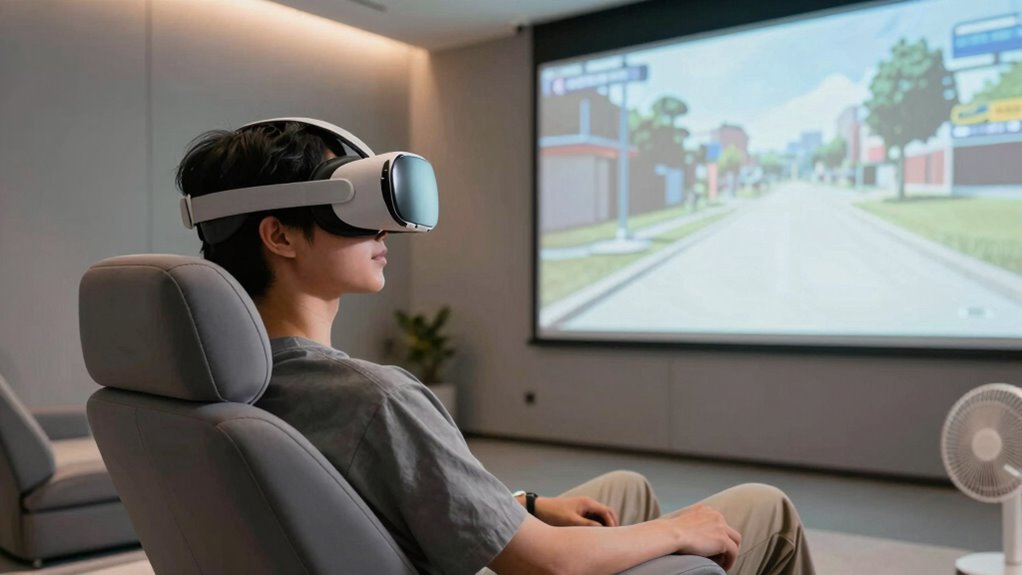

To avoid motion sickness when watching VR spectator view, keep your gaze steady by focusing on fixed points or visual anchors within the scene. Avoid rapid head or eye movements and take regular breaks to let your sensory system recover. Using simple, stable visuals helps reduce sensory conflict. If you want to learn more tips to make your VR experience more comfortable, there’s useful advice waiting for you.

Get VR and gaming gear delivered free — and shop member deals
- Fast, free delivery on millions of items
- Access to Prime Big Deal Days deals on October 6–7
- Prime Video, Amazon Music and more included
Key Takeaways
- Keep your gaze steady by focusing on fixed points or visual anchors within the scene.
- Take regular breaks to allow your sensory systems to reset and reduce discomfort.
- Avoid rapid or unpredictable scene movements that can exacerbate motion sickness.
- Use a well-fitted, comfortable VR headset to minimize unnecessary head movements.
- Start with shorter viewing sessions and gradually increase duration to build tolerance.
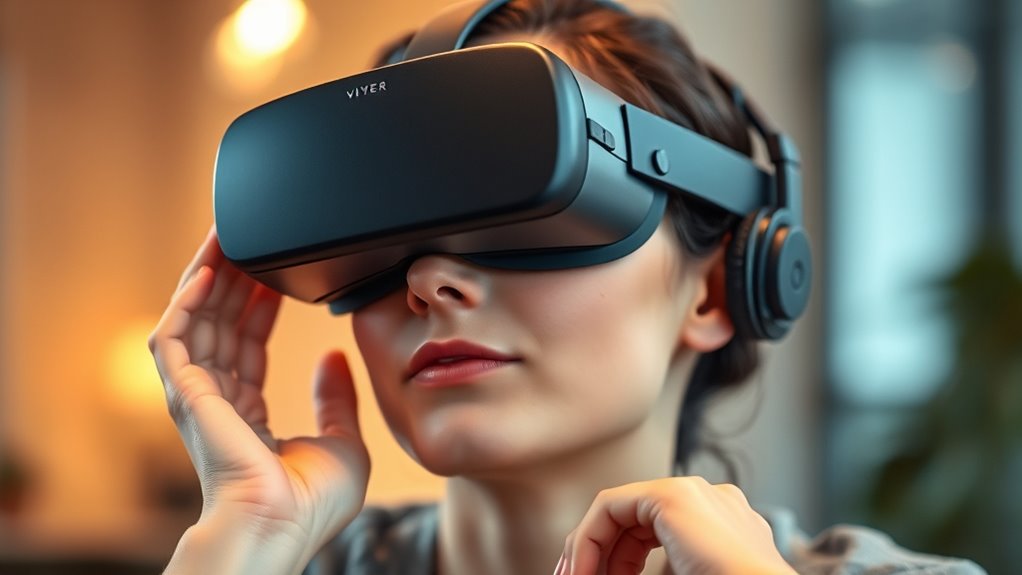
Watching VR spectator view can be an exciting way to experience virtual environments, but it often comes with the risk of motion sickness. This discomfort usually stems from a sensory conflict between what your eyes see and what your body feels. When your visual system detects movement, but your inner ear or body doesn’t, your brain receives mixed signals, leading to nausea or dizziness. One effective way to combat this is by focusing on gaze stabilization. By keeping your eyes steady and avoiding rapid head or eye movements, you help your visual system adapt more smoothly to the virtual environment. Gaze stabilization minimizes sudden shifts in your visual input, reducing the likelihood of sensory conflict that triggers motion sickness.
Another key factor is understanding how your sensory systems interact during VR viewing. When your eyes perceive motion, but your body remains still, your brain struggles to reconcile these conflicting signals. To reduce this sensory conflict, try to maintain a steady gaze and avoid unnecessary head movements. If the virtual environment allows, use features like fixed points or visual anchors within the scene. These points give your brain a reference, making it easier to process motion and maintain balance. Keep in mind that abrupt or unpredictable changes in the scene can worsen sensory conflict, so adjusting your viewing behavior to be more predictable helps your brain adapt and diminishes discomfort. Additionally, understanding the importance of filtering sensory input can help you better manage motion sickness symptoms.
Additionally, take regular breaks during prolonged VR sessions. Giving your eyes and sensory systems time to rest can help prevent the buildup of sensory conflict. When you pause, your brain has a chance to recalibrate and reset its expectations, reducing the chance of motion sickness when you resume. If possible, start with shorter viewing periods and gradually increase your exposure. This gradual approach allows your sensory systems to adapt without overwhelming them, easing the transition into more extended VR experiences.
Lighting and visual clarity also play a role. Viewing in a well-lit environment and ensuring your VR headset fits comfortably can make visual input more stable and less fatiguing. A comfortable fit reduces unnecessary head movements caused by discomfort, which can otherwise contribute to sensory conflict. Keep the VR environment simple and avoid rapid movements or flashing visuals, as these can exacerbate motion sickness symptoms. By paying attention to these details, you create a more stable visual experience that aligns better with your body’s signals.
As an affiliate, we earn on qualifying purchases.
Frequently Asked Questions
Can Certain Medications Prevent VR Motion Sickness?
Certain medications can help prevent VR motion sickness, but their effectiveness varies. You might try antihistamines or anti-nausea drugs, which can reduce symptoms. However, you should be aware of potential side effects of drugs, like drowsiness or dizziness, that could impact your experience. Always consult a healthcare professional before taking any medication for VR motion sickness, so you understand the risks and proper dosage.
Does Age Influence Susceptibility to VR Motion Sickness?
Age factors play a role in your susceptibility to VR motion sickness. Younger users often adapt more quickly, experiencing fewer symptoms, while older individuals might be more prone due to changes in balance and sensory processing. Your susceptibility differences depend on these age-related factors, so if you’re older, take extra precautions like shorter sessions or breaks. Understanding how age influences your response helps you enjoy VR experiences comfortably.
Are There Specific VR Headset Brands Less Likely to Cause Sickness?
You might find that some VR headset brands, like Oculus Quest or HTC Vive, are less likely to cause sickness because they prioritize good VR headset ergonomics and immersive experience design. These brands focus on reducing weight, improving fit, and minimizing lag, which helps lessen motion sickness. Choosing a headset with adjustable straps and high-quality lenses can make your experience more comfortable and reduce the chances of feeling nauseous.
How Long Should I Wear a VR Headset to Avoid Discomfort?
You should wear your VR headset for no more than 20 to 30 minutes at a time to prevent discomfort. Focus on ergonomics and comfort by ensuring the headset fit is snug but not too tight, which minimizes strain. Take regular breaks, ideally every 15-20 minutes, to avoid fatigue and motion sickness. Adjust the headset fit as needed so it stays secure without causing pressure, enhancing your overall experience.
Can Dietary Choices Impact VR Motion Sickness?
Like a knight preparing for battle, your dietary choices can influence VR motion sickness. Eating light, avoiding heavy or greasy foods, and focusing on hydration strategies can help. Incorporate dietary adjustments such as ginger or peppermint to reduce nausea. Staying well-hydrated keeps your inner ear and brain balanced, minimizing discomfort. These small steps make a big difference, ensuring your VR experience remains enjoyable without feeling like a perilous quest.
VR eye tracking and stabilization device
As an affiliate, we earn on qualifying purchases.
As an affiliate, we earn on qualifying purchases.
Conclusion
To keep enjoying VR spectator view without discomfort, remember to take breaks and stay hydrated. Adjust your headset properly and choose experiences with smooth movements. Did you know that nearly 60% of VR users experience motion sickness at some point? By following these tips, you can reduce your risk and make your VR experience more enjoyable. Stay mindful of your limits, and you’ll be able to immerse yourself comfortably whenever you plunge into virtual worlds.
As an affiliate, we earn on qualifying purchases.
As an affiliate, we earn on qualifying purchases.
Halloween Picks
halloween
As an affiliate, we earn on qualifying purchases.