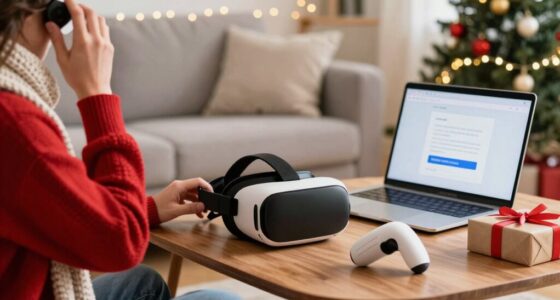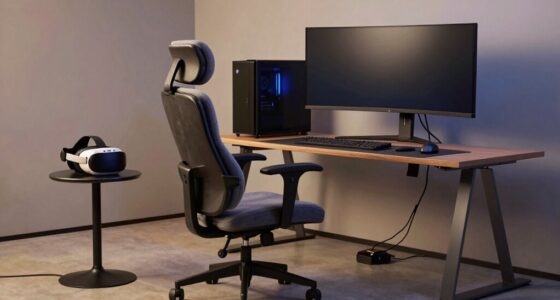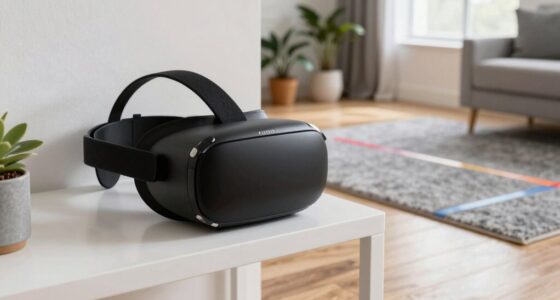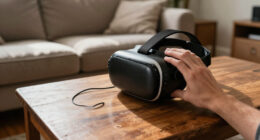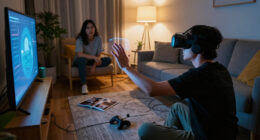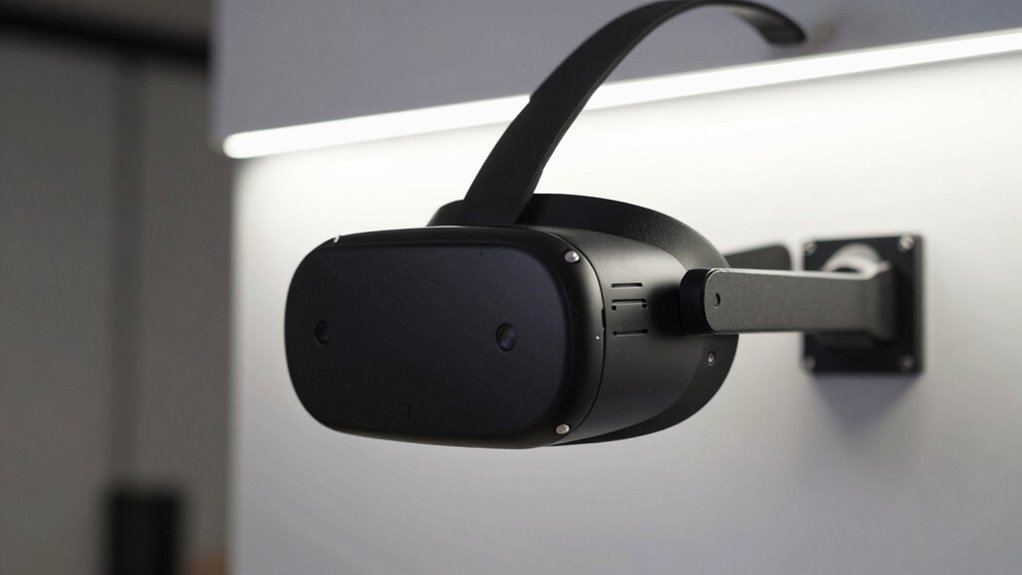

To guarantee reliable VR tracking, keep your space well-lit with diffuse, even lighting from soft, warm sources. Avoid glare, shadows, and flickering by using multiple light sources placed strategically above and around your play area. Position lights to prevent obstructions and keep lighting stable during sessions. Consistency is key—if you continue exploring, you’ll discover more tips to optimize your environment for better tracking accuracy.

Play games on Amazon Luna for your next adventure, included with Prime
- A rotating selection of games, no download needed
- Play on TV, laptop or phone
- Fast, free delivery for your gear, too
Key Takeaways
- Use diffuse, even lighting with soft, indirect sources to minimize shadows, glare, and contrast.
- Position lights above and around the play area to ensure clear sensor line of sight.
- Avoid flickering lights and rapid brightness changes to prevent tracking disruptions.
- Keep environmental lighting stable and consistent, avoiding sunlight or environmental fluctuations.
- Regularly check and adjust lighting to eliminate shadows and obstructions that can interfere with sensors.
diffuse LED floor lamps for gaming room
As an affiliate, we earn on qualifying purchases.
As an affiliate, we earn on qualifying purchases.
Keep Your Space Well-Lit Without Glare
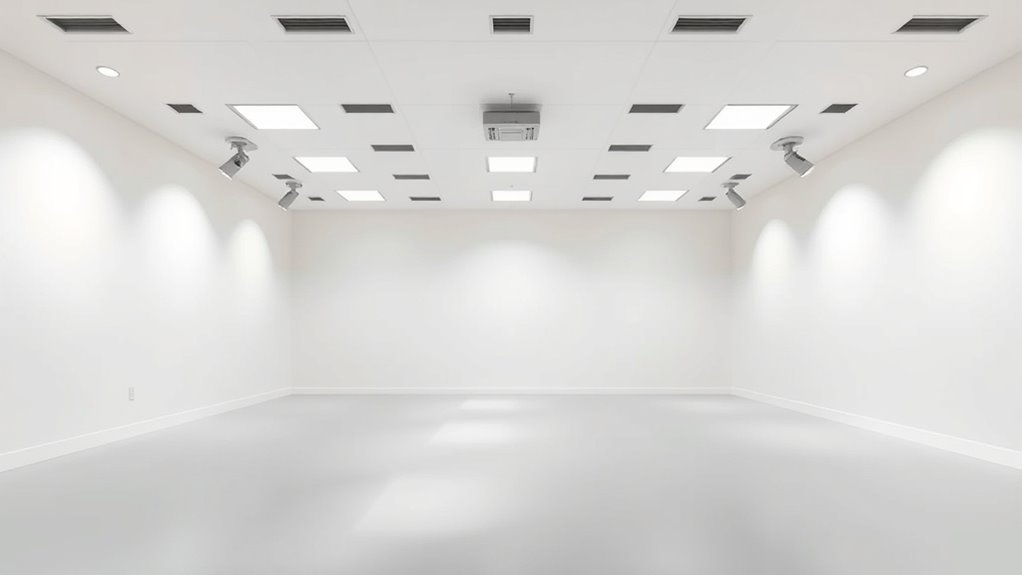
To make sure accurate VR tracking, it’s essential to keep your space well-lit, but glare can interfere with sensors and cause tracking issues. Bright, direct light reflecting off shiny surfaces or windows can create glare that disrupts sensor accuracy. To avoid this, use diffuse lighting that evenly illuminates your area without shining directly into sensors or cameras. Opt for soft, indirect light sources like lamps with shades or diffusers, and position them to minimize reflections. Avoid placing bright lights behind or beside sensors, as this can cause inconsistent readings. Maintaining a balanced, glare-free environment helps sensors reliably track your movements, ensuring a smooth VR experience. Remember, the goal is even, controlled lighting without harsh reflections or bright spots. Controlling ambient light is also crucial for maintaining a stable tracking environment. Additionally, selecting appropriate lighting fixtures that complement your space can significantly improve overall tracking accuracy and comfort, especially when considering lighting placement to reduce unwanted reflections. Being mindful of lighting design can further optimize your setup for better sensor performance. Properly managing ambient light levels helps prevent unintended shadows and glare, enhancing overall tracking reliability.
soft indirect lighting for VR setup
As an affiliate, we earn on qualifying purchases.
As an affiliate, we earn on qualifying purchases.
Use Consistent Lighting to Avoid Shadows

To improve VR tracking, guarantee your lighting is evenly distributed across the space. Consistent lighting helps minimize shadow areas that can interfere with sensor accuracy. By avoiding sharp shadows, you create a more reliable environment for precise tracking. Additionally, incorporating adaptive lighting can optimize illumination based on the environment, further enhancing tracking performance. Ensuring proper lighting setup is essential for achieving optimal sensor results and reducing tracking errors. Proper environmental lighting conditions also contribute to maintaining stable accuracy during extended VR sessions, especially when considering factors like lighting quality that directly impact sensor performance. Paying attention to lighting placement can further help prevent uneven shadows and improve overall sensor reliability.
Uniform Light Distribution
Ever wondered how inconsistent lighting can disrupt VR tracking accuracy? Uneven light distribution creates shadows and dark spots that confuse sensors and trackers. To prevent this, aim for uniform lighting across your entire space. Use multiple light sources placed evenly around the area to eliminate hotspots and shadows. Avoid relying on a single bright light or uneven lamps that cast uneven illumination. Consider diffused lighting that spreads light evenly without harsh glare. Keep light levels consistent, so sensors always receive stable signals. This setup helps ensure reliable tracking without interruptions. Additionally, understanding the spectral sensitivity of your tracking sensors can help optimize light choices for better performance. Incorporating sustainable lighting practices can also reduce energy consumption while maintaining effective illumination. Being mindful of light spectrum can further improve sensor responsiveness and tracking accuracy. Recognizing how proper lighting enhances overall VR experience underscores the importance of following these simple rules. Moreover, using appropriate color temperature can minimize flickering and improve sensor detection, further boosting tracking reliability.
Minimize Shadow Areas
Shadows can considerably disrupt VR tracking by blocking sensors’ line of sight, causing gaps and inaccuracies. To prevent this, you should minimize shadow areas by using consistent, even lighting. Avoid placing lights at sharp angles or positions that cast harsh shadows on tracking zones. Instead, opt for diffuse lighting sources that spread light evenly across the space. Keep lighting fixtures at similar heights and directions to prevent uneven shadow formation. Additionally, eliminate any objects or furniture that create unintended shadows near sensors. Regularly check your setup from the sensors’ perspective to identify shadow hotspots and adjust lighting accordingly. By maintaining uniform, shadow-free lighting conditions, you’ll enhance sensor visibility and ensure more accurate, reliable VR tracking. Incorporate lighting consistency into your setup to further reduce shadow issues and improve overall tracking accuracy. Ensuring consistent illumination will help maintain optimal sensor performance and enhance your VR experience.
glare-free desk lamps with shades
As an affiliate, we earn on qualifying purchases.
As an affiliate, we earn on qualifying purchases.
Avoid Bright or Flickering Lights Near Sensors
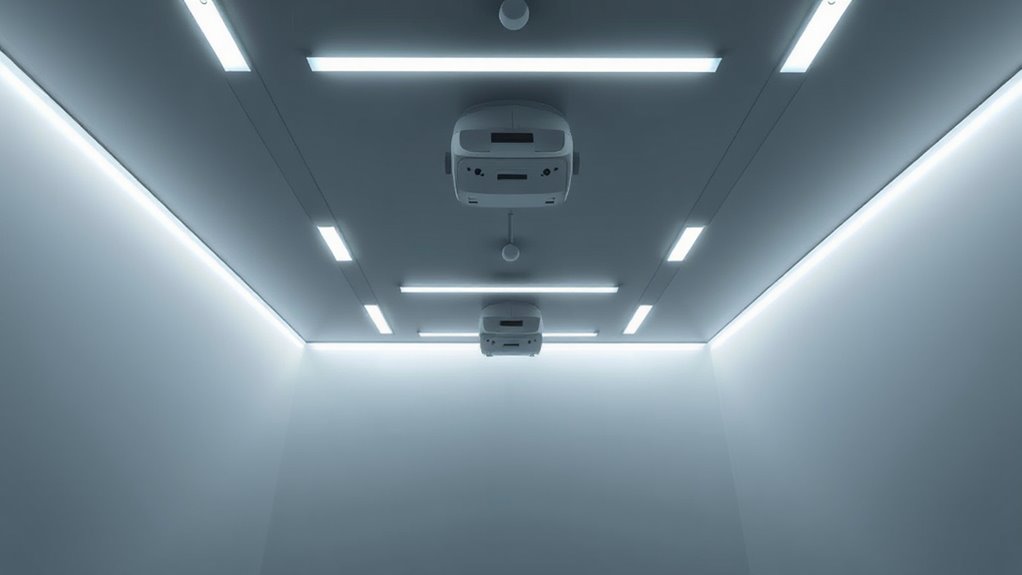
Avoid placing bright or flickering lights near your sensors, as they can disrupt tracking accuracy. Minimize direct light sources and prevent flickering effects that might interfere with sensor detection. Consistent, steady illumination helps make certain your VR system tracks smoothly and reliably. Using well-placed lighting with appropriate room lighting features can further enhance sensor performance and minimize tracking issues. Additionally, controlling ambient lighting levels to reduce light pollution can significantly improve overall tracking precision. Properly managing ambient light levels ensures that sensors can operate without interference, maintaining optimal VR experiences and supporting reliable sensor detection. Ensuring the lighting setup is suitable can also prevent issues related to electromagnetic interference, which may affect sensor functionality.
Minimize Direct Light
Bright or flickering lights near your VR sensors can cause tracking inconsistencies and reduce overall accuracy. To guarantee optimal performance, minimize direct light hitting the sensors. This reduces glare and prevents sensor overload, which can disrupt tracking. Keep bright lights away from the sensors’ line of sight, and avoid placing lamps or windows directly behind or above them. Use diffused lighting or indirect sources to create a softer environment. Adjust your room’s lighting setup to prevent sudden changes in brightness that can confuse the sensors. Properly positioning lights helps maintain stability and improves tracking precision. Remember, even small adjustments can make a big difference, so stay mindful of how your lighting interacts with your sensors for the best VR experience. Incorporating simple tools like BTU and CADR calculators can help optimize your room’s lighting and airflow to further enhance sensor performance.
Prevent Flickering Effects
Flickering or rapidly changing lights near your VR sensors can markedly disrupt tracking accuracy. Sudden brightness shifts or flickering can cause sensors to misinterpret signals, leading to tracking errors or jitter. To prevent this, avoid placing lights that flicker, such as fluorescent bulbs, neon signs, or certain LED fixtures, near your setup. Use stable, steady lighting sources that emit consistent illumination without flickering. Keep lights at a distance from sensors to minimize their impact, and ensure that any lighting in the room remains uniform and constant. If you notice flickering or inconsistent tracking, check your lighting fixtures for flickering issues and replace or modify them accordingly. Staying vigilant about stable lighting helps preserve smooth, accurate VR tracking. Additionally, choosing reliable lighting options can further enhance your VR experience by reducing potential interference.
Use Consistent Illumination
Consistent illumination is essential for maintaining accurate VR tracking, as sudden changes in light levels can confuse sensors. Bright or flickering lights near your sensors can lead to tracking errors or lag, ruining your experience. To keep things steady, avoid placing lights that flicker or vary in brightness during use. Instead, aim for stable, diffuse lighting that remains constant. This helps sensors focus without distraction and maintains precise tracking. You’ll notice better accuracy and fewer interruptions. Remember these tips:
- Use steady, non-flickering light sources
- Keep lighting uniform without bright spots
- Avoid direct sunlight or reflective surfaces
- Regularly check lighting conditions for consistency
Sticking to these simple rules ensures your VR setup stays reliable and immersive.
ambient lighting for VR tracking
As an affiliate, we earn on qualifying purchases.
As an affiliate, we earn on qualifying purchases.
Position Light Sources to Minimize Obstructions
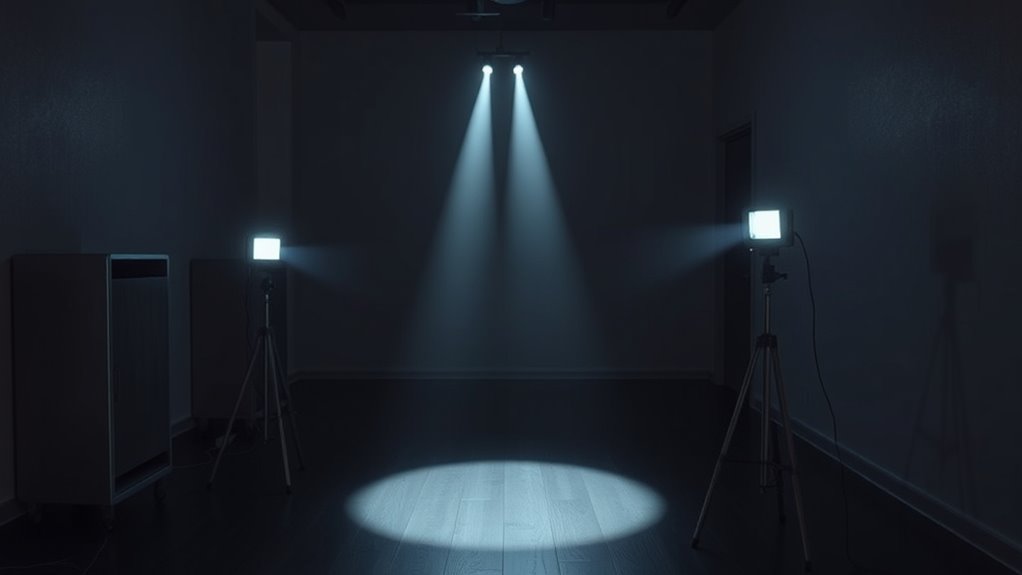
To guarantee reliable tracking, you need to strategically position your light sources so they stay clear of obstructions. Place lights above and around your play area to ensure they have a clear line of sight to your sensors or cameras. Avoid placing lights behind objects or furniture that could cast shadows or block signals. Keep light sources elevated and evenly spaced for balanced illumination and minimal shadows. If possible, use multiple lights to cover different angles, reducing the chance of obstructions interfering. Regularly check for new obstacles or changes in the environment that might cast shadows or block signals. Proper positioning minimizes signal loss and ensures consistent, accurate tracking during your VR sessions.
Opt for Warm or Neutral Lighting Colors
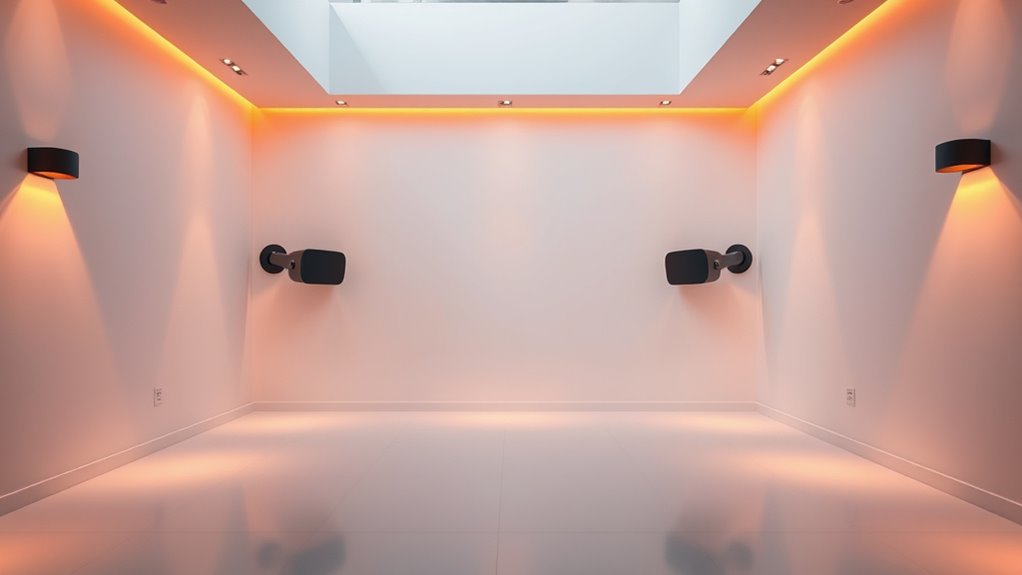
Choosing the right lighting colors can substantially improve the accuracy of your VR tracking. Warm and neutral tones create softer, more consistent lighting that reduces glare and harsh shadows, which can interfere with sensors. Warm light, like soft yellow or amber, feels cozy and minimizes color distortion, while neutral light offers balanced brightness without introducing color bias. When you select these tones, you help guarantee that sensors can easily distinguish tracking markers without confusion.
- Use warm or neutral LED bulbs in your room
- Avoid cool, bluish lighting that can cause reflections
- Keep lighting consistent to prevent sensor confusion
- Steer clear of colored or flickering lights that distort signals
Avoid Direct Sunlight and Strong Contrasts
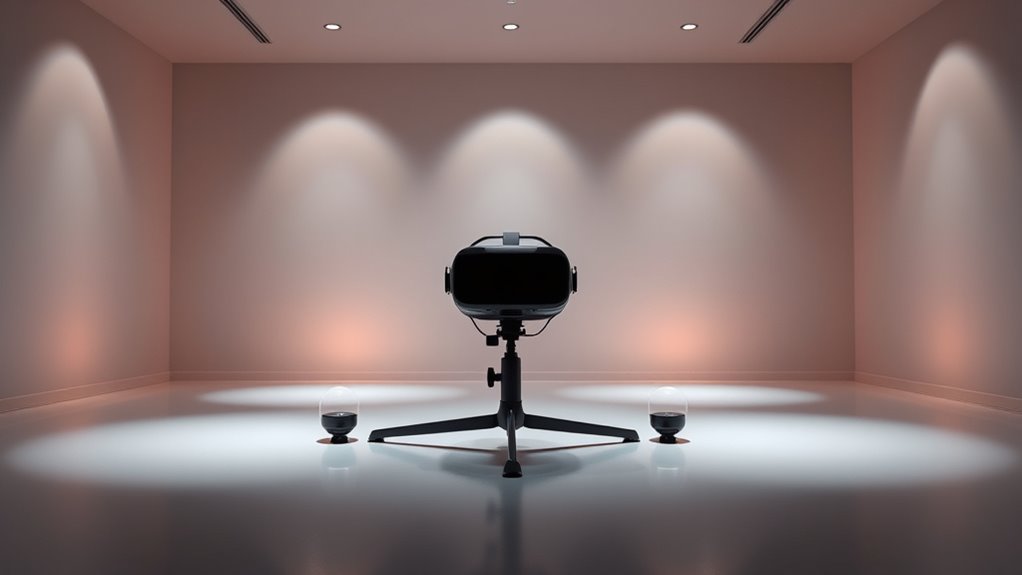
Direct sunlight can severely disrupt your VR tracking by creating intense glare and overwhelming sensors with brightness. When sunlight hits reflective surfaces or enters windows, it causes sharp contrasts that confuse tracking cameras. These strong light sources can cause sensors to lose track of your headset and controllers, resulting in jittery movements or tracking failures. To prevent this, avoid placing your play area near windows or direct sunlight. Use curtains or blinds to block out bright sunlight during gameplay. Keep lighting consistent and diffuse, so there are no harsh shadows or bright spots that can interfere with tracking accuracy. By controlling the light environment and steering clear of direct sunlight, you ensure smoother, more reliable VR experiences.
Maintain Even Lighting Across the Play Area
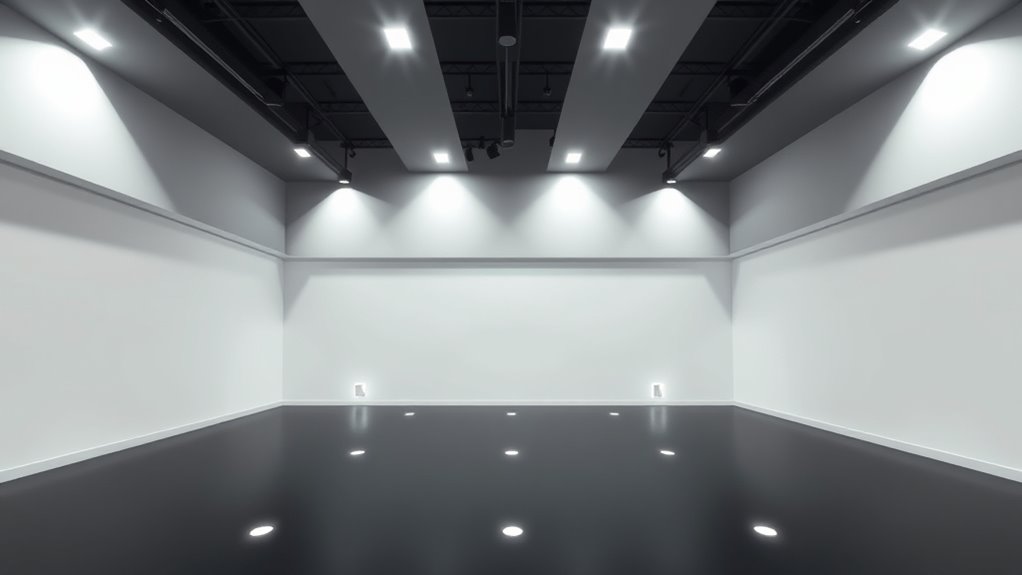
Ensuring even lighting across your VR play area helps maintain consistent tracking performance. When the light is balanced, sensors can easily distinguish between the controller, headset, and surroundings. Uneven lighting creates shadows and bright spots, confusing the system and causing tracking errors. To achieve uniform lighting:
Balanced lighting ensures reliable VR tracking by preventing shadows and bright spots that cause system confusion.
- Use diffused light sources to spread light evenly
- Avoid placing lights directly behind or in front of sensors
- Eliminate dark corners and shadowy spots
- Opt for soft, ambient lighting instead of harsh, direct beams
Use Multiple Light Sources for Better Coverage

Using multiple light sources can considerably improve coverage in your VR play area by reducing shadows and eliminating dark spots. Instead of relying on a single light, position several lights around the space to guarantee even illumination. This setup helps the tracking cameras see your sensors and controllers from different angles, minimizing blind spots. Aim for lights at different heights and angles to create overlapping coverage. Avoid placing lights directly in front of cameras, which can cause glare. Instead, distribute them to cover all sides evenly. Using multiple sources also prevents harsh shadows that can interfere with tracking. Keep the lighting consistent and avoid overly bright spots, ensuring your VR system works smoothly during every session.
Test and Adjust Lighting Before VR Sessions
Before starting a VR session, you should check the lighting conditions in your space to guarantee ideal tracking. Make small adjustments to improve clarity and eliminate shadows or glare that could interfere. Taking the time to fine-tune your lighting setup helps ensure a smooth and accurate VR experience.
Check Lighting Conditions
Proper lighting is essential for accurate VR tracking, so it’s important to test and adjust your environment before each session. Check your space for uneven or overly bright spots that could interfere with sensors. Make sure no major light sources cast shadows or cause glare on reflective surfaces. Verify that your tracking area is well-lit without creating hotspots. Adjust light placement if needed to ensure consistent illumination.
- Use soft, diffuse lighting to minimize shadows and reflections
- Avoid placing lights directly behind sensors or cameras
- Ensure no bright windows or lamps cause glare
- Keep lighting steady; don’t introduce sudden changes during sessions
Fine-tune for Clarity
Testing and adjusting your lighting setup just before each VR session helps guarantee ideal tracking performance. Start by observing how well your sensors pick up your controllers and headset. If tracking feels jittery or inconsistent, tweak the lighting—add more diffuse light to eliminate shadows or reduce bright spots that cause glare. Use soft, evenly distributed lighting to prevent reflections that interfere with sensors. Make certain no bright lights directly shine into the tracking cameras. Check for any flickering or shadows that might disrupt tracking. Move around to see if tracking remains stable from different angles. Making these quick adjustments ensures your environment is optimized for precise tracking, delivering a smoother VR experience. Regular fine-tuning keeps your setup reliable, so you can focus on your VR activities without interruptions.
Keep Lighting Conditions Stable for Consistent Tracking
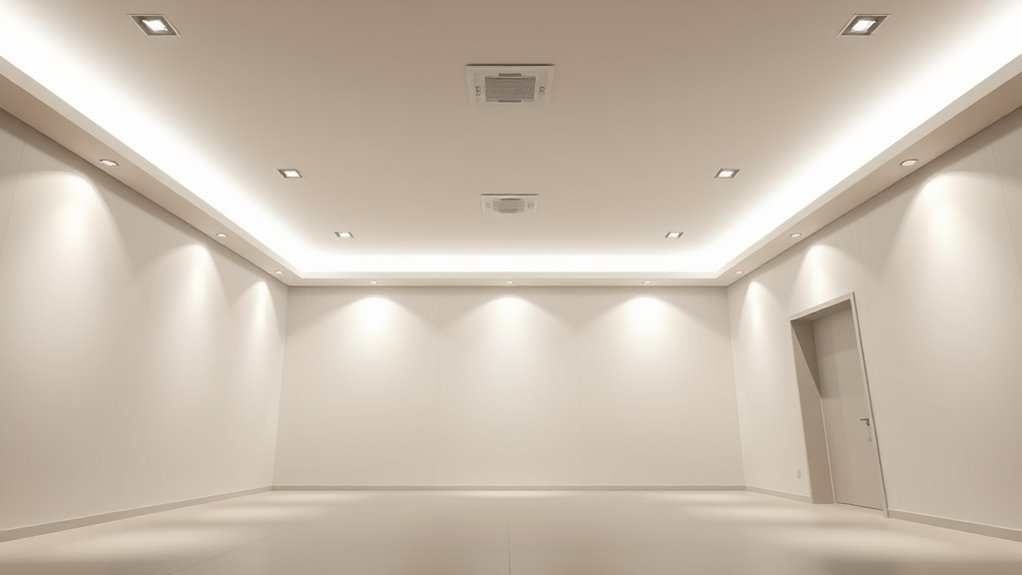
Maintaining consistent lighting conditions is essential for reliable VR tracking because fluctuations can cause the sensors to lose track of the controllers or headset. Sudden changes in brightness or shadows can disrupt sensor alignment and cause tracking errors. To keep things steady, avoid moving lamps or turning lights on and off during gameplay. Use diffused lighting to prevent harsh shadows that interfere with sensors. Keep the room evenly lit, so there’s no sudden contrast or glare. Consistent lighting helps sensors maintain a stable reference point, ensuring smooth, accurate tracking.
- Use soft, ambient lighting instead of direct, focused lights
- Avoid reflective surfaces that create unpredictable glare
- Keep windows covered or curtains drawn to prevent sunlight fluctuations
- Test your setup at different times to ensure stable lighting throughout the day
Frequently Asked Questions
How Do Different Room Sizes Affect VR Tracking Lighting?
Different room sizes impact VR tracking lighting by influencing how well sensors detect your movements. In smaller rooms, you should use softer, evenly distributed lighting to avoid glare and shadows that can confuse sensors. Larger rooms require more strategically placed, consistent light sources to ensure coverage. Keep lighting uniform, avoid direct sunlight or bright spots, and test your setup to optimize tracking accuracy, regardless of room size.
Can Reflective Surfaces Interfere With VR Sensor Accuracy?
Reflective surfaces can definitely interfere with your VR sensor accuracy. They bounce light unpredictably, confusing the sensors and causing tracking glitches or lag. Suddenly, your experience feels off, and you wonder why. To avoid this, keep mirrors, glass tables, or shiny objects out of the sensor’s line of sight. A little awareness goes a long way—eliminating reflections guarantees smooth, precise tracking and keeps your immersion intact.
What Types of Bulbs Are Best for Consistent VR Tracking?
You should use soft, diffused LED bulbs for consistent VR tracking. They provide stable, even lighting without harsh glare or flickering, which can interfere with sensors. Avoid incandescent or fluorescent bulbs, as their flicker and uneven light can disrupt tracking accuracy. Position the lights to minimize shadows and reflections, ensuring your sensors receive clear signals. Regularly check your lighting setup to maintain ideal conditions for smooth VR experiences.
How Often Should I Recalibrate My VR Tracking Environment?
Think of your VR setup as a finely tuned orchestra—if you don’t fine-tune it regularly, the harmony gets lost. You should recalibrate your VR tracking environment every few weeks, especially if you move equipment, rearrange your space, or notice tracking issues. Regular checks keep your virtual world seamless, like a well-oiled machine. Staying proactive guarantees your immersion remains smooth and responsive, avoiding frustrating interruptions during your gaming sessions.
Are Certain Wall Colors Better for Optimal VR Sensor Performance?
You should choose wall colors that are neutral and matte, like light gray or beige, to minimize reflections and glare. Bright or dark colors can interfere with sensor accuracy, causing tracking issues. Avoid shiny or glossy surfaces, as they bounce light unpredictably. By keeping your walls in muted tones, you create a stable environment that helps your VR sensors perform reliably, giving you smoother and more accurate tracking during gameplay.
Conclusion
Think of your VR space like a stage—you want every light to shine just right. When you follow these simple rules, you create a steady spotlight, preventing shadows and flickers that can trip up your tracking. I once set up my room in a rush, and my VR lost sync—like a performer stumbling in the dark. But with consistent lighting, your VR experience becomes smooth, reliable, and ready for any adventure.
Fall Picks
fall essentials
As an affiliate, we earn on qualifying purchases.