
Wireless VR is incredible — no cables, more freedom, instant setup.
But that freedom comes with a crucial question:
Is your Wi-Fi actually good enough for VR?
Most players only find out after they experience stutter, compression artifacts, or sudden latency spikes. Traditional speed tests don’t tell the full story, because VR depends on consistent bandwidth, low latency, and minimal interference — not just raw download speed.
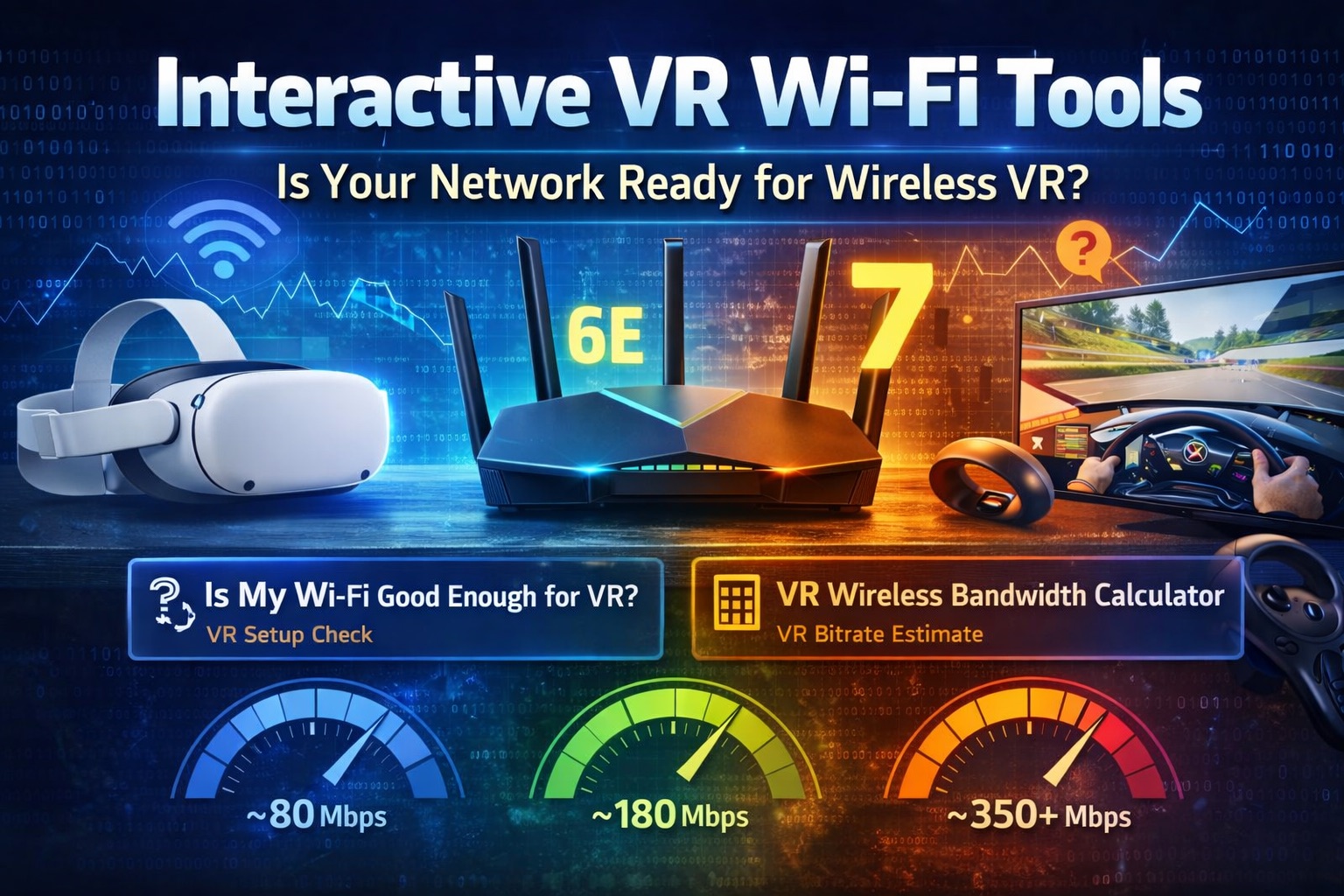
That’s why we built a set of interactive VR Wi-Fi tools designed specifically for wireless VR and PCVR streaming.

TP-Link AXE5400 Tri-Band WiFi 6E Router (Archer AXE75), 2025 PCMag Editors' Choice, 2.5Gbps WAN Port for Gaming & Streaming, 6GHz Band, 160MHz, EasyMesh, Dual-Core CPU, VPN & WPA3 Security
- Tri-Band WiFi 6E Router: Up to 5400 Mbps for fast connectivity
- 6 GHz Band Advantage: Faster speeds with near-zero latency
- Connect More Devices: OFDMA technology increases capacity
As an affiliate, we earn on qualifying purchases.
As an affiliate, we earn on qualifying purchases.
What These VR Wi-Fi Tools Do
Instead of guessing, our tools help you:
- ✔️ Check if your current Wi-Fi setup is suitable for VR
- ✔️ See whether Wi-Fi 6, 6E, or Wi-Fi 7 makes a real difference for your use case
- ✔️ Estimate how much bandwidth PCVR streaming actually needs
- ✔️ Identify common causes of stutter and instability
All tools are free, browser-based, and require no downloads or sign-ups.
Wireless VR headset with low latency
As an affiliate, we earn on qualifying purchases.
As an affiliate, we earn on qualifying purchases.
Available Interactive Tools
🔹 Is My Wi-Fi Good Enough for VR?
A quick checker that evaluates your headset, play style, distance to the router, and Wi-Fi standard to give a clear verdict:
- ❌ Not ideal
- ⚠️ Works with limitations
- ✅ Good for wireless VR
- 🚀 Excellent / future-proof
🔹 VR Wireless Bandwidth Calculator
Estimate the real Mbps required for smooth wireless PCVR based on:
- Resolution per eye
- Refresh rate
- Codec (H.264 / HEVC / AV1)
- Scene complexity
This helps explain why some setups stutter even on “fast” networks.

FIBBR Fiber Optic USB 3.2 Cable 10Gbps Ultra Speed USB A to USB C Cable, Ideal for Webcams, VR/AR Gear, Projectors & TVs (AC-Fiber-50 ft)
- High-Speed Data Transfer: 10Gbps USB 3.2 Gen 2 technology
- Long-Distance Performance: Reliable over 100ft without data loss
- Durable Construction: Zinc alloy and Kevlar-reinforced fiber core
As an affiliate, we earn on qualifying purchases.
As an affiliate, we earn on qualifying purchases.
Who These Tools Are For
These tools are especially useful if you:
- Use Air Link or Virtual Desktop
- Play PCVR wirelessly
- Live in an apartment with crowded Wi-Fi
- Are considering a Wi-Fi 6E or Wi-Fi 7 upgrade
- Want near-wired VR quality without trial and error

TP-Link BE6500 Dual-Band WiFi 7 Router (BE400) – Dual 2.5Gbps Ports, USB 3.0, Covers up to 2,400 sq. ft., 90 Devices, Quad-Core CPU, HomeShield, Private IoT, Free Expert Support
- Wi-Fi 7 Technology: Supports Multi-Link Operation and 4K-QAM
- High-Speed Dual-Band: Up to 6.5 Gbps total bandwidth
- Wide Coverage: Covers up to 2,400 sq. ft.
As an affiliate, we earn on qualifying purchases.
As an affiliate, we earn on qualifying purchases.
Why We Built This
Wireless VR discussions are often filled with conflicting advice and marketing specs that don’t translate to real-world performance.
Our goal with these interactive tools is simple:
Turn complex networking concepts into clear, practical answers for VR users.
No hype. No affiliate pressure. Just clarity.
Try the Interactive VR Wi-Fi Tools
👉 Check your Wi-Fi for VR
👉 Calculate your required VR bandwidth
Whether you’re troubleshooting stutter or planning an upgrade, these tools give you a fast, honest starting point.