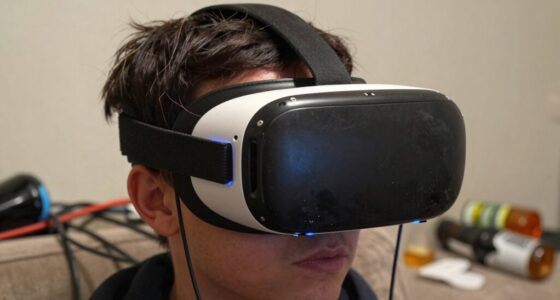
To prevent your VR gear from warping, yellowing, or cracking, store it in a cool, dry, shaded space away from direct sunlight and heat sources. Use the original packaging or a custom-fit case with supportive padding, and keep cables organized and untangled. Handle your equipment gently, clean and dry it before storing, and regularly check for signs of damage. Proper storage practices can extend your gear’s lifespan, and you’ll discover more helpful tips as you continue.

Play games on Amazon Luna for your next adventure, included with Prime
- A rotating selection of games, no download needed
- Play on TV, laptop or phone
- Fast, free delivery for your gear, too
Key Takeaways
- Store VR gear in a cool, dry, shaded environment at stable temperatures between 60-75°F to prevent warping and discoloration.
- Use UV-blocking cases and shaded storage areas to protect against sun damage and yellowing of materials.
- Keep equipment in padded, custom-fit cases to prevent impact, stress, and cracking of lenses and plastic components.
- Handle with clean, dry hands and clean gently with soft cloths to avoid scratches, cracks, and material degradation.
- Regularly inspect for damage and follow manufacturer guidelines to ensure proper storage and maintenance.
As an affiliate, we earn on qualifying purchases.
Store Your VR Headset in a Cool, Dry Environment

Store Your VR headset in a cool, dry environment. Excess heat can cause the materials to warp or degrade over time, while humidity promotes mold and corrosion, damaging internal components. Find a spot away from direct sunlight, radiators, and windows that let in moisture. Maintain a stable temperature, ideally between 60-75°F (15-24°C). Keep the area well-ventilated to prevent condensation buildup. Avoid storing your headset in basements or attics where temperature and humidity fluctuate dramatically. A dedicated shelf or cabinet in a climate-controlled room works best. Proper storage prevents warping, yellowing, or cracking, ensuring your VR gear remains functional and looking good for longer. Additionally, using appropriate storage containers can help protect your equipment from environmental damage. Ensuring proper ventilation can also help prevent the buildup of moisture that causes deterioration over time. Being mindful of environmental factors such as temperature and humidity levels is crucial for long-term preservation.
As an affiliate, we earn on qualifying purchases.
Use the Original Packaging or a Custom-Fit Case
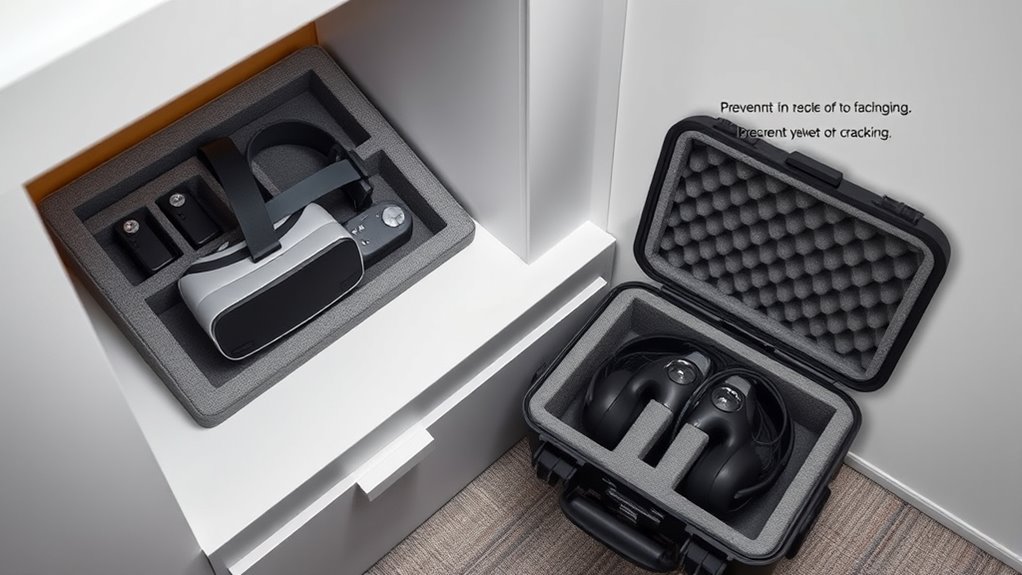
Using the original packaging can help maintain the VR gear’s integrity and keep it safe during storage. A custom-fit case offers extra protection by reducing movement and preventing damage. Avoid overpacking to ensure your equipment stays secure without risking unnecessary stress or breakage. Additionally, choosing sustainable storage options aligns with the principles of energy-efficient cloud solutions and environmentally conscious practices.
Preserve Original Packaging Integrity
Keeping your VR gear in its original packaging or a custom-fit case helps protect it from damage and dust. The original packaging is designed to hold your devices securely, preventing movement that can cause scratches or cracks. If you choose to store your gear in the original box, verify it’s clean and free of debris, and seal it tightly to keep out moisture. Avoid damaging the packaging by handling it gently and keeping it in a stable environment. If the original box is worn or damaged, consider replacing it with a custom-fit case that maintains the original dimensions. Preserving the integrity of the packaging ensures your VR gear remains well-protected, reducing the risk of warping, yellowing, or cracking over time. Proper storage preserves both the device and its packaging. Additionally, storing your gear in a stable environment with controlled temperature and humidity helps prevent material degradation and extends its lifespan. Maintaining ideal storage conditions, such as temperature control, further safeguards your equipment from environmental damage. Implementing proper storage techniques can significantly prolong the quality and performance of your VR gear. Ensuring your storage area is free from excessive light exposure also helps prevent material discoloration and preserves the device’s appearance over time.
Custom Fit for Safety
Ensuring your VR gear is stored securely means choosing the right container—whether it’s the original packaging or a custom-fit case. A perfect fit protects your equipment from accidental drops, dust, and environmental damage. When selecting a case, think about:
- Secure Padding: Keeps parts from shifting and prevents cracks.
- Custom Compartments: Hold controllers and cables snugly in place.
- Durable Material: Shields against impacts and weather.
- Ease of Access: Lets you quickly grab your gear without hassle.
A snug, purpose-built case or original packaging provides peace of mind, knowing your investment is protected. It’s about creating a safe environment that minimizes risks and preserves your VR gear’s longevity, ready for your next immersive experience.
Avoid Overpacking Damage
To prevent overpacking and damaging your VR gear, relying on the original packaging or a custom-fit case designed for your equipment is essential. These options provide the perfect fit, reducing movement that can cause scratches, dents, or stress on components. Avoid stuffing your gear into oversized boxes or random containers, as this increases the risk of impact damage. Using the original packaging ensures that all parts are securely held in place, while a custom-fit case offers tailored protection. Keep in mind that overpacking can also lead to pressure on delicate lenses or cables, worsening their condition over time. Always pack your VR gear snugly but gently, and choose storage solutions that support proper cushioning and restraint. Proper storage techniques also include periodically inspecting your gear for signs of wear and adjusting your packing methods as needed to maintain optimal protection. Implementing reliable storage practices that align with your gear’s specifications can further reduce the risk of damage caused by overpacking during storage or transport. These preventative measures minimize the risk of damage caused by overpacking during storage or transport.
As an affiliate, we earn on qualifying purchases.
Keep Your Gear Away From Direct Sunlight and Heat Sources
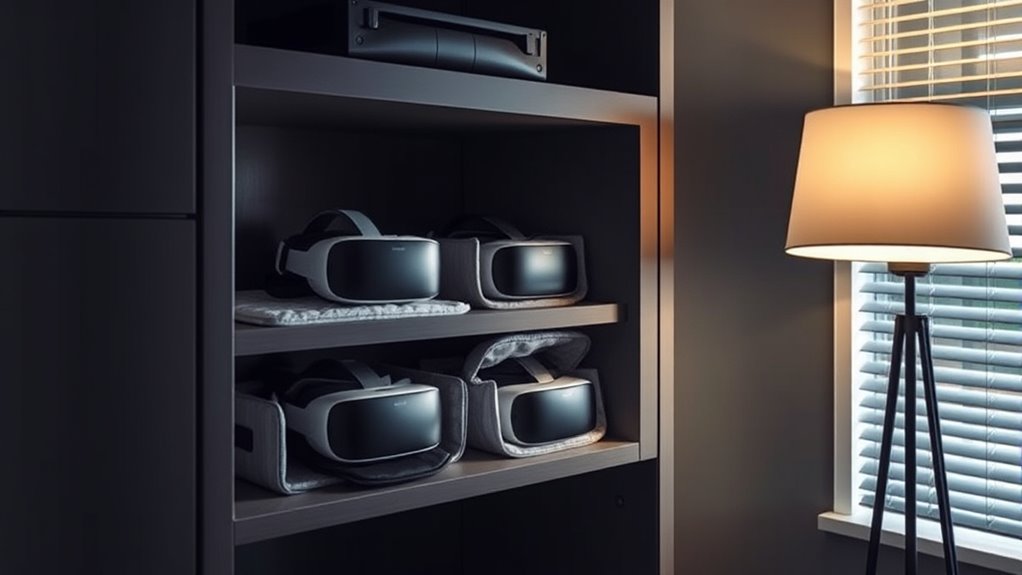
Your VR gear can be harmed by direct sunlight and heat. Keep it in a cool, shaded place to prevent warping or fading. Protecting your equipment from heat guarantees it stays in top condition for your next adventure. Additionally, storing your gear in a dedicated storage solution like a Kallax shelving unit helps keep it safe from environmental damage. Using proper storage methods can further extend the lifespan of your equipment and maintain its performance over time. To ensure your gear remains durable, consider temperature-sensitive materials, which are especially prone to damage from heat exposure. Implementing environmental protection techniques can also help safeguard your gear from fluctuations in temperature and humidity.
Protect From Sunlight
Exposing VR gear to direct sunlight and heat sources can cause permanent damage and reduce its lifespan. Sunlight’s UV rays can fade or weaken the materials, leading to cracks or warping. To protect your gear, keep these in mind:
- Store your VR headset in a shaded, cool spot to prevent heat buildup.
- Use a dedicated storage case that blocks UV rays.
- Avoid leaving your gear in cars or windowsills where sunlight intensifies.
- Regularly inspect your equipment for signs of sun damage, like discoloration or warping.
- Proper storage techniques can significantly extend the lifespan of your VR gear by minimizing exposure to harmful elements, especially considering the thermal behavior of materials involved. Additionally, understanding the material properties can help you choose the best storage solutions to prevent damage. Being aware of heat resistance can guide you in selecting appropriate storage environments that safeguard your gear from temperature-related deterioration. Knowing the UV sensitivity of your equipment can also help prevent premature aging caused by light exposure.
Avoid Heat Exposure
Heat can quickly damage VR gear, so it’s essential to keep it away from direct sunlight and hot environments. Excessive heat causes materials to warp, plastic components to crack, and batteries to degrade faster. Avoid storing your gear near radiators, heaters, or in cars on hot days. High temperatures also accelerate the yellowing of plastic and can lead to internal damage that’s hard to detect. To protect your equipment, choose a cool, shaded area for storage, such as a climate-controlled closet or cabinet. Make sure your storage space is well-ventilated and maintains a stable temperature. Additionally, understanding heat-related damage helps you better grasp why proper storage is crucial for longevity. Proper ventilation can also prevent heat buildup, which is vital for maintaining device integrity. Protecting your VR gear from heat sources is especially important because it prevents material deformation and preserves the device’s appearance and functionality. Keeping your VR gear away from heat sources helps preserve its longevity, appearance, and functionality over time, ensuring it stays ready for your next immersive experience.
As an affiliate, we earn on qualifying purchases.
Avoid Hanging or Dropping Your VR Equipment
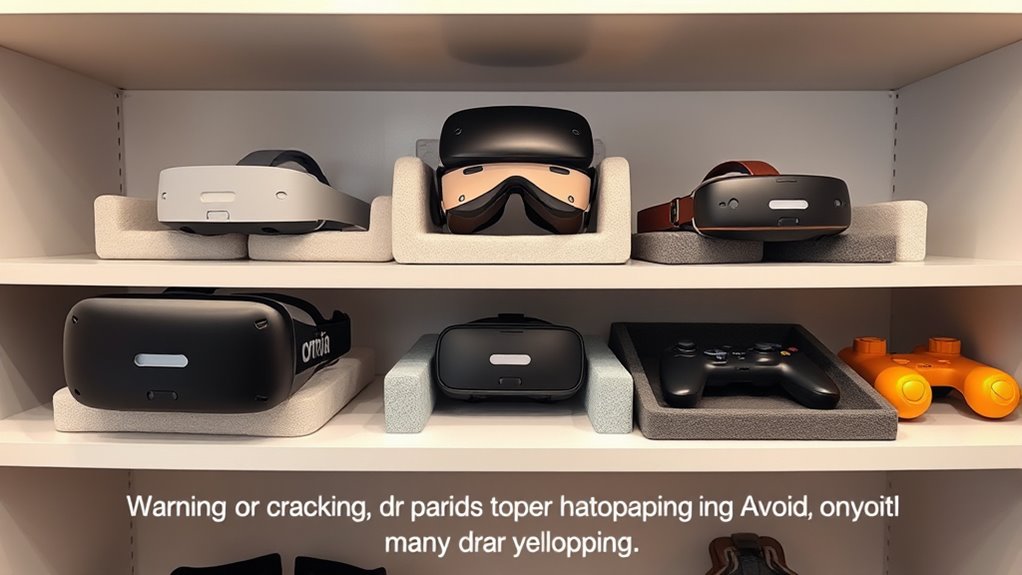
To keep your VR equipment in top condition, handling it carefully and avoiding hanging or dropping it is vital. Dropping your gear can cause cracks or internal damage, while hanging it improperly might stress delicate parts. To protect your investment, remember:
- Never toss or throw your headset or controllers—impact can break lenses or circuits.
- Avoid hanging cables or devices from unstable hooks—tugging can damage connectors.
- Use a secure shelf or dedicated storage instead of dangling gear from hooks or hangers.
- Handle your equipment with clean, dry hands to prevent accidental slips.
Clean and Dry Your Gear Before Storage
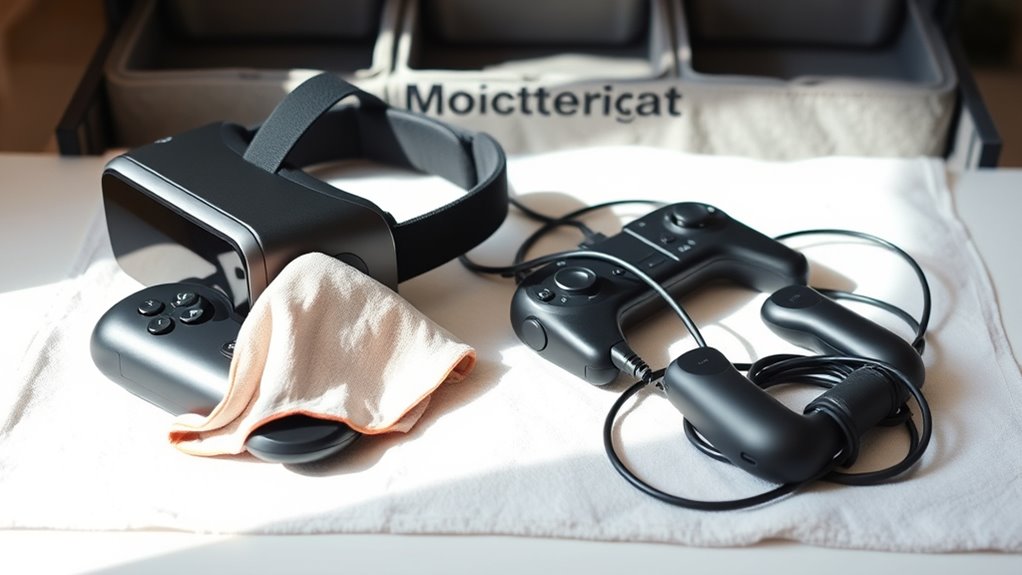
Before storing your VR gear, make sure to clean and dry it thoroughly to prevent damage and guarantee longevity. Use a soft, lint-free cloth to wipe down the headset, controllers, and cables, removing dust, sweat, and oils that can cause deterioration over time. For stubborn grime, lightly dampen the cloth with water or a gentle cleaning solution recommended by the manufacturer. Avoid harsh chemicals that could damage sensitive surfaces. After cleaning, ensure all parts are completely dry before storage; moisture can lead to mold, warping, or cracking. Pay special attention to crevices and vents where dirt may hide. Proper cleaning and drying help preserve your gear’s appearance and functionality, extending its lifespan and ensuring it’s ready for your next immersive experience.
Use Proper Supports to Maintain Shape and Prevent Warping
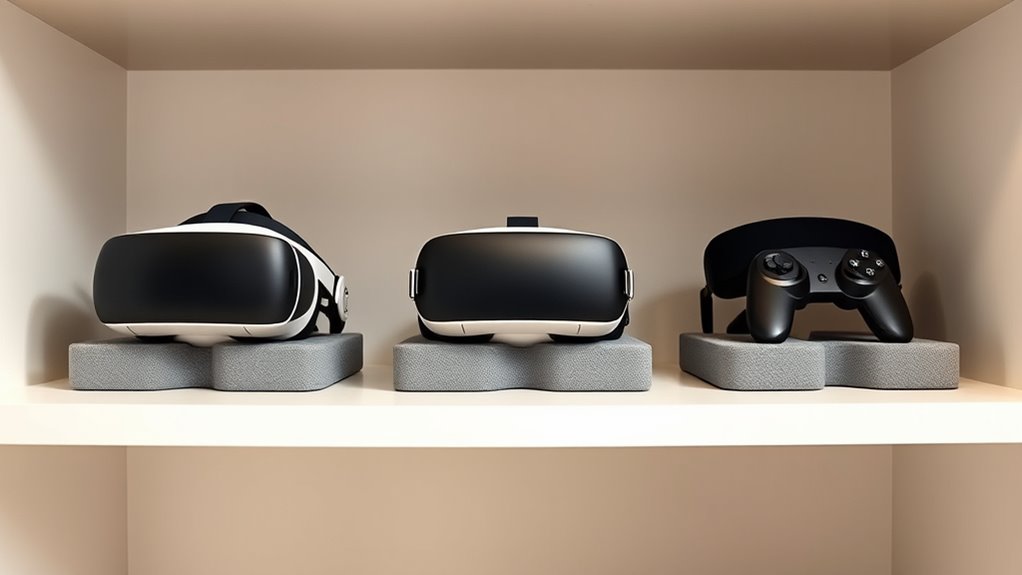
Proper supports help maintain the shape of your VR headset and controllers, preventing warping or deformation during storage. When you use the right supports, you protect your gear from unnecessary stress that can lead to cracks or distortion. To guarantee ideal preservation, consider these supports:
- Use foam or padded stands designed for VR devices to cushion delicate parts.
- Keep controllers in molded cases that hold their shape and prevent bending.
- Avoid stacking gear directly on hard surfaces; instead, place supports underneath.
- Regularly inspect supports for wear and replace them to maintain consistent protection.
Keep Cables Organized and Untangled
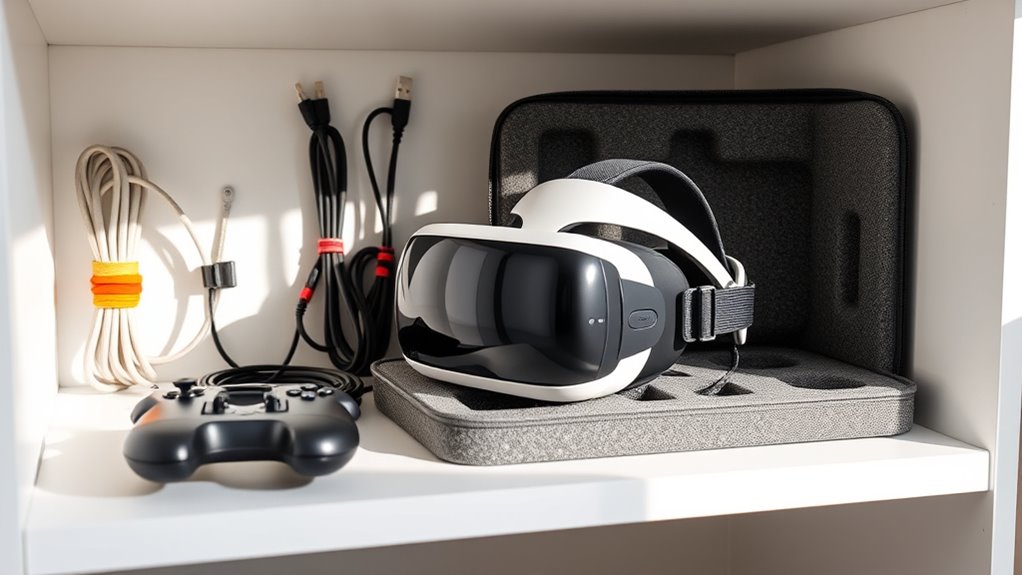
Have you ever struggled to untangle a jumble of VR cables after storage? To avoid this hassle, keep your cables organized and untangled. Use Velcro straps or cable ties to bundle cords neatly, preventing them from knotting. Store cables in a dedicated drawer, box, or hanging organizer to keep them accessible and protected from bending or crushing. Coil wires loosely, avoiding sharp bends that can cause damage over time. Label each cable so you can easily identify which device it belongs to, saving time when setting up or packing away. Regularly check that cables remain untangled and in good condition. Proper organization not only prolongs the life of your VR gear but also makes setup faster and more efficient.
Regularly Inspect for Signs of Damage or Wear
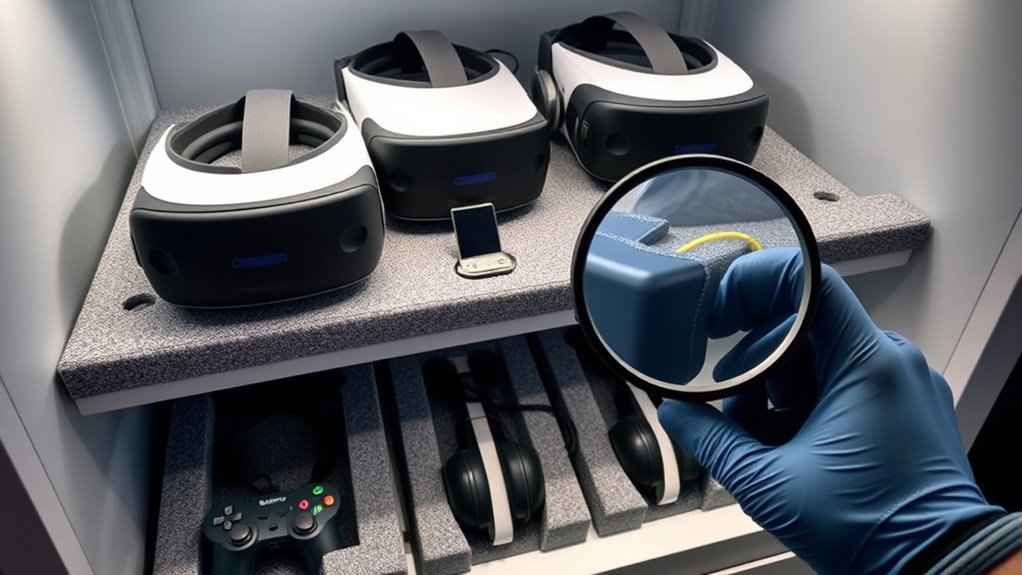
Regular inspections of your VR gear are essential to catch potential issues early. By staying vigilant, you can prevent small problems from becoming costly repairs or replacements. Check your headset, controllers, and cables regularly for signs of damage or wear. Here are four key areas to focus on:
- Cracks or chips in the headset’s plastic or lenses, which could worsen over time.
- Frayed or exposed wires that might lead to connectivity issues or safety hazards.
- Faded or peeling padding that impacts comfort and hygiene.
- Loose or damaged straps that could compromise stability during use.
Addressing these issues promptly keeps your gear safe, functional, and prolongs its lifespan. Regular inspections empower you to enjoy immersive experiences without interruption.
Follow Manufacturer Recommendations for Storage and Care
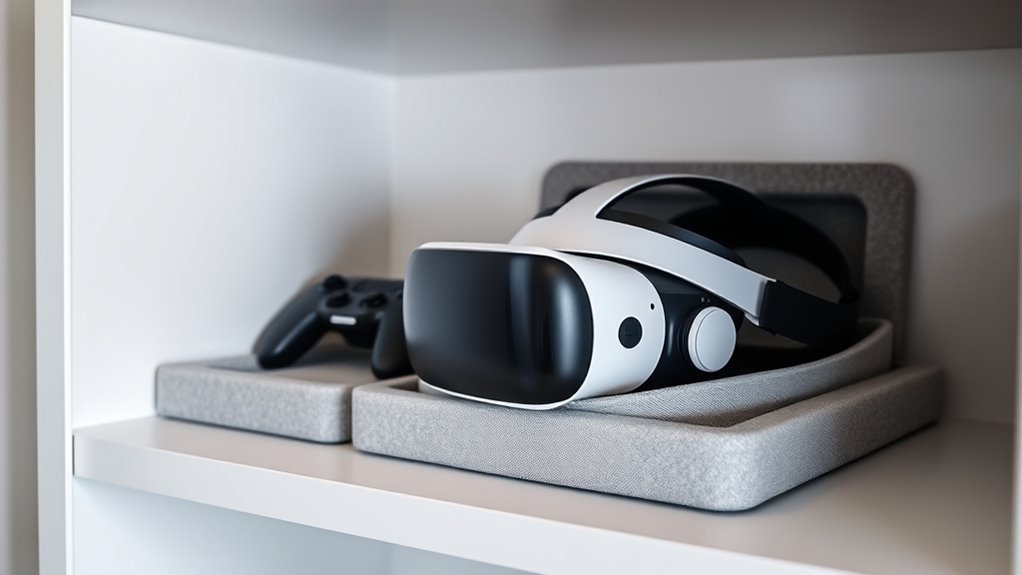
Following manufacturer recommendations is crucial to guarantee your VR gear stays in peak condition. Always read the user manual carefully and follow specific guidelines for storage and maintenance. Manufacturers often specify ideal temperature and humidity ranges, as well as proper cleaning methods and protective coverings. Ignoring these instructions can lead to damage like warping, yellowing, or cracking. Use recommended cleaning products and avoid harsh chemicals that could degrade materials. Store your VR headset and controllers in a cool, dry place, away from direct sunlight and extreme temperatures. If the manufacturer suggests using a special case or stand, invest in those to prevent accidental damage. Adhering to these recommendations ensures your gear remains functional and visually appealing for longer.
Frequently Asked Questions
How Often Should I Clean My VR Headset Before Storing?
You should clean your VR headset after every use or at least once a week if you use it frequently. Wipe down the lenses with a microfiber cloth to remove smudges and dust, and clean the foam padding with a gentle disinfectant. Regular cleaning prevents buildup of dirt and oils, keeping your device in good condition and making it more comfortable and hygienic for every session.
Can Storing in a Humid Environment Damage My VR Gear?
Storing your VR gear in a humid environment can definitely cause damage. Humidity promotes mold, mildew, and corrosion on electronic components, which can ruin your headset and controllers. To protect your gear, store it in a cool, dry place with low humidity levels—ideally below 60%. Use silica gel packs to absorb excess moisture, and avoid basements or attics where humidity fluctuates. Proper storage keeps your VR gear in top condition.
What Materials Are Best for Custom VR Storage Cases?
Did you know that 85% of tech enthusiasts prefer custom storage to extend their gear’s lifespan? For VR gear, choose materials like padded foam inserts, sturdy plastic or aluminum cases, and breathable fabric linings. These materials protect delicate components, prevent warping, and allow air circulation. You’ll want a case with soft interiors and shock-absorbing features, ensuring your VR gear stays safe, pristine, and ready for your next immersive adventure.
How Do I Detect Early Signs of Yellowing or Cracking?
You can spot early signs of yellowing or cracking by regularly inspecting your VR gear under good lighting. Look for subtle color changes, especially on white or clear surfaces, and feel for any dryness or brittleness. Pay attention to small cracks or peeling paint. Acting quickly when you notice these signs helps prevent further damage. Keep your gear clean and stored properly to minimize the risk of deterioration over time.
Is It Safe to Store VR Equipment in a Closet or Drawer?
Storing your VR gear in a closet or drawer is generally safe if you take precautions. Keep it away from direct sunlight, excessive heat, and humidity, which can cause damage faster than a lightning strike. Use soft pouches or cloth to prevent scratches and avoid stacking heavy items on top. Regularly check on your gear to catch any early signs of deterioration, ensuring your investment stays in top shape for years.
Conclusion
By following these storage tips, you’ll keep your VR gear in top shape, avoiding warping, yellowing, or cracking. It’s funny how a little care can extend the life of your favorite gadgets, almost like they’re grateful for your attention. When you store your gear properly, you might find it works smoother and lasts longer than you expected. So, take a moment to care for your VR equipment—you’ll thank yourself every time you plunge into a new virtual adventure.
Fall Picks
fall essentials
As an affiliate, we earn on qualifying purchases.