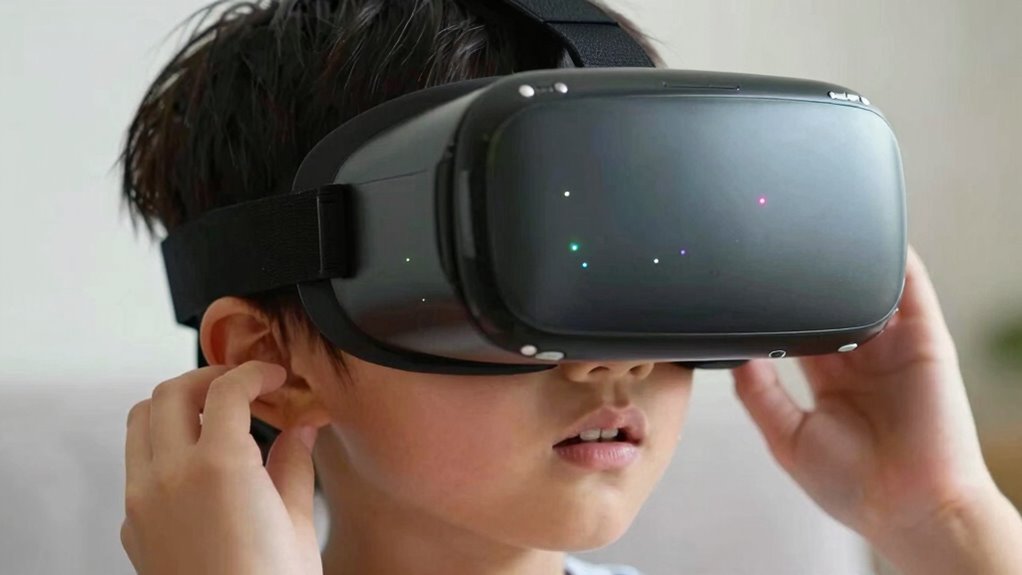

The most important thing to check before letting your kids try VR is ensuring the experience is age-appropriate and safe for their developmental level. Confirm that the content matches their maturity and that the headset fits comfortably without causing discomfort. Clear the play area of obstacles and supervise their use carefully. Paying attention to these safety and suitability factors helps create a positive, worry-free VR experience. Keep going to learn more tips for keeping your child safe while using VR.

Get VR and gaming gear delivered free — and shop member deals
- Fast, free delivery on millions of items
- Access to Prime Big Deal Days deals on October 6–7
- Prime Video, Amazon Music and more included
Key Takeaways
- Confirm the child’s age meets the VR headset’s minimum age recommendation.
- Ensure the content is age-appropriate, non-scary, and suitable for their maturity level.
- Clear the play area of hazards and ensure a safe, obstacle-free space.
- Check the headset fit for comfort and proper alignment with the child’s eyes.
- Supervise the session actively and watch for signs of discomfort or disorientation.
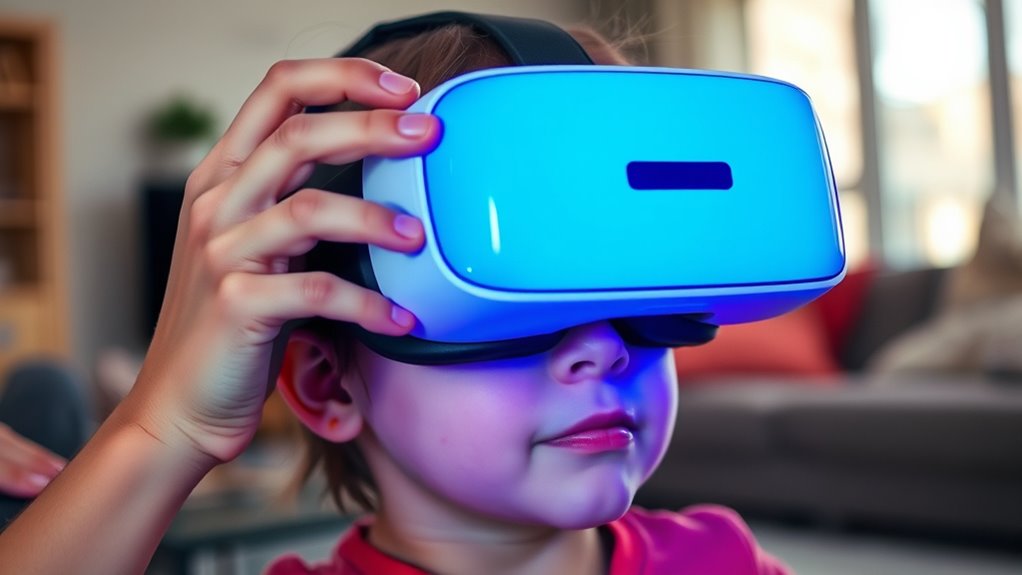
As virtual reality becomes more popular among children, it is essential to check that they’re ready for the experience before they put on a headset. The first thing to think about is age appropriateness, which helps guarantee that the content and the device itself are suitable for their developmental stage. Many VR headsets specify minimum age recommendations, often around 12 or 13 years old, but even younger kids can benefit from age-appropriate experiences designed specifically for their cognitive and emotional maturity. If you’re allowing a younger child to try VR, opt for content that’s simple, non-scary, and designed with kids in mind. This reduces the risk of overwhelming or frightening them and helps create a positive experience.
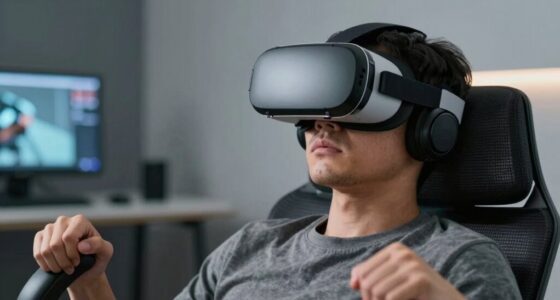
Beyond content, physical safety is equally important. Kids are more prone to movement and may not be fully aware of their surroundings while immersed in virtual worlds. Before they put on the headset, clear the area of any hazards—sharp furniture, fragile objects, or anything they could trip over. Make sure the space is safe, open, and free from obstacles that could cause injury. It’s also wise to supervise their first few sessions to guarantee they don’t accidentally bump into walls or furniture. Some VR headsets come with boundary-setting features that allow you to create virtual safe zones, which can help prevent accidents, but active supervision remains essential.
Ensure the play area is clear and supervise to prevent bumps during VR sessions.
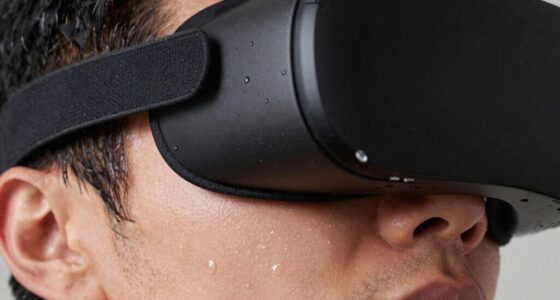
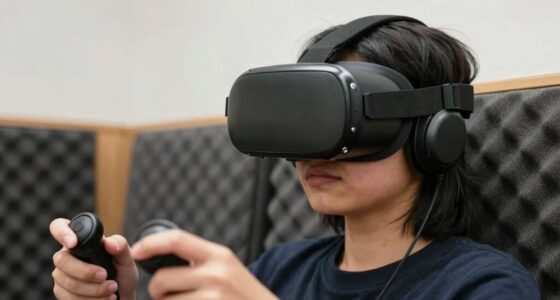
Another key aspect of physical safety is fit. A poorly fitted headset can cause discomfort or even injury, especially if worn for extended periods. Check that the straps are snug but not too tight, and that the display is comfortably aligned with their eyes. An uncomfortable headset can lead to headaches or eye strain, which can turn kids off from VR altogether. Also, pay attention to their reactions during the experience. If they seem disoriented, dizzy, or upset, remove the headset immediately. Additionally, understanding the recommended age guidelines can help ensure that children are engaging with VR appropriately for their age group.
Age appropriateness and physical safety work hand-in-hand to create a safe and enjoyable VR experience. It’s not just about letting kids try VR; it’s about guaranteeing they do so in a way that’s suitable for their age and safe for their physical well-being. Taking these precautions helps foster a positive introduction to this exciting technology while minimizing risks. Remember, VR is a powerful tool that can offer incredible experiences, but it requires careful oversight to guarantee your child’s safety and comfort every step of the way.
Frequently Asked Questions
What Age Is Appropriate for Kids to Start VR Experiences?
You should consider age 12 as a general guideline for kids to start VR experiences, based on child development and cognitive maturity. Younger children may not have fully developed vision, spatial awareness, or attention spans, so parental guidance is vital. Before allowing your child to try VR, make sure they understand safety rules and set time limits. Always supervise their use to support healthy development and prevent discomfort or harm.
How Long Should Children Use VR in One Session?
Think of VR like a delicate plant; too much sunlight can harm it. Keep each session short, around 15 to 20 minutes, to prevent eye strain and fatigue. Monitor usage frequency, ensuring kids don’t spend hours immersed daily. Regular breaks are essential—encourage them to step away and rest their eyes. This balance helps kids enjoy VR safely while avoiding potential health issues, much like tending a fragile but rewarding garden.
Are There Specific VR Headsets Suitable for Children?
Yes, there are child-friendly VR headsets designed with your child’s safety and comfort in mind. Look for headsets with adjustable straps, lightweight build, and soft padding to guarantee headset comfort. These models often feature simplified controls and limited content options for age appropriateness. Choosing a headset with a child-friendly design helps prevent discomfort and ensures a safer, more enjoyable VR experience for your kids.
What Safety Features Should Parents Look for in VR Devices?
Think of virtual reality as an uncharted territory—you need reliable safety features to guide your kids safely. Look for VR devices with adjustable straps, comfort padding, and built-in safety features like boundary systems and eye protection. These safety considerations help prevent accidents and eye strain. Make sure the headset offers easy-to-use parental controls, so you can monitor usage and keep your child’s VR experience safe and enjoyable.
How Can Parents Monitor and Limit Kids’ VR Usage?
You can monitor and limit your kid’s VR usage by setting clear screen time boundaries and using parental controls. Regularly check their activity logs and enable content filtering to restrict access to inappropriate experiences. Engage with your child during VR sessions to guarantee they’re comfortable and safe, and discuss the importance of taking breaks. Consistent oversight helps manage screen time and keeps their VR experience safe and enjoyable.
Conclusion
Before you let your kids plunge into VR, make sure you’ve checked in on their readiness—it’s like inspecting a ship before setting sail. Ensuring their eyes, balance, and comfort are in check helps prevent unnecessary discomfort or accidents. Just as a sturdy hull keeps a boat afloat, these precautions keep their experience safe and enjoyable. Taking a moment now can save a lot of trouble later, turning a fun adventure into a safe, memorable one.
Halloween Picks
halloween
As an affiliate, we earn on qualifying purchases.