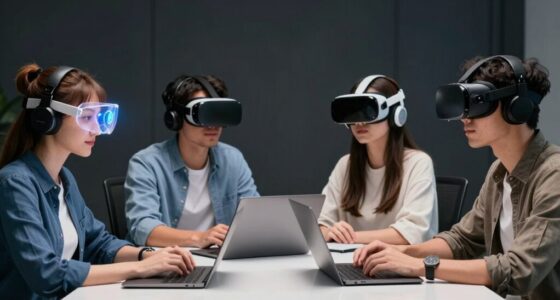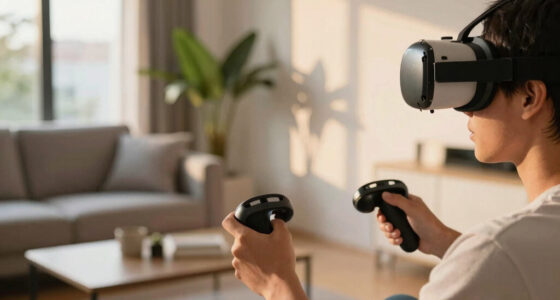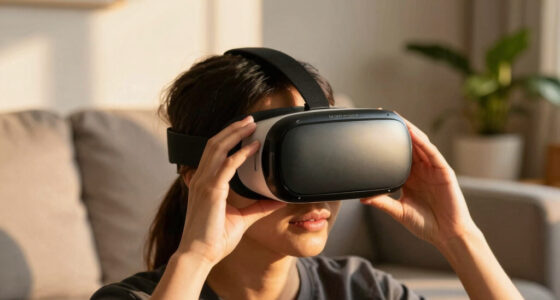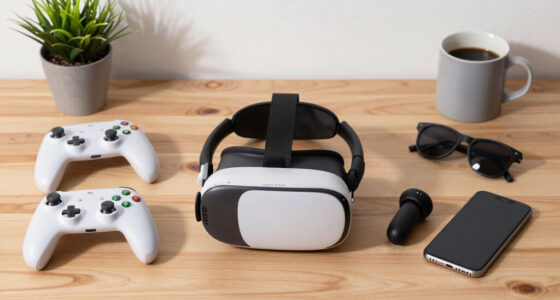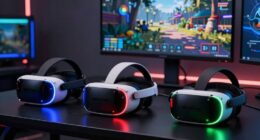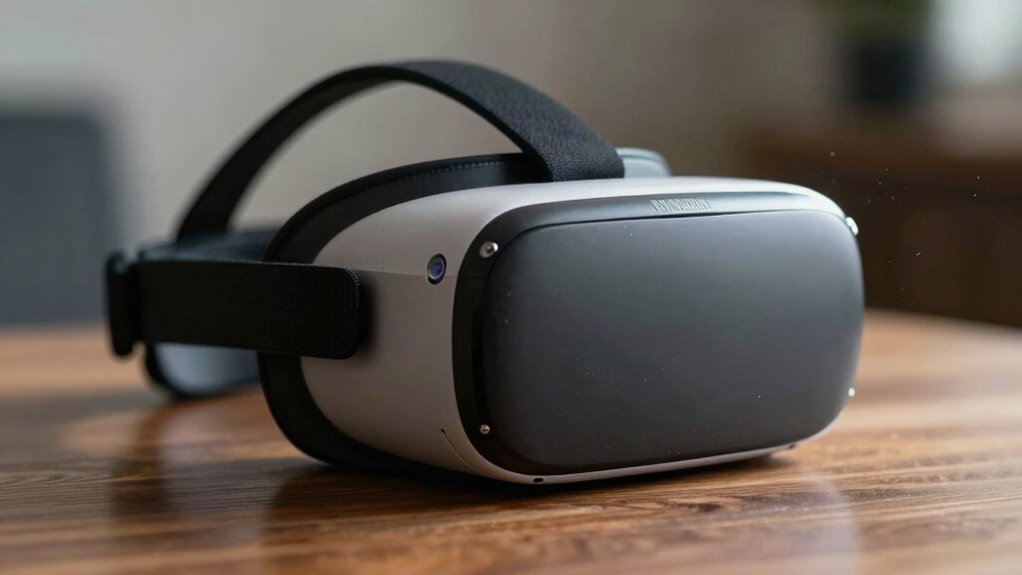

Sharpness in VR isn’t just about increasing resolution. It’s a balancing act involving hardware limits, performance, and how your eyes perceive images. Pushing for more detail can cause lag, overheating, or visual glitches that break immersion. Techniques like foveated rendering try to sharpen only where you’re looking, but seamless shift are tricky. If you want to understand why achieving perfect sharpness is so complex, you’re about to uncover some eye-opening details.

Play games on Amazon Luna for your next adventure, included with Prime
- A rotating selection of games, no download needed
- Play on TV, laptop or phone
- Fast, free delivery for your gear, too
Key Takeaways
- Higher resolutions strain hardware, causing performance issues that can reduce smoothness and user comfort.
- Increased sharpness can reveal visual artifacts and imperfections, breaking immersion.
- Human eye perception and optics require complex rendering techniques like foveated rendering for realistic sharpness.
- Hardware limitations restrict achievable sharpness and realism, influencing display technology development.
- Balancing detail, realism, and comfort involves nuanced compromises beyond simply increasing resolution.
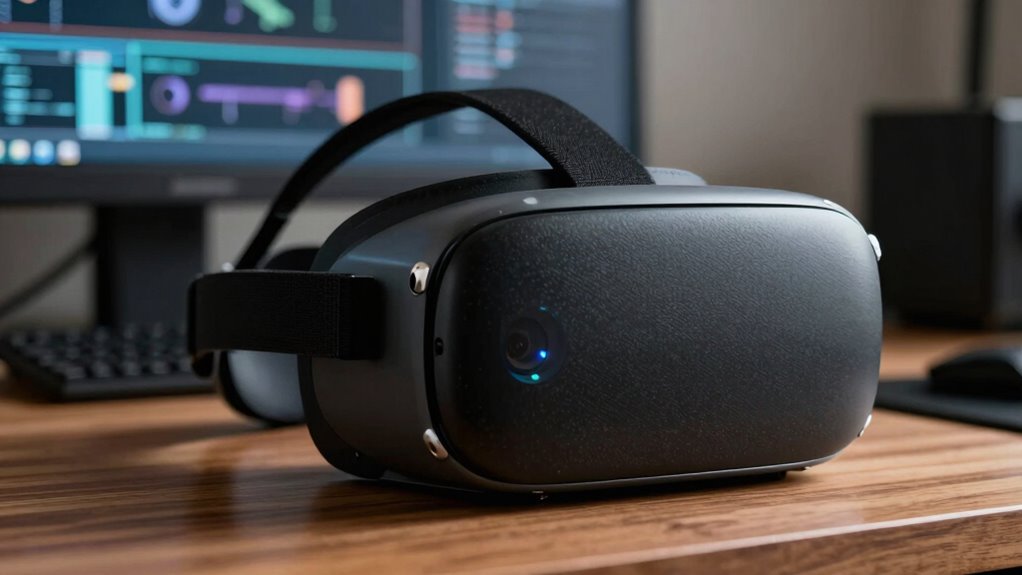
Have you ever wondered how sharp your virtual reality experience truly is? It’s tempting to think that a simple increase in resolution or sharper graphics will make VR worlds feel more real. But the truth is, achieving that perfect sharpness isn’t as straightforward as it sounds. It involves a delicate balance between realism trade-offs and user comfort, both of which can significantly influence your experience. When developers push for higher sharpness, they often face the challenge of maintaining smooth performance. Higher resolutions demand more processing power, which can lead to frame drops, latency, or overheating. These issues impact user comfort, causing eye strain, headaches, or motion sickness. As a result, many VR headsets settle for slightly lower resolutions to ensure a comfortable, immersive experience.
Moreover, increasing sharpness doesn’t always translate to better realism. Sometimes, it exposes imperfections or inconsistencies in the visual rendering, breaking the illusion of reality. Developers have to decide whether to prioritize ultra-sharp images, which can reveal pixelation or artifacts if hardware isn’t up to par, or to accept a softer image that preserves overall immersion. This trade-off is central to creating convincing VR environments. Striving for hyper-realistic visuals can backfire if the hardware cannot support it without compromising smoothness or user comfort. The last thing you want is to feel physically uncomfortable or distracted by visual glitches that ruin the sense of presence.
Another factor complicating sharpness is the human eye’s perception. Your eyes process images differently depending on distance, focus, and brightness. VR headsets must mimic this natural behavior, which involves complex optics and rendering techniques. Achieving a balance where the image appears sharp where it matters most—like in the center of your vision—while softening the periphery, requires sophisticated technology. That’s why some headsets employ foveated rendering, sharpening only the part of the scene you’re directly looking at. While this technique helps manage processing loads and improve user comfort, it also introduces new challenges, like ensuring the transition between sharp and soft areas feels seamless. Additionally, the limitations of hardware play a crucial role in how effectively these techniques can be implemented. To make the experience even more convincing, developers continuously explore visual fidelity improvements that push the boundaries of current technology. Understanding these visual perception factors is essential for advancing VR display technology and making experiences more realistic.
Furthermore, advancements in display technology are critical for overcoming these sharpness challenges and achieving higher fidelity. Ultimately, the quest for sharpness in VR isn’t just about making images crisper. It’s about finding the right compromise that respects hardware limitations, preserves realism, and keeps you comfortable during extended use. It’s a complex dance, where pushing for more detail can sometimes undermine the very experience you seek. So, the next time you marvel at a VR scene, remember there’s a lot more behind that crisp image than meets the eye.
As an affiliate, we earn on qualifying purchases.
Frequently Asked Questions
How Does Eye Strain Affect VR Sharpness?
Eye strain can reduce your VR sharpness because it affects binocular disparity and depth perception. When your eyes tire, they struggle to focus properly, causing blurry images and discomfort. This makes it harder for you to perceive depth accurately, reducing the immersive experience. To maintain sharpness, take regular breaks, adjust headset fit, and guarantee proper lighting. Keeping your eyes healthy helps you enjoy clearer, more comfortable VR sessions.
Can Software Enhancements Improve VR Image Clarity?
Software enhancements can improve VR image clarity, but they’re limited by hardware calibration and display resolution. You might notice sharper visuals with better software algorithms, but if your hardware isn’t calibrated properly or the display resolution remains low, the improvements won’t be significant. Think of software as fine-tuning the image, but hardware sets the fundamental limits. To truly enhance clarity, both software and hardware need to work together seamlessly.
What Role Does User Eyesight Play in Perceived Sharpness?
Your eyesight greatly influences perceived sharpness in VR. Binocular disparity helps your brain interpret depth and detail, while peripheral vision adds context but isn’t as sharp. If your eyesight has imperfections like astigmatism or presbyopia, you might notice less clarity, even with advanced VR tech. Custom lenses and calibration can help, but understanding your unique visual needs guarantees you get the clearest, most comfortable experience possible.
How Do Different VR Headset Lenses Impact Focus?
Different VR headset lenses greatly impact your focus because of lens distortion and optical alignment. Poorly aligned lenses can cause blurriness or eye strain, making images less sharp. Lens distortion distorts parts of the image, reducing clarity, especially at the edges. To get the best focus, make sure the lenses are correctly aligned with your eyes and designed to minimize distortion, providing a clearer, sharper VR experience.
Is There a Standard for Measuring VR Sharpness Quality?
Is there a standard for measuring VR sharpness quality? Sadly, no, not yet. You might wish for a clear benchmark, but VR hardware calibration and individual visual acuity vary too much, making consistent standards difficult. Think of it like chasing a moving target—what looks sharp to one person might be blurry to another. While companies develop testing methods, personal experience still remains the best guide for your VR clarity.
As an affiliate, we earn on qualifying purchases.
Conclusion
So, next time you’re immersed in VR, remember that sharpness isn’t just a simple tweak. It’s a delicate dance of tech, perception, and design—like trying to tune a musical instrument while the room spins around you. Achieving perfect clarity is a complex puzzle, but it’s worth the effort for that crisp, lifelike experience. In the world of VR, sharpness is the key that reveals the illusion, making everything feel just a bit more real.
VR headset overheating protection
As an affiliate, we earn on qualifying purchases.
As an affiliate, we earn on qualifying purchases.
As an affiliate, we earn on qualifying purchases.
Fall Picks
fall essentials
As an affiliate, we earn on qualifying purchases.