
TL;DR

Play games on Amazon Luna for your next adventure, included with Prime
- A rotating selection of games, no download needed
- Play on TV, laptop or phone
- Fast, free delivery for your gear, too
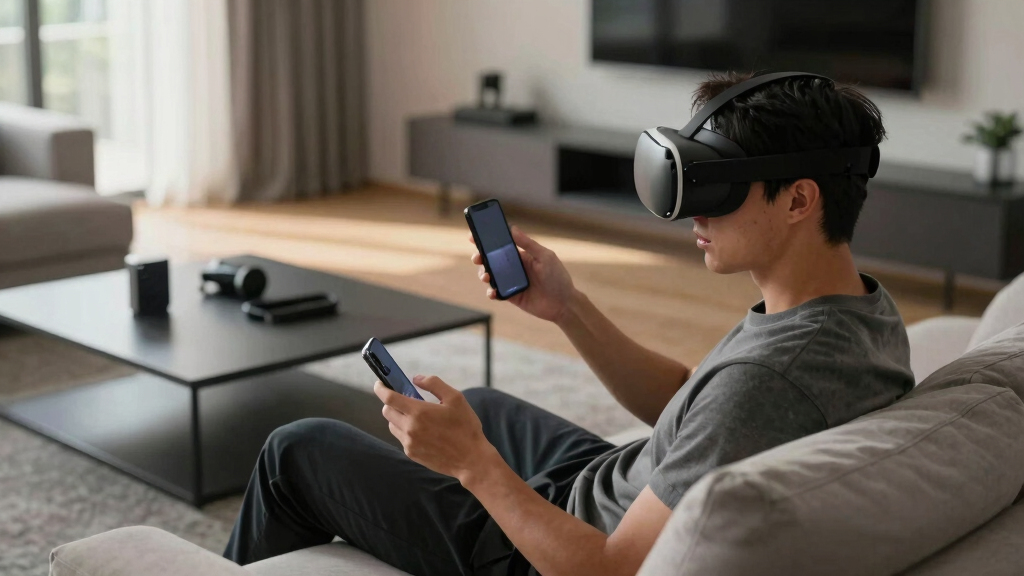
Users of Oculus Quest 2 have reported a strange bug causing unexpected device behavior. The issue is being actively investigated, with some confirmed troubleshooting steps. The development highlights ongoing challenges in VR device stability.
Users of the Oculus Quest 2 VR device have reported a mysterious bug causing unexpected behavior, such as screen flickering and device crashes. The issue appears to be widespread among some users, prompting troubleshooting efforts and discussions on Reddit’s r/SteamVR, Oculus/Meta has not yet issued an official statement, but affected users are sharing potential fixes and observations, such as Quest Pro Controller connectivity issues.
According to reports on Reddit’s r/SteamVR, a subset of Quest 2 users have experienced a bug that causes the headset’s display to flicker, freeze, or crash unexpectedly. The problem seems to occur during gameplay or app switching, with some users noting it started after recent software updates.
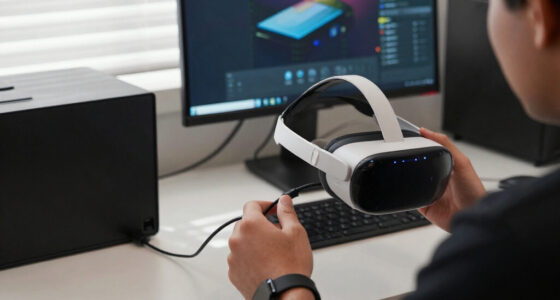
Some troubleshooting steps that have been confirmed by users include performing a factory reset, updating the device firmware, and clearing the device cache. Stuttering on Quest 2 when casting to another device can sometimes be related to these issues. Others report that disconnecting external accessories temporarily alleviates the issue. Oculus/Meta has not confirmed these steps officially but is reportedly investigating the reports.
There is no official statement from Oculus/Meta at this time, and the cause of the bug remains unconfirmed. The issue appears to be software-related, but its exact nature is still under analysis by affected users and community experts.
Potential Impact on Quest 2 Users and VR Stability
This bug highlights ongoing challenges in maintaining device stability and user experience in VR hardware. For owners of Quest 2, unresolved bugs can disrupt gameplay and diminish the device’s reliability. The issue also raises questions about the robustness of recent software updates and the company’s response time to widespread problems.
As VR adoption grows, hardware stability becomes increasingly critical. If unresolved, such bugs could impact user trust and the reputation of Oculus/Meta’s VR ecosystem. The investigation and troubleshooting efforts are crucial for restoring confidence and ensuring a smooth user experience.
As an affiliate, we earn on qualifying purchases.
Background of Quest 2 Software and User Reports
The Oculus Quest 2 has been a popular standalone VR headset since its release, with regular firmware updates to enhance features and fix bugs. Despite these updates, some users have reported various issues, including connectivity problems and display anomalies.
Recent reports on Reddit and other forums indicate a surge in complaints about a new bug causing flickering and crashes, particularly after the latest firmware update. Community members have begun sharing troubleshooting tips, and some have speculated that the issue may be related to recent software changes or hardware compatibility.
Oculus/Meta has historically responded to user reports through official channels, but specific acknowledgment of this bug has yet to occur. The community-driven troubleshooting reflects an ongoing pattern of user-led support in the absence of immediate official solutions.
“The flickering and crashing issues seem to be tied to recent firmware updates, but we need more data to confirm.”
— an anonymous researcher
As an affiliate, we earn on qualifying purchases.
Unconfirmed Causes and Official Response Status
It is not yet clear what precisely causes the bug. Theories include software conflicts, hardware issues, or a combination of both. Oculus/Meta has not officially acknowledged the problem or provided a timeline for a fix, leaving the cause and resolution uncertain.
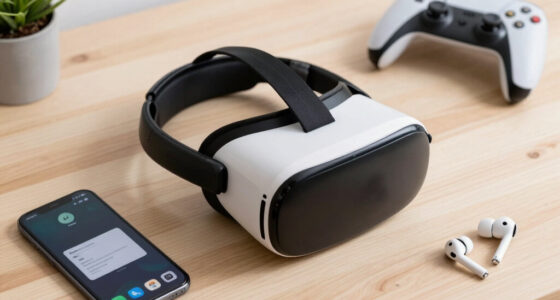
Quest 2 VR troubleshooting accessories
As an affiliate, we earn on qualifying purchases.
As an affiliate, we earn on qualifying purchases.
Expected Updates and Ongoing Investigation Efforts
Oculus/Meta is expected to monitor user reports closely and may release a software update addressing the bug. In the meantime, affected users are advised to follow troubleshooting tips shared by the community. Further official communication is anticipated in the coming weeks as more data becomes available.
VR headset cleaning and maintenance kit
As an affiliate, we earn on qualifying purchases.
As an affiliate, we earn on qualifying purchases.
Key Questions
Is the bug affecting all Quest 2 devices?
No, the bug appears to be affecting a subset of users, with reports concentrated on specific firmware versions or usage scenarios.
What are the recommended troubleshooting steps?
Users have reported that performing a factory reset, updating firmware, and disconnecting external accessories can help temporarily mitigate the issue.
Has Oculus/Meta officially acknowledged the bug?
As of now, there has been no official statement from Oculus/Meta regarding this specific bug.
Will a software update fix the bug?
It is likely that Oculus/Meta will release a firmware update to address the issue, but no specific timeline has been announced.
Should I return my Quest 2 if I experience this bug?
Affected users should try troubleshooting steps first and monitor official updates. Returning the device is not currently recommended unless the device is otherwise malfunctioning.
Source: r/SteamVR
Halloween Picks
halloween
As an affiliate, we earn on qualifying purchases.