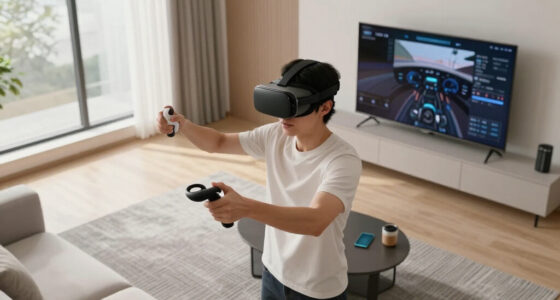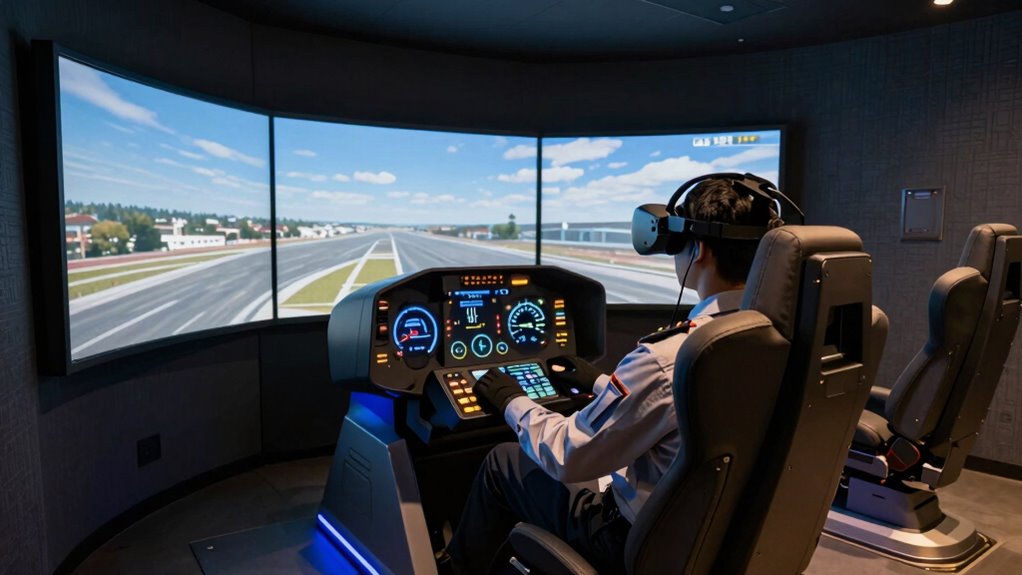
To create an immersive VR flight sim, you need a setup that considers motion, control customization, and environment integration. Unlike regular gaming, it requires a motion platform to replicate real flight movements, making you feel every pitch and turbulence. You also must tailor controls for responsiveness and comfort. Plus, ensuring hardware works seamlessly within your space enhances realism. Keep exploring, and you’ll discover how to design a setup that truly elevates your flying experience.

Play games on Amazon Luna for your next adventure, included with Prime
- A rotating selection of games, no download needed
- Play on TV, laptop or phone
- Fast, free delivery for your gear, too
Key Takeaways
- Flight Sim VR demands immersive realism, requiring specialized hardware like motion platforms for authentic physical sensations.
- Custom control configurations are essential to match individual flying styles and ensure intuitive, responsive interactions.
- Seamless hardware integration and optimal environment design are crucial for maintaining immersion and safety.
- Sustainable setup choices promote eco-friendly practices, which are often overlooked in traditional configurations.
- Creating a cohesive, well-planned environment enhances overall experience and elevates VR flight simulation beyond basic setups.

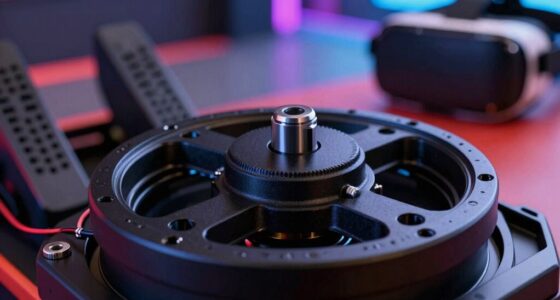
Setting up a Flight Sim VR system can considerably enhance your flying experience, but it requires careful planning and the right equipment. Unlike traditional setups, VR demands a focus on immersion, which means you need to think beyond just a good headset and a powerful PC. One of the key components to consider is a motion platform. This device replicates the movements of real flight, adding a physical sensation that makes your experience more authentic. When you incorporate a motion platform, you’re not just looking at visuals; you’re engaging your entire body, feeling the pitch, roll, and turbulence as if you’re actually in the cockpit. It’s a game-changer for realism, but it also means your setup needs to accommodate this hardware. Space, stability, and compatibility become critical factors, so plan your room layout carefully to guarantee safety and peak performance.
Control customization is another crucial aspect that sets VR flight sims apart from traditional setups. In VR, your controls need to feel intuitive and responsive, mimicking real aircraft controls as closely as possible. This isn’t just about plugging in a joystick; it’s about tailoring your control scheme to suit your flying style and comfort. You might prefer a yoke for certain aircraft or a HOTAS setup for fighters. The key is that control customization allows you to fine-tune sensitivity, button mappings, and force feedback, creating a more immersive and less frustrating experience. Since VR reduces reliance on visual cues for control, having a setup that feels natural and precise is essential for maintaining situational awareness and reducing fatigue. Additionally, considering biodiversity and sustainable practices when choosing equipment and setup materials can contribute to a more environmentally conscious hobby. Integrating eco-friendly materials into your setup can also promote sustainability and reduce your carbon footprint.
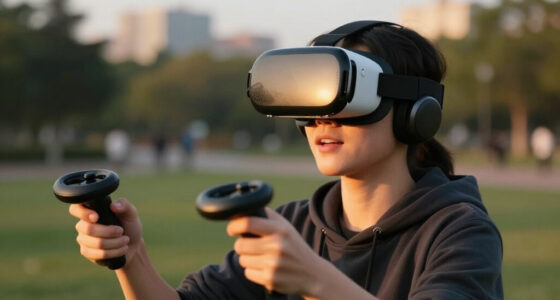
Thinking differently about your VR flight sim setup means considering how each piece of equipment interacts and enhances the overall experience. You can’t just stack the hardware and hope for the best; you need a cohesive plan that integrates your motion platform, controls, and space. It’s about creating a seamless environment where hardware complements VR visuals, providing both sight and touch. This approach not only improves immersion but also encourages environmentally responsible choices in your setup. It’s about creating a seamless environment where hardware complements VR visuals, providing both sight and touch. This approach ensures you’re fully immersed and engaged, making every flight feel authentic. Remember, a well-thought-out setup isn’t just about having the latest gear — it’s about how those pieces work together to elevate your flying skills and enjoyment. With careful planning, you’ll find that your VR flight sim transforms from a simple hobby into a truly immersive adventure.
Products Worth Considering

DJI Mic 3 Wireless Microphone System (2 Transmitters, 1 Receiver, Charging Case)

Bose QuietComfort Wireless Bluetooth Headphones with Active Noise Cancellation, Mic, USB‑C Charging, Deep Bass, 24‑Hour Battery – White Smok

Logitech MX Brio Ultra HD 4K Webcam, Graphite
As an affiliate, we earn on qualifying purchases.
Frequently Asked Questions
How Do I Optimize VR Performance for Flight Simulators?
To enhance VR performance for flight simulators, start by choosing a comfortable VR headset with good ergonomics to reduce fatigue. Upgrade your hardware, like a powerful GPU and fast CPU, to handle demanding visuals smoothly. Use dedicated flight simulator accessories, such as yokes and pedals, for realism. Adjust in-game settings, lowering resolution or detail levels if needed, and keep your drivers updated to guarantee peak performance.
What Are the Best Space Arrangements for a VR Flight Setup?
You should prioritize space ergonomics by arranging your hardware for comfort and easy access. Position your VR headset, controllers, and flight controls within comfortable reach, avoiding clutter that could hinder movement. Place your monitors and speakers strategically to reduce strain and maintain immersion. Make sure your room has enough clearance for full arm and head movement, and keep cables organized to prevent tangles or accidents, creating a suitable, immersive VR flight environment.
How Can I Reduce VR Motion Sickness During Long Flights?
You might notice that taking regular breaks helps reduce VR motion sickness during long flights. Focus on maintaining ergonomic comfort by adjusting your seat and VR headset for a snug fit, which minimizes unnecessary movement. Enhancing visual clarity with high-quality lenses and proper lighting also helps your brain process visuals better. Coincidentally, these small adjustments can make your experience smoother and more enjoyable, keeping motion sickness at bay and letting you fly longer with ease.
What Safety Precautions Should I Consider With VR Flight Setups?
You should prioritize VR headset hygiene by regularly cleaning your headset to prevent skin irritation and infections. Guarantee proper cable management to avoid tripping hazards or accidental disconnections during flights. Check that your play area is clear of obstacles, and use wrist straps if available. Also, adjust the fit of your VR headset to prevent discomfort. Taking these precautions keeps your VR flight experience safe, comfortable, and enjoyable.
How Do I Calibrate VR Controls for Realistic Flight Experience?
To calibrate your VR controls for a realistic flight experience, start by adjusting the VR controller ergonomics to fit your hand comfortably. Make sure your cockpit layout design matches real-world instruments, so controls respond naturally. Use calibration tools within your flight sim software to fine-tune sensitivity and button mappings. Test your setup by performing typical flight maneuvers, making adjustments until controls feel intuitive and precise, enhancing immersion and realism.
Conclusion
As you settle into your Flight Sim VR setup, remember it’s not just about the gear, but the harmony you create. Embrace the subtle dance between comfort and immersion, letting each adjustment be a gentle step toward your ideal cockpit. With patience and a keen eye, you’ll find the rhythm that elevates your experience, making every flight feel just right. In this delicate balance, your virtual skies become a seamless extension of your own mastery.
![[MSFS 2024] Quiet Departure From Darwin In The Ventura — Flown In VR @ 120 Fps](https://vrgearguide.com/wp-content/uploads/2026/07/msfs-2024-quiet-departure-from-darwin-in-the-ventura-flown-in-vr-120-fps-featured-560x300.jpg)