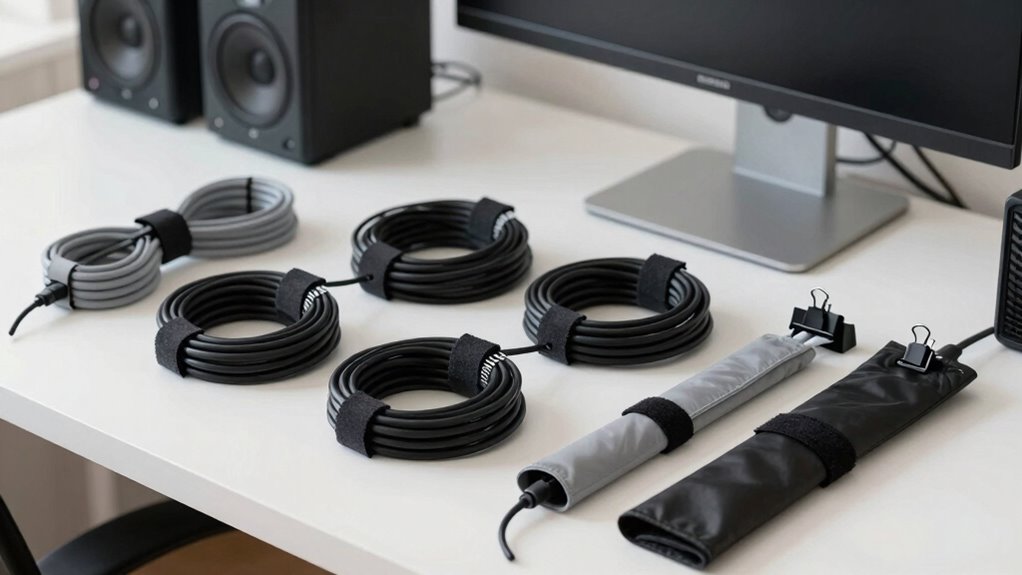

Start by evaluating your current setup and identify what cables you truly need before buying new gear. Plan your device placement and consider using cable trays, clips, or sleeves to keep cords organized. Think about future upgrades and choose flexible cables or modular accessories that can easily adapt. Strategically position outlets and surge protectors to minimize cable length and clutter. By focusing on these steps, you’ll set a foundation for a cleaner, more efficient workspace—plus, you’ll discover more tips along the way.

Play games on Amazon Luna for your next adventure, included with Prime
- A rotating selection of games, no download needed
- Play on TV, laptop or phone
- Fast, free delivery for your gear, too
Key Takeaways
- Assess existing cables and identify unnecessary or redundant ones before purchasing new equipment.
- Design a modular setup with flexible routing options for easier upgrades and reconfigurations.
- Map device placement and cable flow to optimize organization and minimize clutter.
- Use cable management accessories like trays, clips, and sleeves to keep cords tidy and accessible.
- Prioritize high-quality cables and plan for future needs to ensure durability and scalability.
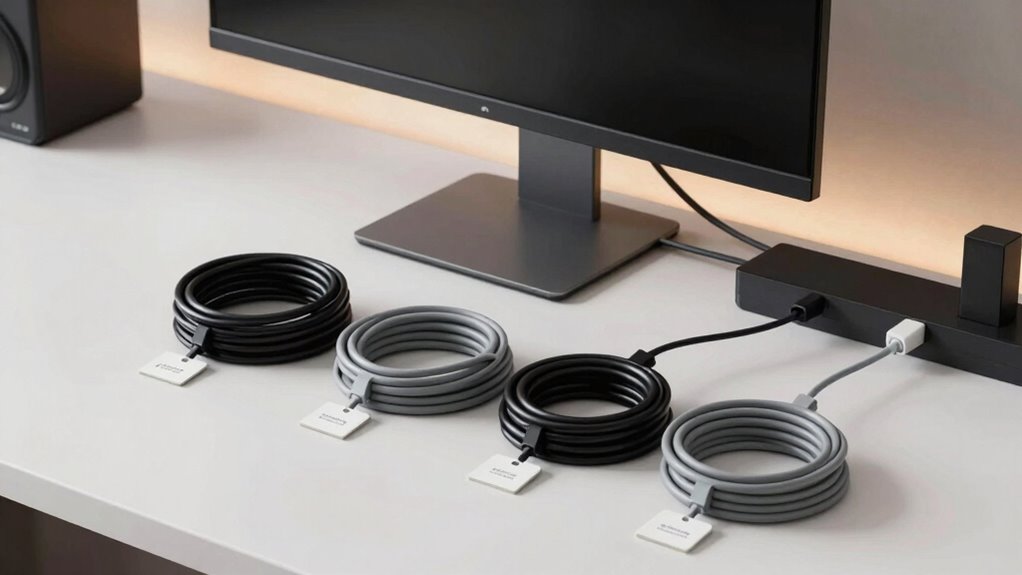
Have you ever struggled with tangled cables or found it frustrating to locate the right wire when you need it? If so, you’re not alone. Proper cable management begins long before you buy new gear. It’s about planning ahead to create a setup that’s organized, efficient, and adaptable. One of the first steps is to evaluate whether you really need all those cables or if wireless alternatives could streamline your workspace. Wireless devices, like Bluetooth keyboards, mice, and speakers, can significantly reduce clutter and make your environment easier to maintain. They also give you more freedom to rearrange or expand your setup without worrying about tangled cords.
Next, consider adopting a modular setup. This means designing your system so components can be added, removed, or replaced without disrupting the entire configuration. Modular setups often involve using detachable or flexible cable routes, which makes future upgrades smoother and less chaotic. For example, instead of running a single long cable from your computer to a monitor, you could use shorter, interconnected cables that can be swapped out or rerouted as needed. This approach also helps you avoid overbuying cables you might not need right now, saving money and reducing clutter.
Planning your cable management also involves mapping out your workspace. Think about where each device will go and how cables will flow between them. Use cable trays, clips, or sleeves to keep cords neatly aligned along desks or walls. Strategic placement of power outlets and surge protectors can minimize the length of cables running across your space, which not only looks cleaner but also reduces tripping hazards. When purchasing new gear, consider whether the equipment’s design supports easy cable routing or if you might need additional accessories to keep things tidy. Being aware of cable routing options can help you make smarter buying decisions. Additionally, understanding cable management accessories can enhance your setup and make adjustments easier over time.
To further improve your setup, researching cable management techniques can provide valuable insights into how to keep your workspace neat and functional.
You should also prioritize quality over quantity. Cheaper cables tend to fray or become less reliable faster, leading to more mess and frustration. Invest in durable, well-made cables that fit your needs and are compatible with your devices. Keep spare cables organized in a dedicated drawer or box, so you’re not scrambling for replacements when something goes wrong.
Ultimately, good cable management is about foresight. Before buying more gear, assess your current setup, explore wireless alternatives, and think about how a modular setup could simplify future upgrades. By planning ahead, you’ll create a workspace that’s not only visually clean but also more functional and adaptable. When you approach your gear purchases with this mindset, managing cables becomes an easier, less stressful task, and your technology setup remains a pleasure rather than a hassle.
cable management clips and sleeves
As an affiliate, we earn on qualifying purchases.
As an affiliate, we earn on qualifying purchases.
Frequently Asked Questions
How Do I Measure Cable Lengths Accurately?
To measure cable lengths accurately, start with length estimation by laying out your cables along your planned route. Use a flexible measuring tape or a cable ruler for precision. Label each cable with clear cable labeling to avoid confusion later. This process helps you determine the exact length needed, preventing excess or shortages. Always add a little extra to account for bends and movement, ensuring your setup remains tidy and functional.
What Tools Are Best for Cable Organization?
Did you know that using proper tools can reduce cable clutter by up to 50%? For organization, you should get cable labels to identify each cord easily. Velcro strips are excellent for bundling cables securely without damaging them. They’re reusable and adjustable, making your setup neat and manageable. Combining labels and Velcro strips helps you quickly troubleshoot, reconfigure, and maintain your cables, ensuring a clean, efficient workspace.
How Can I Prevent Future Cable Tangling?
To prevent future cable tangling, you should start with proper cable labeling so you can easily identify and manage cords. Use cord wrapping techniques like twist ties or Velcro straps to keep cables organized and prevent knots. Regularly check and adjust your setup, ensuring cords aren’t stretched or crammed. These habits, combined with thoughtful planning, help maintain a tidy, tangle-free environment and save you time when troubleshooting or adding new gear.
What Are the Cost-Effective Cable Management Options?
You can keep costs down by using simple cable management accessories like cable clips, sleeves, or ties, which are affordable and easy to install. Label your cables with inexpensive cable labeling tags to identify them quickly and avoid confusion. These solutions help organize your setup efficiently without spending much, making your workspace tidy, accessible, and preventing future tangling issues.
How Often Should I Review My Cable Setup?
You should review your cable setup every few months to maintain cable aesthetics and guarantee an ergonomic setup. Regular checks help you identify tangled or loose cables that could cause discomfort or clutter. As your gear evolves, updating your cable management keeps your workspace tidy and functional. Consistent reviews prevent issues before they escalate, ensuring your setup remains efficient, visually appealing, and comfortable for prolonged use.
As an affiliate, we earn on qualifying purchases.
Conclusion
Think of your setup as a garden—tending to your cables now keeps your space tidy and healthy. By planning your cable management before adding new gear, you’ll prevent a tangled jungle of cords that can trip you up later. With a clear plan, you’ll enjoy a smoother, more organized environment where everything has its place. Stay proactive, and your setup will flourish like a well-maintained garden, giving you space to grow without the chaos.
As an affiliate, we earn on qualifying purchases.
As an affiliate, we earn on qualifying purchases.
Fall Picks
fall essentials
As an affiliate, we earn on qualifying purchases.