
TL;DR

Play games on Amazon Luna for your next adventure, included with Prime
- A rotating selection of games, no download needed
- Play on TV, laptop or phone
- Fast, free delivery for your gear, too
A developer has designed a compact Android app to remotely control the Meta Quest recorder. This innovation offers increased portability and ease of use for VR content creators.
An independent developer has created a pocket-sized Android control panel for the Meta Quest recorder, enabling users to manage recordings remotely via a mobile device. This development aims to improve usability and portability for VR content creators and enthusiasts.
The developer built the control panel app using standard Android development tools, and it allows users to start, stop, and monitor recordings on the Meta Quest headset without needing to access the device physically. The app connects via Wi-Fi or Bluetooth, offering a more flexible way to manage VR recordings, especially during on-the-go scenarios.
According to the developer, the app was designed to be simple and lightweight, fitting into a pocket-sized Android device, such as a phone or a small tablet. The project was shared on Reddit, where community members expressed interest in similar DIY solutions for VR device management. The app is not officially endorsed or supported by Meta, and its compatibility is limited to certain versions of Android and Meta Quest firmware.
Potential Impact on VR Recording Workflow
This development could significantly streamline the workflow for VR content creators by providing a portable, easy-to-use interface for managing recordings. It reduces the need to access the headset directly, which can be cumbersome in certain environments, thus enhancing convenience and efficiency.
While the app is currently a DIY project, it highlights the potential for community-driven tools to augment official device capabilities, possibly influencing future third-party or even official Meta solutions for device management.
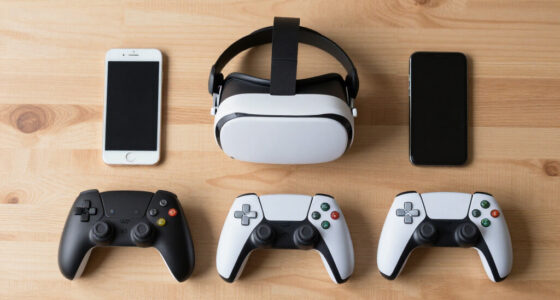
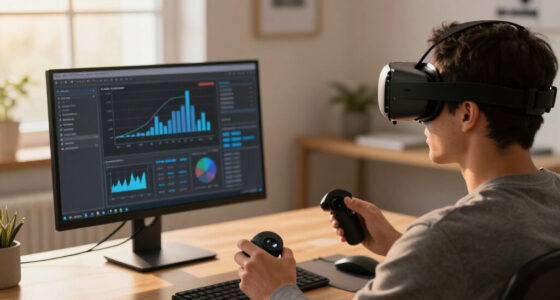
Android remote control app for VR recorder
As an affiliate, we earn on qualifying purchases.
As an affiliate, we earn on qualifying purchases.
Background of VR Recording Control Options
Meta Quest headsets have offered built-in recording features for some time, but control options are limited to the headset interface or PC-based management tools. Community members have long sought more flexible, remote control methods, especially for professional or on-the-move use cases.
This project by an independent developer builds on existing community interest, leveraging open Android development to create a portable solution. Similar DIY projects have emerged in the past, but this is among the first to offer a practical, pocket-sized control interface specifically for the Meta Quest recorder.
“I built this Android control panel to make managing recordings easier and more portable.”
— an anonymous developer
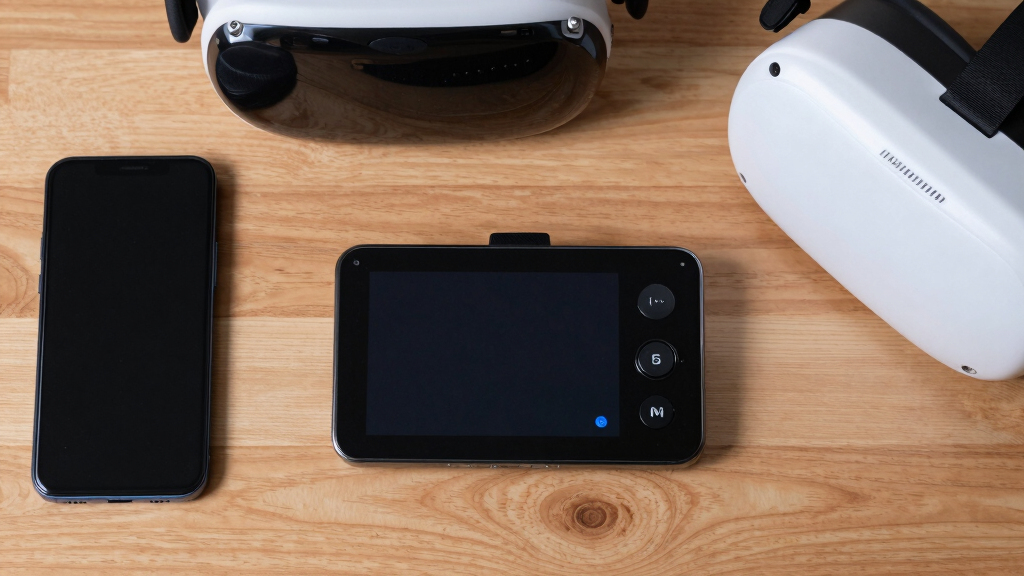
portable Android device for VR management
As an affiliate, we earn on qualifying purchases.
As an affiliate, we earn on qualifying purchases.
Limitations and Compatibility Uncertainties
It is not yet clear how stable or secure the app is in various environments, or whether Meta will take action against unofficial control tools. Compatibility is limited to certain Android versions and Meta Quest firmware, and there is no official support or guarantee of long-term functionality.
Additionally, the app’s security and privacy implications remain untested, and users should exercise caution when using unofficial software with their devices.
As an affiliate, we earn on qualifying purchases.
Potential for Official or Community-Driven Enhancements
Further development could include adding more features, improving stability, and expanding compatibility. The community may also explore similar DIY projects or collaborate on open-source solutions. Meta has not announced any official plans related to remote control apps for the Quest recorder, so the future of such tools remains uncertain.
Users interested in this project should follow updates on Reddit and related developer communities for potential improvements or official support options.
Meta Quest recorder remote control
As an affiliate, we earn on qualifying purchases.
As an affiliate, we earn on qualifying purchases.
Key Questions
Is this Android control panel officially supported by Meta?
No, this is a community-developed DIY project and is not officially supported by Meta.
What devices can run this control panel app?
The app is designed for Android devices, such as smartphones and small tablets, running compatible Android versions.
Does using this app pose security risks?
Since it is an unofficial app, security and privacy are not guaranteed. Users should exercise caution and avoid sharing sensitive data through unverified software.
Will Meta release an official remote control app?
There has been no official announcement from Meta regarding remote control apps for the Quest recorder at this time.
Can I modify or customize the app?
As a DIY project, the app may be open-source or modifiable, but users should do so only if they have the technical skills and understand the risks involved.
Source: r/OculusQuest
Fall Picks
fall essentials
As an affiliate, we earn on qualifying purchases.