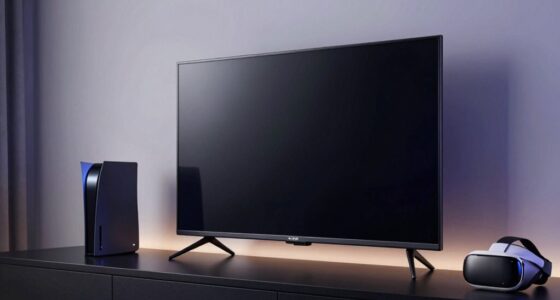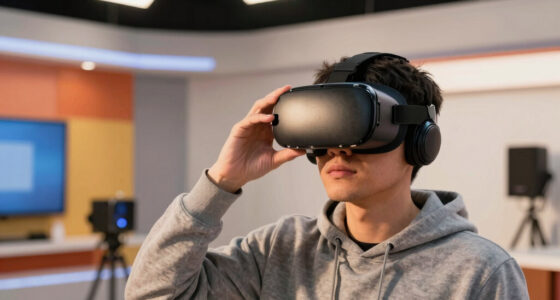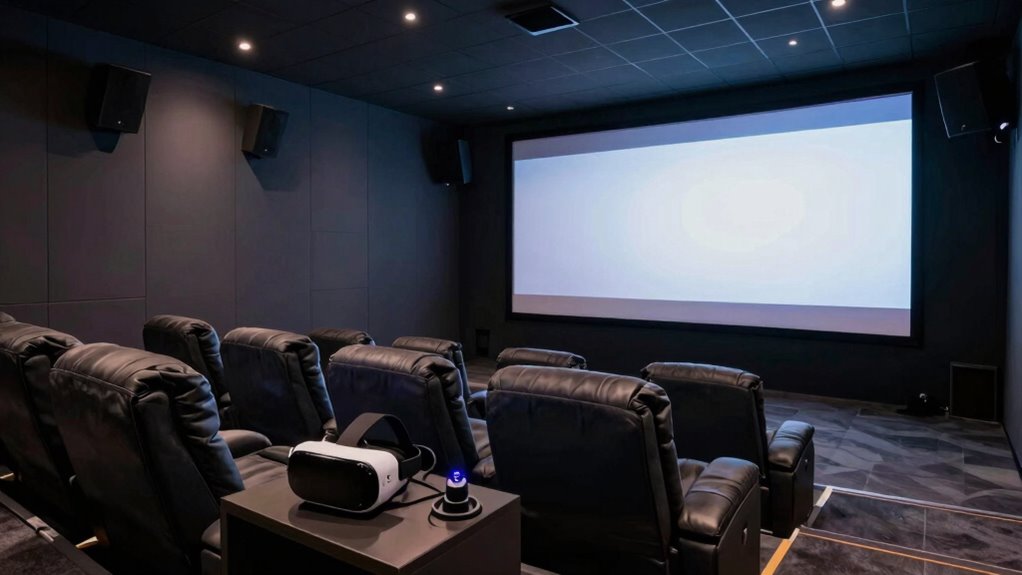
To make your home theater work with active VR, focus on balancing lighting to prevent glare and shadows, using layered, adjustable, and indirect lighting. Arrange your space to allow safe movement and avoid sensor interference, placing lights thoughtfully to reduce reflections on screens and sensors. Keep a versatile layout that easily shifts between watching movies and active VR sessions. If you want to discover more ways to optimize your setup, explore effective strategies that create a seamless experience.
Key Takeaways
- Optimize lighting with indirect, layered, and smart controls to minimize glare and shadows affecting VR sensors and screen visibility.
- Arrange furniture and equipment for safe, unobstructed movement during both movie viewing and active VR gameplay.
- Position lights to reduce reflections and glare on screens and VR sensors, enhancing visual comfort and tracking accuracy.
- Use adjustable lighting to quickly switch between ambient movie settings and active VR sessions.
- Regularly review and adjust room layout and lighting placement to prevent interference with VR technology.

Creating a dedicated home theater space can greatly enhance your VR experience, but it requires careful planning to guarantee both setups work harmoniously. When integrating a home theater with active VR use, your first focus should be on lighting optimization. You want to strike a balance so that your room isn’t too dark, which can make it hard to navigate safely, nor too bright, which can wash out your VR visuals. Installing dimmable lights or indirect lighting options allows you to adjust brightness levels easily, creating the perfect environment for both watching movies and active VR gameplay. Consider using smart lighting systems that can be controlled via apps or voice commands, enabling quick adjustments without interrupting your session. Avoid harsh overhead lights that cast shadows or cause glare on screens and VR sensors. Instead, opt for layered lighting—ambient lights for general illumination and task lighting for specific areas—so your space remains versatile and comfortable. Proper lighting optimization can also help prevent interference with VR sensors and improve overall immersion. Additionally, incorporating visual comfort principles can reduce eye strain during extended sessions, making your setup more user-friendly. To further enhance the experience, consider the placement of light sources to minimize reflections and glare that could impact both your viewing and VR activities. Implementing proper room layout strategies ensures that your space facilitates easy movement and safety during active use, seamlessly blending entertainment and active gameplay. Moreover, paying attention to space planning helps optimize the environment for both comfort and safety during intense VR sessions.
dimmable smart LED lighting for home theater
As an affiliate, we earn on qualifying purchases.
As an affiliate, we earn on qualifying purchases.
Frequently Asked Questions
How Do I Prevent VR Motion Sickness in a Home Theater?
To prevent VR motion sickness, focus on maintaining proper VR posture and ensuring accurate motion calibration. Sit or stand comfortably, keeping your head and neck aligned to reduce strain. Regularly calibrate your VR system to match your movements precisely, avoiding disorientation. Take breaks often, especially if you start feeling dizzy. Staying relaxed and minimizing rapid head movements also help keep motion sickness at bay during your home theater VR sessions.
What Lighting Adjustments Are Best for VR Gaming?
You should prioritize soft ambient lighting with warm color temperatures, ideally around 2700K to 3000K. Studies show that warm lighting reduces eye strain and enhances comfort during VR gaming. Avoid harsh, bright lights that cause glare or reflections on screens. Dimmer switches help you adjust lighting levels easily, creating a cozy environment. Proper lighting not only improves immersion but also minimizes motion sickness, keeping your VR experience smooth and enjoyable.
How Much Space Is Needed for Active VR in a Home Theater?
You’ll need at least 6.5 to 10 feet of clear space in your room for active VR, depending on the headset’s requirements. Focus on optimizing your room layout by placing furniture away from the play area to prevent obstructions. Make certain there’s enough room for safe movement, and arrange furniture to keep pathways clear. Proper furniture placement maximizes your VR experience without risking collisions or discomfort.
Can I Integrate Sound Systems for Both VR and Movies?
Yes, you can integrate sound systems for both VR and movies. Use wireless audio to simplify setup and avoid cables cluttering your space. Proper speaker placement is key; position speakers to create an immersive experience without interfering with VR movement. Adjust sound settings for seamless shift between VR and movie modes, ensuring clear, balanced audio whether you’re immersed in virtual reality or enjoying a film on your home theater setup.
What Safety Precautions Should I Consider During VR Use?
A stitch in time saves nine. During VR use, prioritize safety by maintaining good VR posture and ensuring your play area is clear of obstacles. Adjust controller ergonomics for comfort to prevent strain. Take regular breaks to avoid fatigue, and stay aware of your surroundings to prevent accidents. Always follow manufacturer guidelines, and consider using wrist straps to prevent controller drops, keeping your VR experience safe and enjoyable.
indirect adjustable lighting for VR setup
As an affiliate, we earn on qualifying purchases.
As an affiliate, we earn on qualifying purchases.
Conclusion
Imagine stepping into your home theater, the glow of the screen blending seamlessly with your VR headset’s immersive world. By carefully balancing space and comfort, you create a sanctuary where cinematic magic and virtual adventures coexist. Feel the thrill of switching from a movie to an active VR game, your surroundings adapting effortlessly. With thoughtful planning, your space transforms into a dynamic playground—where every moment is an exciting blend of real and virtual, just waiting for you to explore.
home theater ambient lighting system
As an affiliate, we earn on qualifying purchases.
As an affiliate, we earn on qualifying purchases.
VR sensor glare reduction lighting
As an affiliate, we earn on qualifying purchases.
As an affiliate, we earn on qualifying purchases.