To prevent motion sickness from ruining your VR experience, start with shorter sessions and gradually increase duration as your body adjusts. Make sure your headset fits comfortably and is properly calibrated to reduce eye strain and discomfort. Stay well-hydrated, avoid heavy meals beforehand, and practice mindful breathing to stay relaxed. Use comfort settings like teleportation instead of walking. If you want to discover more tips on staying comfortable during VR, keep exploring.

Get VR and gaming gear delivered free — and shop member deals
- Fast, free delivery on millions of items
- Access to Prime Big Deal Days deals on October 6–7
- Prime Video, Amazon Music and more included
Key Takeaways
- Start with short, gentle VR sessions and gradually increase duration to build tolerance.
- Use comfort settings like teleportation and ensure proper headset calibration for stability.
- Stay hydrated, avoid heavy meals before VR, and consider ginger supplements if appropriate.
- Take regular breaks and listen to your body’s signals to prevent discomfort from escalating.
- Maintain a stable environment with good lighting and minimize distractions to reduce sensory overload.
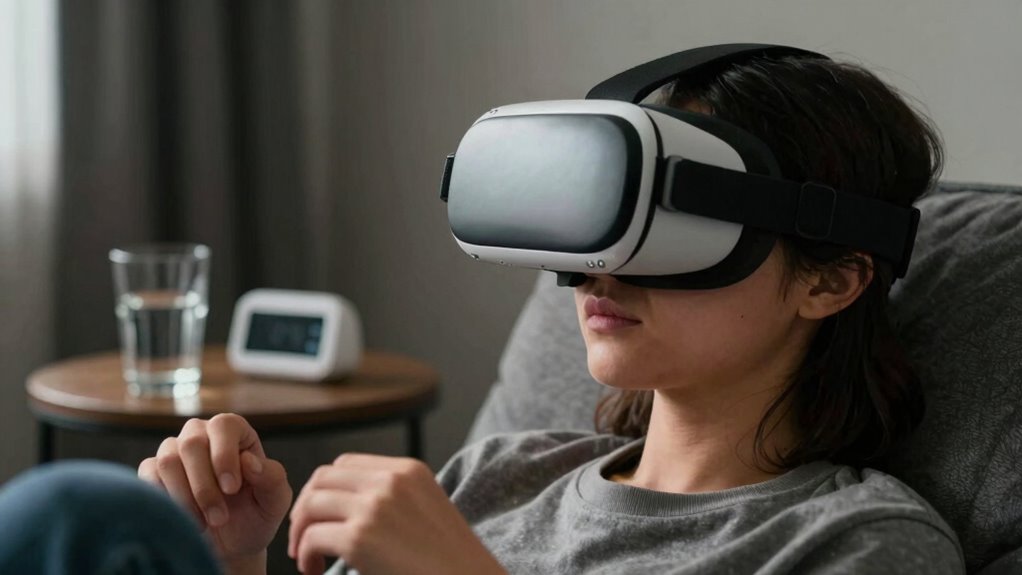
If you’re prone to motion sickness, it can turn travel into a challenging experience, but there are effective strategies to manage it, especially when it comes to virtual reality (VR). VR ergonomics play a crucial role in preventing discomfort, so paying attention to how you set up your device can make a big difference. Make sure your headset fits comfortably and securely, without putting undue pressure on your face or head. Properly aligning the display with your eyes reduces eye strain, which is often linked to nausea. Also, take breaks frequently—don’t push through long sessions if you start feeling uneasy. Short, frequent VR experiences are more manageable and help your body adapt gradually.
Nausea prevention techniques are essential to enjoy VR without feeling sick afterward. Start with mild content that doesn’t involve rapid movements or intense visuals, which can trigger nausea. As you get used to the virtual environment, you can gradually increase the complexity or duration. Staying hydrated and avoiding heavy meals before VR sessions can help prevent nausea as well. Some people find that ginger supplements or candies can ease stomach upset, but always check with a healthcare provider first. It’s also helpful to keep your body still and avoid sudden head movements, which can upset your equilibrium and lead to motion sickness. Additionally, understanding your body’s signals and respecting its limits is vital for a safe and enjoyable experience. Incorporating ergonomic adjustments into your setup can also reduce the likelihood of discomfort and enhance overall comfort during VR use. Proper calibration of the system can further improve your comfort, ensuring the virtual environment aligns well with your physical movements.
Positioning yourself correctly in VR settings is another key to nausea prevention. Sit in a comfortable, stable chair if possible, and keep your head in a natural, relaxed position. If your VR system allows, adjust the field of view or enable comfort settings like teleportation movement instead of smooth walking, which reduces disorientation. Ensuring your virtual environment is optimized for comfort and minimal motion can significantly decrease nausea symptoms. Additionally, ensure your play area is well-lit and free of distractions, so your brain isn’t overwhelmed trying to process conflicting signals. Incorporating proper calibration can help your VR system better match your physical movements, further reducing discomfort. Practicing deep, steady breathing during your session can also help calm your nervous system and reduce nausea symptoms if they start to creep in. Being aware of your physical cues and adjusting your session accordingly can prevent escalation of symptoms.
Ultimately, understanding your body’s signals and respecting its limits are vital. Don’t ignore early signs of discomfort; instead, pause and take a break. Over time, with attention to virtual reality ergonomics and nausea prevention techniques, you’ll find it easier to enjoy immersive experiences without the unpleasant side effects of motion sickness. Remember, patience is key—your body needs time to adapt, and small, mindful steps make a big difference in preventing VR-induced nausea.
As an affiliate, we earn on qualifying purchases.
Frequently Asked Questions
Can Certain Medications Prevent VR Motion Sickness?
Certain medications can help prevent VR motion sickness, but their effectiveness varies. Antihistamines like meclizine or dimenhydrinate are often used as prevention strategies because they reduce nausea and dizziness. However, you should consult your doctor before trying any medication, as side effects are possible. Keep in mind that medications may not fully eliminate symptoms, so combining them with other prevention strategies, like taking breaks, is usually the best approach.
Does Age Influence Susceptibility to VR Motion Sickness?
Age factors do influence your susceptibility to VR motion sickness, with younger users often experiencing fewer issues compared to older individuals. As you age, your vestibular system and sensory processing can become more sensitive, increasing susceptibility differences. However, everyone’s response varies, so it’s important to listen to your body. Adjusting VR settings, taking breaks, and gradually increasing exposure can help you enjoy VR regardless of age.
Are There Specific VR Games More Likely to Cause Nausea?
Some VR games are notorious for causing nausea, especially those with intense visuals and rapid movements. They trigger vestibular conflict—your visual cues suggest motion while your inner ear disagrees—making you feel queasy. Fast-paced shooters or action games often push this boundary. If you want to avoid nausea, opt for titles with stable visuals and minimal motion. Remember, your brain’s attempt to reconcile conflicting signals is the real culprit, not your gaming skills.
How Long Should I Start With VR Sessions?
Start with short VR sessions, around 10 to 15 minutes, to prioritize your VR comfort and allow your body to adapt gradually. As you experience less motion sickness, you can extend sessions by 5 to 10 minutes each time. This approach helps with motion adaptation, reducing nausea over time. Pay attention to how you feel, and don’t push yourself too hard early on—your comfort is key.
Can Diet or Hydration Affect Motion Sickness in VR?
Yes, your diet and hydration can influence VR motion sickness. Diet modification, such as avoiding heavy or greasy foods before VR sessions, can help reduce discomfort. Hydration strategies are also key—drinking enough water keeps your inner ear and brain balanced, minimizing nausea. Staying well-hydrated and eating light meals can make a noticeable difference, helping you enjoy VR without the unpleasant side effects of motion sickness.
As an affiliate, we earn on qualifying purchases.
Conclusion
By applying these tips, you can tame the tempest of motion sickness and keep your VR adventures sailing smoothly. Remember, it’s all about finding your balance and listening to your body—like a skilled sailor adjusting to the ever-changing winds. Don’t let nausea anchor your excitement; instead, navigate your virtual seas with confidence. With patience and practice, you’ll turn choppy waters into a calm voyage, so every session feels like an exhilarating breeze, not a storm.
As an affiliate, we earn on qualifying purchases.
As an affiliate, we earn on qualifying purchases.
Fall Picks
fall essentials
As an affiliate, we earn on qualifying purchases.