
To make VR more accessible, look for adjustable headsets that offer personalized comfort through strap, tilt, and weight distribution options. Customize control schemes with button remapping or voice commands to fit your needs, and choose features that reduce motion sickness like teleportation and static camera views. Visual and audio enhancements, such as high contrast, text size, and spatial sound, improve clarity and immersion. Easy setup and calibration guarantee a smooth experience—continue exploring for even more tips to enhance your VR comfort.
Key Takeaways
- Adjustable headset designs with customizable straps and ear cups improve fit and reduce discomfort during extended use.
- Visual and audio customization options enhance clarity and immersion for users with impairments or sensitivities.
- Control schemes like voice commands, eye tracking, and button remapping accommodate diverse mobility needs.
- Features such as motion management tools and fixed camera options prevent disorientation and motion sickness.
- Guided setup, automatic calibration, and intuitive interfaces simplify the initial experience, promoting broader accessibility.
Adjustable Headset Designs for Personal Comfort

Adjustable headset designs are essential for ensuring personal comfort during extended VR sessions. When you wear a headset that fits well, you’re less likely to experience pressure points, discomfort, or headaches. Many headsets allow you to modify the strap length, ensuring a snug but comfortable fit. Some models feature adjustable tilting or swiveling ear cups, so you can find the most comfortable position for your ears. Ensuring proper weight distribution prevents neck strain, which is especially important during long play or training sessions. Breathable materials and padding also make a significant difference by reducing sweat buildup. Incorporating style considerations such as sleek designs and customizable options can also enhance user comfort and appeal. Additionally, selecting a headset with durable, high-quality materials ensures it remains comfortable and functional over time. Considering ergonomic design principles can further improve long-term comfort and reduce fatigue. By choosing a headset with these adjustable features, you can enjoy immersive experiences without sacrificing comfort, making VR accessible and enjoyable for everyone.
Customizable Control Schemes for Different Needs
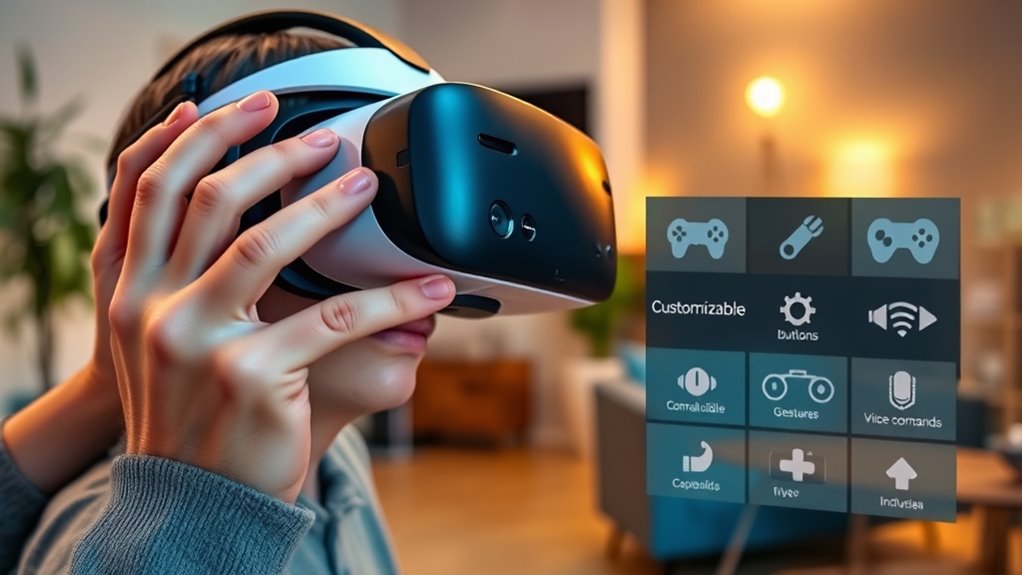
When it comes to making VR accessible for everyone, tailoring control schemes plays a vital role. You can customize controls to match your physical abilities, ensuring a smoother experience. For example, some games let you remap buttons or use alternative inputs like voice commands or eye tracking. This flexibility helps reduce frustration and makes gameplay more intuitive. You might prefer a simplified control scheme if you have limited mobility, or advanced options if you want more precision. Here’s a quick overview:
| Control Type | Suitable for |
|---|---|
| Button remapping | Users with limited finger mobility |
| Voice commands | Those with difficulty using controllers |
| Eye tracking | Players with mobility constraints |
Additionally, adaptive technology can further enhance accessibility by providing tailored solutions that accommodate diverse needs. Incorporating custom control schemes ensures that VR experiences are inclusive and enjoyable for a broader range of users. Moreover, understanding user preferences is essential to designing effective accessibility options that cater to individual requirements. Including assistive devices can also support users with specific disabilities, making VR more universally accessible. Recognizing individual needs allows developers to create more personalized and effective accessibility features.
Features to Minimize Motion Sickness and Disorientation

Motion sickness and disorientation can considerably hinder your VR experience, but developers are incorporating features to alleviate these issues. One common approach is implementing smooth, low-latency tracking to ensure the visuals stay aligned with your movements. You’ll also find options like static or fixed cameras that reduce motion blur and disorienting effects. Some systems offer field-of-view adjustments or vignette effects that narrow your view during rapid movements, easing sensory overload. Additionally, teleportation or snap-turning features help you move around without experiencing jarring motion, minimizing nausea. These tools give you greater control over your experience, making VR more comfortable. By reducing disorientation and motion sickness, these features help you stay engaged and enjoy VR content for longer periods.
Voice Command Integration for Hands-Free Navigation

Voice command integration takes the VR experience a step further by allowing you to navigate and control environments hands-free. With this feature, you can simply speak commands to move through menus, select options, or access specific features without using controllers. This is especially helpful if you have limited mobility or find traditional inputs challenging. Voice commands can be customized to fit your needs, making interactions more intuitive and accessible. You won’t need to pause your experience or struggle with button presses, which reduces frustration and fatigue. By enabling smooth, voice-activated control, VR becomes more inclusive, allowing you to focus on immersion and enjoyment without being hindered by physical limitations. Additionally, integrating smart voice assistants can enable seamless control across various devices and platforms, enhancing overall accessibility. This feature helps make virtual reality more accessible and user-friendly for everyone, especially when voice recognition technology is used to improve accuracy and responsiveness. Furthermore, advances in adaptive interface design are helping to tailor VR environments to individual user needs, fostering a more comfortable and personalized experience. Incorporating context-aware systems can further improve responsiveness by adjusting interactions based on the user’s environment and preferences. These innovations contribute to a more inclusive VR experience, ensuring that a wider range of users can enjoy immersive digital worlds comfortably.
Visual Accessibility Options for Better Clarity

You can improve your VR experience by adjusting visual settings for better clarity. Enhanced color contrast helps you distinguish objects more easily, while customizable text and icon sizes make information more accessible. These options guarantee you see everything clearly without straining your eyes. Additionally, implementing visual accessibility options can further reduce eye fatigue and create a more comfortable viewing experience. Exploring display customization features can help tailor the visual environment to your specific needs, enhancing overall comfort. Adjusting refresh rates can also minimize motion blur, making visuals smoother and easier to interpret during fast-paced activities.
Enhanced Color Contrast Settings
Enhanced color contrast settings play a crucial role in making virtual environments more accessible by improving visual clarity. When you adjust contrast, you help distinguish objects and backgrounds more easily, reducing eye strain and enhancing focus. This is especially helpful if you have visual impairments or sensitivity to certain color combinations. By customizing contrast levels, you can create a clearer, more comfortable experience that minimizes confusion and fatigue. Many VR platforms allow you to tweak these settings quickly, ensuring better visibility in complex or detailed scenes.
- Easily identify objects and UI elements
- Reduce visual fatigue during long sessions
- Customize settings to match your specific needs
Adjustable Text and Icon Sizes
Adjustable text and icon sizes considerably enhance visual accessibility by allowing you to customize your viewing experience. When text and icons are too small, they can be difficult to read or identify, causing frustration and eye strain. By increasing their size, you make content more legible and easier to navigate, especially if you have visual impairments or fatigue. Many VR systems include settings that let you quickly modify these elements on the fly, so you can find the most comfortable and clear display without disrupting your immersion. This feature helps ensure that information remains accessible throughout your experience, reducing the need for external tools or frequent adjustments. Free floating elements in a VR environment can sometimes interfere with clarity, so adjustable sizes help mitigate this issue. Ultimately, customizable sizes make VR more inclusive, comfortable, and user-friendly for everyone.
Enhanced Audio Features for Improved Immersion
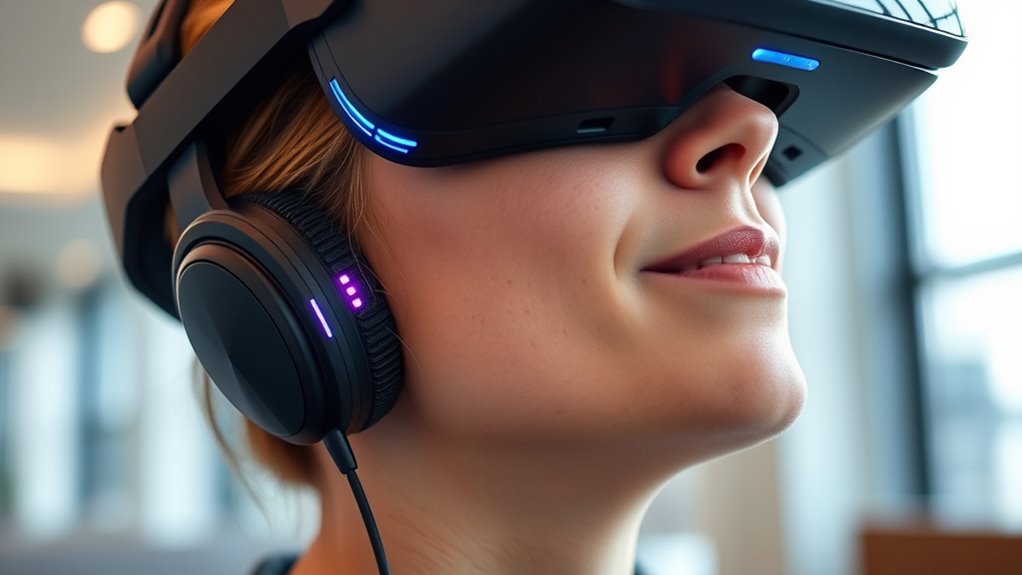
When it comes to creating truly immersive virtual reality experiences, audio plays a crucial role in grounding you and enhancing realism. Enhanced audio features can help you better locate sounds, making interactions feel more natural and accessible. Features like spatial audio adapt to your head movements, providing a three-dimensional sound environment. You might also experience customizable sound profiles, allowing you to amplify specific frequencies or reduce background noise. Additionally, binaural audio simulates how humans perceive sound directions, increasing immersion and clarity. These enhancements make VR more inclusive, especially for those with hearing impairments. Attention to detail and unique textures in audio design, similar to visual decor, can significantly elevate the user experience. Experience sounds that come from specific directions, just like real life. Adjust audio settings easily for comfort and clarity. Use binaural sound to improve spatial awareness, making virtual environments feel more tangible and intuitive. Incorporating adaptive sound technology ensures that audio remains clear and comfortable regardless of user preferences or environmental changes.
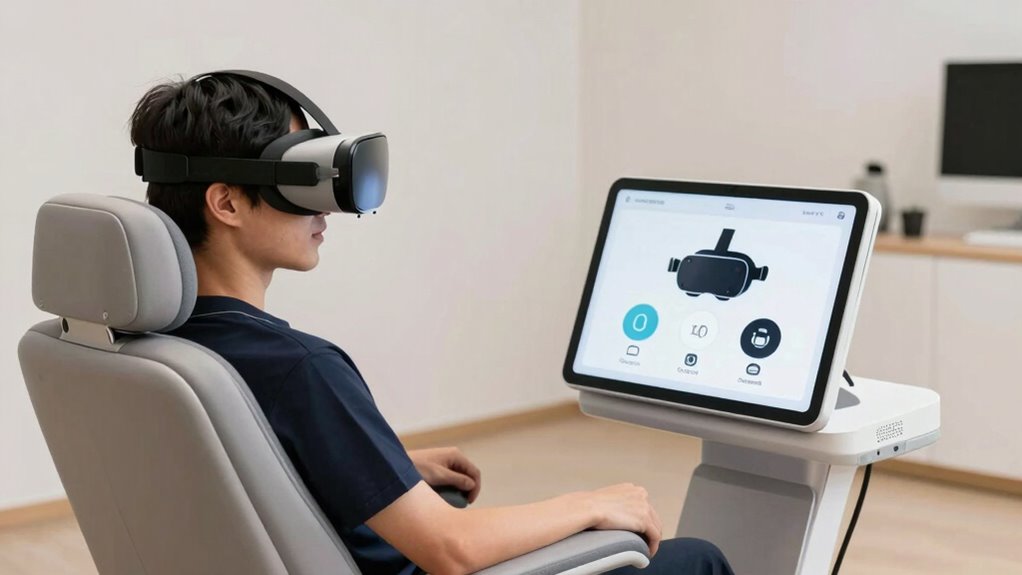
User-Friendly Setup and Calibration Processes

Setting up and calibrating a VR system should be straightforward to guarantee a smooth and enjoyable experience from the start. When the process is simple, you’re more likely to get comfortable quickly and avoid frustration. Many systems now include guided tutorials and automatic calibration features that walk you through each step. These tools adjust the headset fit, tracking, and display settings with minimal effort. Clear instructions and intuitive interfaces make it easier for users of all abilities to get started. By reducing technical barriers, you can focus on the experience itself rather than troubleshooting. A user-friendly setup also encourages newcomers to explore VR without feeling overwhelmed. When calibration is quick and hassle-free, VR becomes accessible and inviting for everyone. Additionally, understanding the thermal behavior of VR hardware can help optimize comfort and prevent overheating during extended use. Proper ventilation and cooling strategies can also enhance safety and comfort during prolonged sessions. Incorporating plant-based remedies for cooling can further improve comfort by reducing heat discomfort. Moreover, implementing automatic calibration features can significantly streamline the setup process, making VR more approachable for first-time users.
Frequently Asked Questions
How Do VR Accessibility Features Vary Across Different Headset Brands?
You’ll find that VR accessibility features differ across headset brands, often reflecting their target audiences. For example, Oculus offers customizable fit options and voice commands, while HTC Vive provides adjustable eye relief and high-contrast modes. Sony’s PlayStation VR focuses on simplified controls and visual aids. Some brands also include haptic feedback and subtitles, making VR more inclusive. Exploring each headset’s specific features helps you choose the best fit for your needs.
Are There Compatibility Issues With Existing Assistive Devices?
You might encounter compatibility issues with existing assistive devices when using VR headsets. Not all devices seamlessly integrate with every VR system, which can lead to connectivity problems or limited functionality. To avoid frustration, check the compatibility details provided by manufacturers before purchasing or using your assistive devices. Sometimes, you’ll need adapters or specific software updates to guarantee everything works smoothly, making your VR experience more accessible.
Can Accessibility Options Be Customized for Users With Cognitive Disabilities?
Yes, accessibility options can be customized for users with cognitive disabilities. For example, you might enable simplified menus or visual cues tailored to individual needs. Imagine a user with memory challenges steering through a VR environment more comfortably because the interface offers step-by-step guidance. By customizing settings like audio prompts or visual aids, you make VR more inclusive, ensuring users with cognitive disabilities can enjoy immersive experiences just like everyone else.
How Often Are New Accessibility Updates Released for VR Platforms?
New accessibility updates for VR platforms are released regularly, often every few months. Developers actively work to improve user experience, so keep an eye on software updates and announcements. You can also subscribe to platform news or follow their social media channels for the latest features. Staying current guarantees you benefit from the newest comfort options and accessibility tools, making your VR experience more inclusive and enjoyable.
What Training Is Available for Users to Maximize Accessibility Features?
You can access a wide range of training resources to maximize accessibility features in VR, from tutorials and online courses to in-app guides. These resources are so thorough, they’re like having a personal trainer for your VR experience. Many platforms also offer community forums and customer support, so you can get expert advice and tips. Take advantage of these tools to enable the full potential of accessibility features and enjoy a more inclusive VR experience.
Conclusion
By exploring adjustable headsets, customizable controls, and features that reduce motion sickness, you can make VR more comfortable and accessible. Voice commands and visual options help you navigate easily, while enhanced audio boosts immersion. With user-friendly setup, you’re more likely to enjoy VR without frustration. Research shows that personalized comfort options substantially increase user engagement, so trying out these features can truly enhance your VR experience. Embrace these innovations, and you’ll find VR more enjoyable and accessible for everyone.