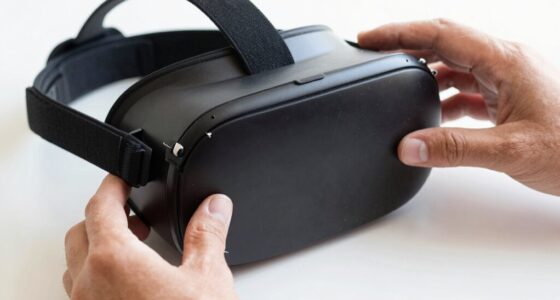
To share a VR headset safely, make sure to clean it thoroughly before and after each use with disinfectant wipes, focusing on contact points and lenses. Use disposable or reusable face covers to prevent skin contact, and encourage hand hygiene before handling the device. Avoid sharing when anyone feels sick, and store the equipment in a clean, protected place. Follow consistent routines to keep everyone safe and comfortable—learn more about easy hygiene tips to keep your VR experience enjoyable.
Key Takeaways
- Clean contact surfaces, face padding, and lenses thoroughly before and after each use with disinfectant wipes or microfiber cloths.
- Use disposable or reusable face covers, ensuring proper cleaning and drying after each session.
- Wash hands or sanitize before handling the headset and controllers to prevent germ transfer.
- Store the headset in a clean, dry case and establish a routine cleaning and sharing schedule.
- Avoid sharing the headset when feeling sick and wait until symptoms resolve to minimize infection risk.
Clean the Headset Before and After Use

To guarantee a safe and hygienic VR experience, it’s important to clean the headset both before and after each use. Start by wiping down all contact surfaces, including the face padding and straps, with a disinfectant wipe or a cloth dampened with a gentle cleaning solution. Pay special attention to areas that touch your skin directly. Remove any visible dirt, sweat, or smudges to prevent bacteria buildup. Don’t forget to clean the lenses carefully with a microfiber cloth to avoid scratches. Regular cleaning reduces the risk of skin irritation and infections. Make it a habit to disinfect the headset thoroughly after each session, especially when sharing with others, to ensure everyone’s safety and comfort during future uses. Incorporating energy-efficient maintenance practices can also help extend the lifespan of your equipment and promote sustainability.
Use Disposable or Reusable Face Covers

Using disposable face covers can make sharing a VR headset more hygienic and convenient, as they eliminate the need for cleaning between users. Reusable covers save money over time but require proper cleaning and maintenance to stay sanitary. Consider your preferences and hygiene needs when choosing between disposable and reusable options. Ensuring a clean indoor environment with good air quality can further reduce the risk of germs and allergens spreading during shared use. Incorporating hygienic practices such as hand hygiene and proper storage can enhance safety during shared VR experiences. Additionally, understanding the role of the Sun in Earth’s climate can help create a comfortable environment that minimizes dust and allergens. Proper ventilation and air circulation can also help maintain a healthier shared space.
Disposable Cover Benefits
Have you considered how disposable face covers can simplify your VR headset hygiene routine? They offer a quick, convenient way to keep things sanitary without extra cleaning steps. You just slip one on before using the headset, ensuring a fresh barrier every time. Disposable covers eliminate the need for disinfectants or cleaning cloths, saving you time and effort. They’re also hygienic for multiple users because each person gets a new cover, reducing the risk of germs spreading. Plus, they’re lightweight and easy to carry, making them ideal for shared environments or public setups. With disposable covers, you can prioritize safety without sacrificing convenience, encouraging more frequent VR use while maintaining proper hygiene standards. They’re a practical choice for anyone who values simplicity and cleanliness. Additionally, using disposable materials for covers can further enhance their effectiveness in maintaining hygiene standards. Incorporating hygiene practices such as proper cover disposal and storage can help prevent cross-contamination and ensure a safer experience for everyone. Recognizing the importance of infection control can help users adopt better hygiene habits during shared device use.
Reusable Cover Maintenance
Maintaining reusable VR headset covers requires regular cleaning to guarantee hygiene and prolong their lifespan. After each use, remove the cover and wash it according to the manufacturer’s instructions—typically with soap and water or in a washing machine. Confirm it’s completely dry before reusing to prevent mold or bacteria growth. Check for signs of wear or damage, replacing covers when they become torn or worn out. Store the covers in a clean, dry place to avoid contamination. Regular maintenance not only keeps the VR experience hygienic but also extends the cover’s usability. Proper storage and handling are essential to prevent contamination and ensure the covers remain effective. Additionally, understanding pool hygiene practices can help inform better handling procedures for reusable covers. Using proper cleaning techniques can further enhance the effectiveness of your maintenance routine. Incorporating disinfection procedures regularly can help eliminate any lingering germs and safeguard users. For added assurance, consider implementing hygiene protocols to standardize cleaning practices across users. If you prefer a more straightforward approach, consider switching to disposable covers for each session, but reusable covers are eco-friendly and cost-effective when properly cared for.
Encourage Hand Hygiene and Sanitize Regularly
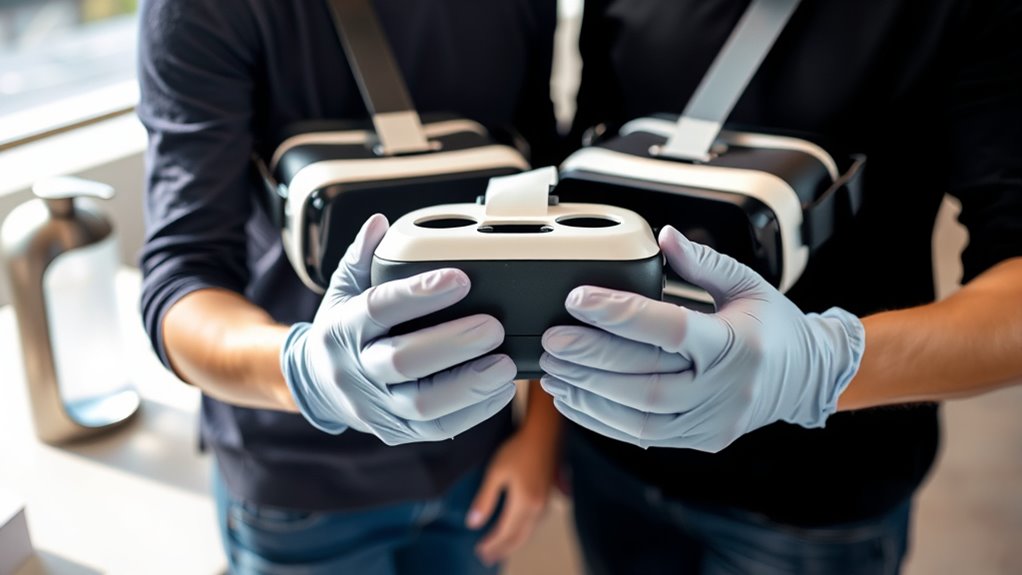
Make sure you wash your hands thoroughly before using the headset to reduce germs. Regularly sanitize the equipment between users to keep it clean and safe. Proper cleaning procedures are essential for maintaining a hygienic environment and preventing the spread of germs, especially when multiple people share the same device. Incorporating gelato-inspired hygiene tips can make the process more engaging and memorable. These simple steps help prevent the spread of germs and protect everyone involved. Additionally, utilizing automatic cleaning and disinfection features found in some smart devices can further enhance safety and ease maintenance. Understanding affiliate disclosure policies can also encourage responsible sharing practices among users. Taking care of water chemistry and ensuring proper sanitation practices are also crucial in maintaining overall hygiene standards.
Wash Hands Before Use
Before putting on a VR headset, it’s essential to wash your hands or use sanitizer to reduce the risk of spreading germs. Clean hands help prevent the transfer of bacteria and viruses to the equipment and other users. Make it a habit to wash your hands thoroughly with soap and water for at least 20 seconds before handling the headset. If soap and water aren’t available, use an alcohol-based sanitizer with at least 60% alcohol. Avoid touching your face or other surfaces after cleaning your hands until you’ve put on the headset. Proper hand hygiene is a simple but effective way to keep everyone safe and minimize the spread of germs during shared VR experiences. Always prioritize clean hands before engaging with the equipment.
Sanitize Equipment Frequently
To guarantee a safe and hygienic VR experience, you should sanitize the headset and controllers regularly, especially after each use. Use disinfectant wipes or sprays that are safe for electronics to clean all surfaces that come into contact with your skin. Pay close attention to the straps, face padding, and controllers, as these areas are hotspots for germs. Remove any visible dirt or sweat, and allow the equipment to dry completely before storing or sharing. Incorporate hand hygiene by washing your hands thoroughly before and after VR sessions to reduce the transfer of germs. Regular sanitization minimizes the risk of infections and keeps the equipment in good condition, ensuring everyone can enjoy VR safely and comfortably. Additionally, understanding auditory processing can help identify any sensory sensitivities that might affect comfort during extended use. Implementing proper disinfection protocols is essential for maintaining a hygienic environment and preventing the spread of germs between users. Proper equipment maintenance also extends the lifespan of your VR gear and ensures optimal performance. Establishing a consistent cleaning schedule can further streamline this process and make hygiene routines an easy part of your VR sessions.
Avoid Sharing Headsets During Illness or Symptoms

Sharing a VR headset when you’re feeling sick or have symptoms increases the risk of spreading germs and infections. If you’re unwell, it’s best to avoid sharing the device until you’re fully recovered. Your symptoms, like coughing, sneezing, or congestion, can easily transfer bacteria and viruses to others. To protect yourself and others:
- Wait until you’re symptom-free before sharing the headset.
- Encourage sick users to use personal hygiene measures, like handwashing.
- Remind everyone that sharing while ill can prolong illnesses and spread infections.
Store the VR Equipment Properly When Not in Use
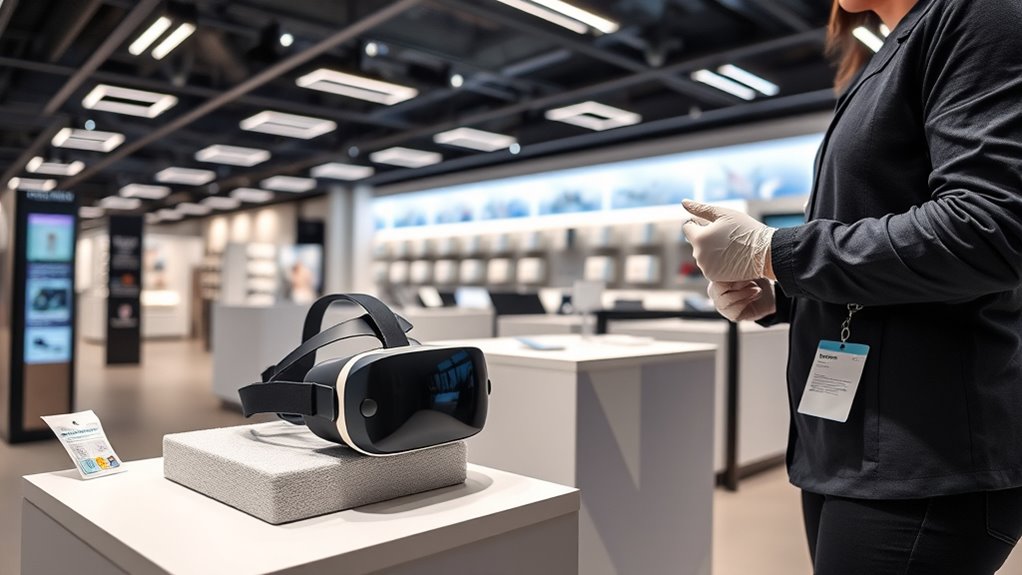
Proper storage is essential to keep your VR headset in good condition and guarantee safe use. When you’re finished, always clean the device with a disinfectant wipe to remove any germs or sweat. Store the headset in a clean, dry place away from direct sunlight, dust, and humidity. Use a dedicated case or a soft cloth pouch to protect it from scratches and physical damage. Keep cables neatly coiled and avoid placing heavy objects on top of the equipment. Make sure the lenses are covered or stored in a protective case to prevent scratches. Proper storage not only prolongs the lifespan of your VR headset but also minimizes the risk of contamination, ensuring it remains safe and hygienic for the next user.
Establish a Sharing Routine Everyone Can Follow
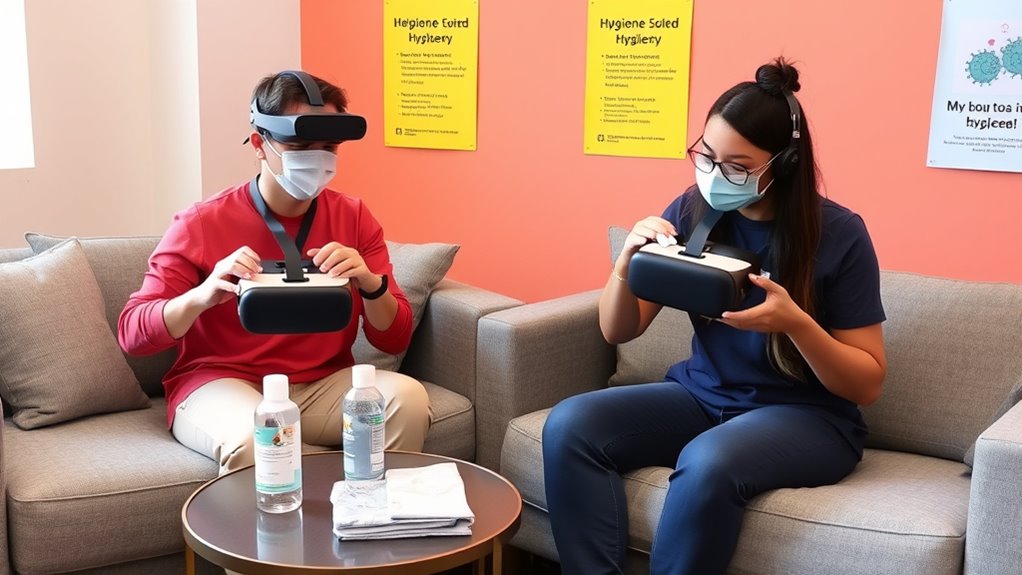
Creating a clear sharing routine helps guarantee everyone uses the VR headset safely and responsibly. Establishing consistent steps to ensure hygiene and reduces confusion. First, agree on a cleaning process after each use, like wiping down the headset with disinfectant. Second, assign specific times or days for each person to use the device, so there’s no overlap or rush. Third, remind everyone to wash their hands before and after handling the headset, especially if they’ve been touching their face or other surfaces. By setting these simple rules and sticking to them, you create a predictable routine that promotes safety. This way, everyone knows what to do, reducing the risk of germs spreading and making shared VR sessions more enjoyable.
Frequently Asked Questions
How Often Should I Replace or Disinfect the Headset’s Foam Padding?
You should replace or disinfect the headset’s foam padding after every use, especially if multiple people share it. If replacing isn’t feasible, wipe down the padding with disinfectant wipes or a cloth dampened with alcohol-based cleaner. Regular cleaning prevents bacteria buildup and keeps the headset hygienic. For best results, follow the manufacturer’s guidelines on cleaning and replacement intervals to guarantee safety and longevity of your VR gear.
Are There Specific Cleaning Products Recommended for VR Headset Hygiene?
You should use manufacturer-recommended cleaning products or gentle disinfectant wipes designed for electronics. Avoid harsh chemicals that could damage your headset. Look for alcohol-based wipes with at least 70% alcohol content to effectively kill germs without harming the materials. Always follow the cleaning instructions provided by the manufacturer, and make sure to dry the headset thoroughly before use. Regular cleaning helps keep your VR experience safe and hygienic.
Can Wearing Glasses Affect the Cleaning Process of the Headset?
Wearing glasses can affect the cleaning process because they create extra surfaces and contact points that need attention. You should carefully clean both the headset’s facial interface and your glasses separately with appropriate disinfectant wipes. Make certain your glasses are dry before wearing them again. This prevents dirt, oils, or bacteria from transferring to the headset and maintains hygiene for everyone. Proper cleaning keeps your VR experience safe and comfortable.
What Are the Signs Indicating a Headset Needs to Be Replaced?
You should replace your VR headset if you notice persistent fogging, cracks, or discoloration on the lenses, as these can affect your experience. Also, if the foam padding is torn, overly worn, or develops a foul odor, it’s time for a new one. Scratches or dead pixels on the display indicate damage that can’t be fixed, so don’t hesitate to upgrade for peak clarity and comfort.
How Can I Prevent Fogging or Condensation Inside the VR Headset?
To prevent fogging or condensation inside your VR headset, you should clean your face and hair thoroughly before use, and wear a moisture-wicking headband. Keep the headset in a cool, dry environment and avoid rapid temperature changes. Use anti-fog sprays or inserts designed for VR headsets, and guarantee the lenses are clean and dry. Taking these steps helps you enjoy immersive experiences without foggy visuals.
Conclusion
So, while you might think sharing a VR headset is harmless fun, ignoring hygiene rules could turn it into a germ party. Ironically, the very devices meant to immerse you in worlds can also spread germs faster than you can say “virtual reality.” Follow these simple rules, and you’ll stay healthy while enjoying shared experiences. After all, nothing ruins a good game like catching a cold — unless you’re into that sort of thing.