
To make VR easier for nervous or sensitive users, start by customizing visual settings like dimming brightness and adjusting contrast to reduce sensory overload. Limit rapid movements and complex scenes, and turn off or tweak haptic feedback to match your comfort level. Set up a clutter-free space with boundary warnings and take regular breaks to reset. Choose calming, adjustable experiences, and listen to your body’s signals—these steps can help you enjoy VR more comfortably. Keep exploring to learn additional tips.

Play games on Amazon Luna for your next adventure, included with Prime
- A rotating selection of games, no download needed
- Play on TV, laptop or phone
- Fast, free delivery for your gear, too
Key Takeaways
- Customize visual settings to reduce brightness, contrast, and complex scenes for a calmer experience.
- Start with minimal haptic feedback and gradually increase as comfort improves.
- Use boundary systems and a clutter-free space to ensure safety during VR sessions.
- Choose calming, adjustable experiences with slower pacing and customizable effects.
- Monitor signs of discomfort, take regular breaks, and personalize settings to suit individual sensitivities.
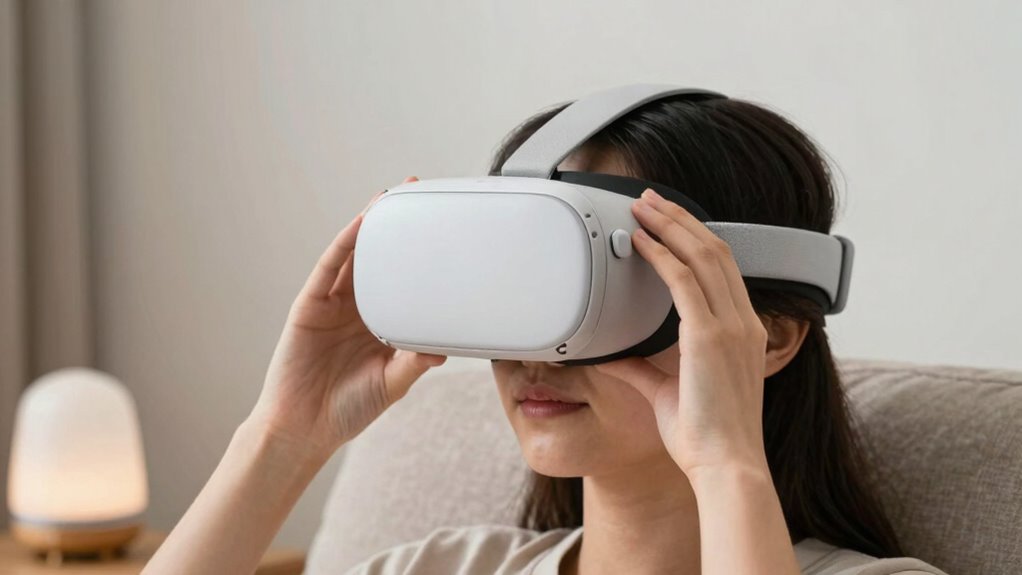
Virtual reality can be overwhelming for nervous or sensitive users, but with the right strategies, you can make the experience more comfortable and enjoyable. One of the most effective ways to do this is by customizing your VR environment to suit your comfort level. Many headsets and software offer visual adjustments that help reduce sensory overload. Dimming the brightness, adjusting contrast, or changing color schemes can make the visuals less harsh and more soothing. You might also want to limit rapid movements or complex scenes until you feel more at ease, helping you avoid feelings of dizziness or disorientation.
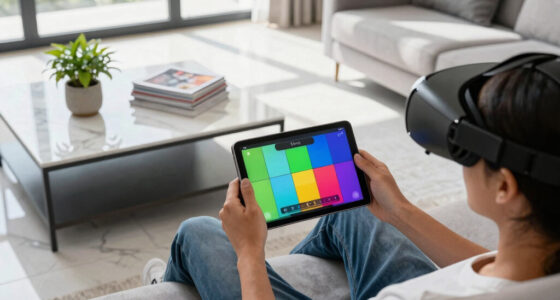
Adjust VR visuals and limit fast movements to create a calmer, more comfortable experience for sensitive users.
Another key feature to take into account is haptic feedback. This technology provides tactile sensations through your VR controllers or gloves, simulating touch and movement. If you’re nervous about intense vibrations or sudden sensations, many VR systems allow you to modify or turn off haptic feedback altogether. Starting with minimal or no haptic feedback can help you get accustomed to the experience without feeling overwhelmed. As you grow more comfortable, you can gradually increase the intensity if desired, creating a more immersive experience at your own pace.
Creating a safe and controlled environment is essential. Before you jump into a session, set up a clear, clutter-free space. Use boundary warnings and guardian systems available in most VR platforms to alert you if you approach the edges of your play area. This helps prevent accidental bumps or falls, easing your anxiety about physical safety. Additionally, take regular breaks during your VR sessions to prevent sensory fatigue. Removing your headset periodically gives your senses a chance to reset, reducing feelings of stress or nausea. Understanding sensory overload can help you better manage your responses and make necessary adjustments to your setup. Recognizing sensory sensitivities can also guide you in selecting suitable experiences and settings. Being aware of visual adjustments and how they impact your comfort can make a significant difference in your overall experience. Incorporating sensory management techniques can further optimize your VR sessions for comfort and safety.
It’s also helpful to choose VR experiences designed with sensitivity in mind. Look for titles that offer adjustable settings, slower pacing, or calming themes. Many developers now include options to customize the intensity of visual effects or haptic responses, making it easier for nervous users to tailor the experience to their comfort level. Remember, there’s no rush—gradually increasing your exposure allows you to build confidence and enjoy the benefits of VR without feeling overwhelmed.
Finally, listen to your body and mind. If something feels too intense, don’t push through it. Use features like volume control or visual filters to help manage your comfort. With patience and the right adjustments, VR can become a wonderful tool for exploration, relaxation, and entertainment, even if you’re initially sensitive or nervous. The key is to personalize your experience, take it slow, and keep your safety and comfort a top priority. Additionally, understanding the importance of sensory overload can help you better manage your VR sessions and make adjustments accordingly.
VR headset with adjustable brightness
As an affiliate, we earn on qualifying purchases.
As an affiliate, we earn on qualifying purchases.
Frequently Asked Questions
Can VR Cause Long-Term Health Issues for Sensitive Users?
VR can potentially cause long-term health issues for sensitive users, especially if they experience frequent sensory overload. Prolonged exposure might lead to headaches, dizziness, or eye strain. While most users won’t face serious problems, it’s important to take regular breaks and limit session durations. Listening to your body helps prevent long-term health concerns, ensuring VR remains a safe, enjoyable experience without risking lasting effects.
Are There Specific VR Headsets Recommended for Nervous Users?
You might think all VR headsets are equal, but for nervous users, comfort customization and headset ergonomics matter most. Lightweight, adjustable headsets with soft padding reduce anxiety and physical discomfort. Devices like Oculus Quest 2 or HTC Vive Focus Plus offer customizable straps and comfortable fits, making immersive experiences less overwhelming. Ironically, choosing the right headset can transform VR from a nerve-wracking ordeal into a soothing adventure.
How Can I Prevent Motion Sickness During VR Sessions?
To prevent motion sickness during VR sessions, you should start with shorter, controlled experiences to avoid sensory overload. Make visual adjustments like increasing the frame rate or reducing motion intensity to smooth out visuals. Take regular breaks and focus on stable, fixed points in the environment to reduce disorientation. Listening to your body and gradually increasing exposure helps your system adapt, minimizing discomfort over time.
Is It Safe to Use VR With Anxiety or PTSD?
Is virtual reality safety a concern for anxiety or PTSD? It can be, but with proper precautions, VR can be safe and beneficial. Always start with gentle, calming experiences, and use anxiety management techniques like controlled breathing. Consult mental health professionals beforehand, and choose VR content designed for relaxation or therapy. If you feel overwhelmed, take breaks or stop. Your well-being should always come first in VR experiences.
What Are Quick Ways to Exit VR if Feeling Overwhelmed?
If you start feeling overwhelmed in VR, use quick exits like pressing the designated button or removing the headset immediately. Keep a calm mindset by practicing deep breathing or grounding techniques before entering VR. To manage overwhelm during use, pause the experience or take short breaks. Remember, your comfort is key; don’t hesitate to step out if things feel too intense, and return when you’re ready.
VR controllers with customizable haptic feedback
As an affiliate, we earn on qualifying purchases.
As an affiliate, we earn on qualifying purchases.
Conclusion
By tailoring your VR experience with gentle onboarding, adjustable settings, and clear guidance, you can make it more comfortable for nervous or sensitive users. Remember, nearly 40% of new VR users report feeling overwhelmed at first, so taking these steps can considerably improve their experience. With patience and customization, you’ll help more people enjoy the immersive world of VR without fear or discomfort, opening the door to a wider, more inclusive community.
As an affiliate, we earn on qualifying purchases.
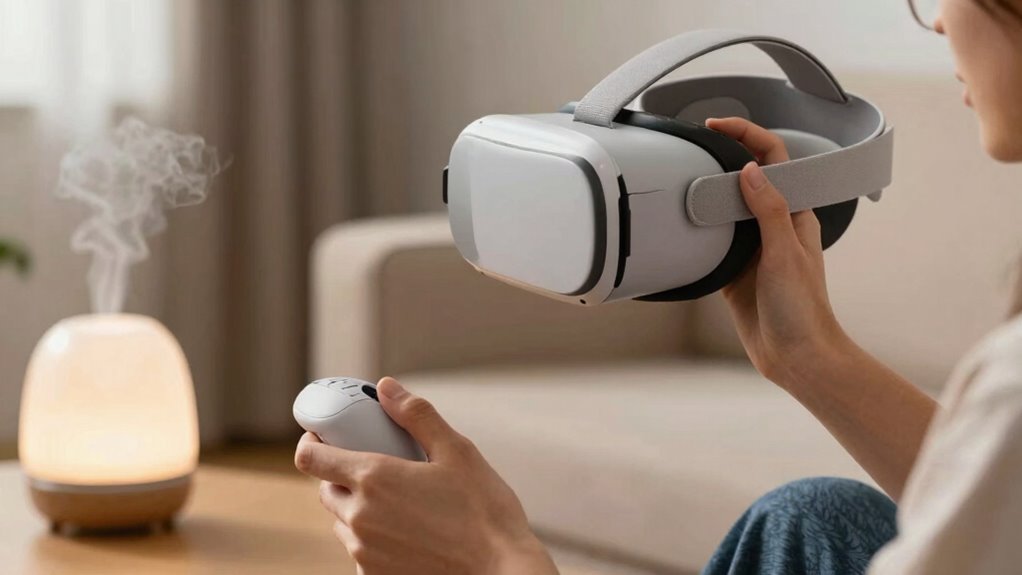
calming VR experiences for sensitive users
As an affiliate, we earn on qualifying purchases.
As an affiliate, we earn on qualifying purchases.
Fall Picks
fall essentials
As an affiliate, we earn on qualifying purchases.