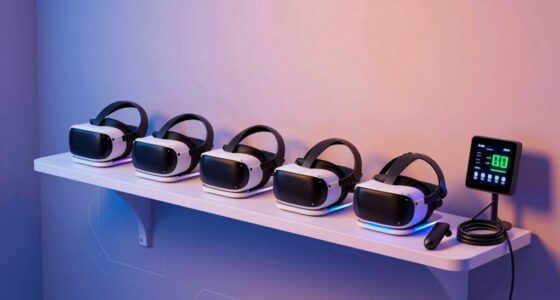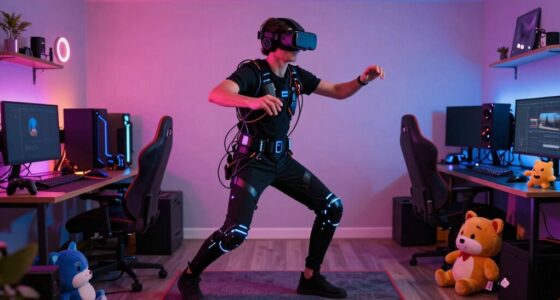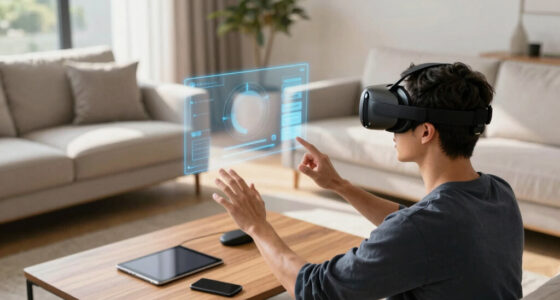

Start by evaluating your current hardware to identify bottlenecks like your graphics card or processor that impact performance. Next, focus on space optimization—ensure you have enough room and a clutter-free environment for safe, immersive experiences. Invest in future-proof tech, such as high-bandwidth networking, to keep up with emerging developments. Prioritize upgrades that offer the most significant impact on comfort, safety, and core performance. For insights on making the best choices, keep exploring how to maximize your VR setup efficiently.
Key Takeaways
- Identify and address hardware bottlenecks like graphics card and processor first for optimal VR performance.
- Prioritize space and environment upgrades to ensure safety, comfort, and immersive experience.
- Research emerging technologies that may enhance future-proofing and long-term value.
- Focus on cost-effective upgrades that deliver the most noticeable improvements in VR quality.
- Plan upgrades strategically to balance hardware enhancements with space modifications for overall setup efficiency.
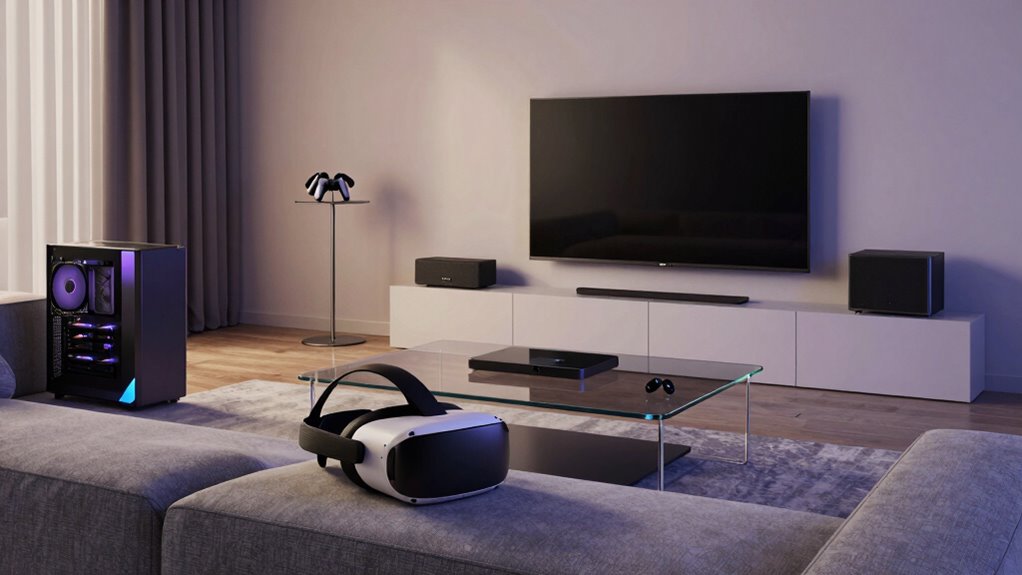
If you want your VR household to run smoothly and deliver the best immersive experiences, you need to prioritize upgrades strategically. When investing in expensive components, it’s vital to focus on what will deliver the most impactful effect for your setup. Start by examining hardware compatibility. Your existing devices and the VR hardware you plan to purchase must work seamlessly together. For example, investing in a high-end headset is pointless if your PC’s graphics card or processor can’t handle it. Compatibility issues can lead to bottlenecks, causing lag or poor visual fidelity, which ruins the experience. Before making any purchase, research thoroughly to make sure your current hardware meets the recommended specifications. Upgrading your graphics card, RAM, or CPU might be necessary first, as these are the backbone of smooth VR performance. Ensuring hardware compatibility helps maximize the benefits of your upgrades and prevents unnecessary expenses. Additionally, keeping an eye on future-proofing your setup can save you from frequent upgrades down the line. It’s also important to stay informed about emerging cloud server solutions and networking options that can support high-bandwidth VR streaming and reduce latency.
Next, consider space optimization. VR experiences thrive when you have enough room to move comfortably without risking injury or damaging your environment. If your current setup is cramped, investing in a larger dedicated space or reconfiguring your existing room can greatly enhance your experience. An open, unobstructed area allows for more natural movement, reducing motion sickness and increasing immersion. When planning upgrades, think about furniture placement and cable management, as clutter or tangled wires can hinder your ability to move freely. Sometimes, the best upgrade isn’t just hardware but creating an environment that maximizes the potential of your VR gear. Investing in space optimization tools like VR-safe mats, wall mounts, or cable management systems can dramatically improve your comfort and safety, making other upgrades more effective and enjoyable. Remember, expensive upgrades are only worthwhile if they complement your existing setup and environment.
As an affiliate, we earn on qualifying purchases.
Frequently Asked Questions
How Do I Measure My Available Space for VR Upgrades?
To measure your available space for VR upgrades, start by checking your room dimensions—length, width, and height. Clear furniture to see the full area and consider how furniture placement affects movement. Use a tape measure or a digital app to mark boundaries, ensuring you have enough room for safe gameplay. Remember, a spacious, clutter-free area enhances your VR experience and minimizes obstacles during use.
What Safety Considerations Are Essential for a Vr-First Household?
You should focus on creating a safe environment by setting up a dedicated safety zone, ensuring enough space for movement without hazards. Use ergonomic accessories like padded mats and wrist straps to minimize strain and injury. Regularly check your play area for obstacles or tripping hazards. Keep cables organized and out of the way, and educate everyone about VR safety rules to prevent accidents and enhance your immersive experience.
How Often Should I Update My VR Hardware?
You should consider updating your VR hardware approximately every 1-2 years, especially as technology advances and VR ergonomics improve. Regular updates help minimize motion sickness and enhance comfort, making your experiences more enjoyable. If you notice increased discomfort or outdated features, it’s a good sign it’s time for an upgrade. Staying current guarantees you enjoy the latest innovations, keeping your VR sessions safe, comfortable, and immersive.
Can I Upgrade VR Hardware Incrementally Over Time?
Yes, you can upgrade your VR hardware incrementally over time. Focus on improving VR ergonomics and headset comfort first, as these enhance your overall experience. Swap out controllers or upgrade to a newer headset gradually, ensuring each upgrade boosts comfort and performance. This approach helps you adapt without overwhelming your budget, making sure your VR setup remains comfortable and enjoyable as technology evolves.
What Budget Should I Allocate for High-End VR Upgrades?
You should allocate around 20-30% of your overall entertainment budget for high-end VR upgrades. This guarantees you can invest in quality VR hardware that offers excellent hardware compatibility and access to diverse VR content. Prioritize upgrades that improve graphics, tracking, and comfort first. Keep in mind, balancing your budget helps you enjoy immersive VR experiences without overspending, making every upgrade impactful and future-proof.
As an affiliate, we earn on qualifying purchases.
Conclusion
So, as you plan your VR upgrades, remember that sometimes the best choices happen when you least expect them—like discovering that upgrading your headset sparks a whole new gaming obsession or that a better space opens up new virtual worlds. Prioritize what truly enhances your experience, but don’t forget to enjoy the journey—sometimes, the biggest upgrades come when you’re simply having fun. After all, a perfect VR setup is about creating memories, not just equipment.
As an affiliate, we earn on qualifying purchases.
high bandwidth networking for VR
As an affiliate, we earn on qualifying purchases.
As an affiliate, we earn on qualifying purchases.