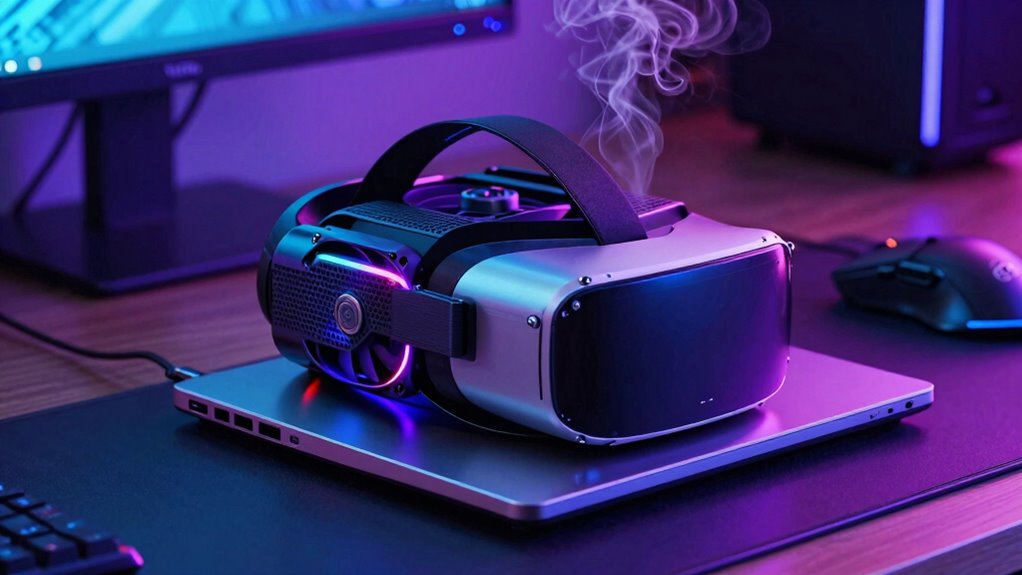

VR laptops need more cooling discipline because they generate a lot of heat during extended use, which can cause performance issues and hardware damage if not managed properly. Proper cooling prevents throttling, maintains smooth visuals, and extends your device’s lifespan. Thin and sleek designs often compromise cooling, making advanced solutions like vapor chambers and multiple fans necessary. Keep in mind that effective thermal management is essential to avoid overheating and guarantee a seamless, safe VR experience—learn more about how to keep your setup cool.
Key Takeaways
- VR laptops generate intense heat during extended use, requiring advanced cooling to prevent performance throttling.
- Compact, sleek designs often hinder airflow, making effective cooling more challenging than buyers anticipate.
- Overheating risks hardware damage and reduces device lifespan, emphasizing the need for disciplined thermal management.
- Proper cooling maintains stable performance, ensuring smooth VR experiences without discomfort or safety concerns.
- Buyers should prioritize laptops with advanced cooling features to handle demanding VR workloads reliably.
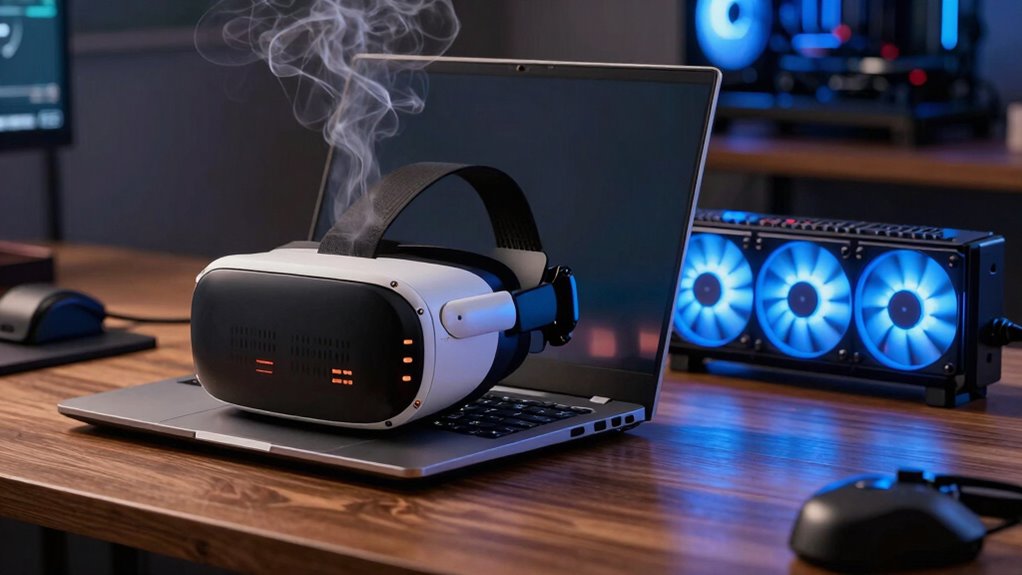
Virtual reality laptops are pushing the limits of hardware performance, but one essential aspect often gets overlooked: cooling. When you’re immersed in a virtual reality experience, the laptop’s components work overtime, generating substantial heat. Without proper cooling, this heat can cause throttling, where the system slows down to prevent damage, leading to laggy visuals and a frustrating experience. As a VR enthusiast, you might focus on the specs—GPU power, display resolution, and tracking—but neglect how vital cooling technology truly is for maintaining those high performance levels during extended use.
VR laptops demand more cooling discipline than most buyers expect because of the intense workload VR puts on hardware. The combination of graphics processing, motion sensors, and high-resolution displays creates a significant heat load. If the cooling system isn’t robust enough, temperatures rise quickly, risking hardware failure or reduced lifespan. Manufacturers often prioritize compact design and aesthetic appeal, but this can compromise cooling efficiency, especially when thermal management isn’t a top priority during development. You need to recognize that a thin, sleek VR laptop might look attractive, but it might also struggle to keep cool under heavy VR loads.
Thin, sleek VR laptops often sacrifice cooling, risking overheating under heavy workloads and compromising performance and longevity.
Effective cooling technology in VR laptops isn’t just about preventing overheating; it’s about ensuring consistent performance. You want your laptop to run smoothly from the first minute of your session until the last without thermal throttling slowing you down. To achieve this, laptop manufacturers are increasingly integrating advanced cooling solutions—like vapor chambers, larger heat pipes, and multiple fans—that help disperse heat more effectively. As a user, you should be aware of these features when choosing a VR laptop. A machine with better cooling technology will sustain higher workloads longer, giving you a more immersive and uninterrupted experience. Additionally, understanding thermal management is crucial because it encompasses the entire cooling strategy that keeps your device operating optimally. Proper cooling systems are especially important in compact designs, where space constraints can limit airflow and heat dissipation.
In addition, proper cooling isn’t just about hardware longevity; it directly impacts your VR experience. Overheating can create discomfort, noise, and even safety concerns if the device gets too hot to handle. As you push your VR laptop to its limits, you should consider investing in additional cooling accessories, like external fans or cooling pads, to help maintain optimal temperatures. Remember, cooling discipline isn’t just a technical detail—it’s a vital aspect of ensuring your VR sessions remain smooth, immersive, and safe. Ultimately, understanding the importance of cooling technology will help you make smarter choices and get the most out of your VR laptop.

havit HV-F2056 15.6"-17" Laptop Cooler Cooling Pad – Slim Portable USB Powered (3 Fans), Black/Blue
Ultra-Portable: Slim, portable, and light weight allowing you to protect your investment wherever you go
As an affiliate, we earn on qualifying purchases.
As an affiliate, we earn on qualifying purchases.
Frequently Asked Questions
How Do Cooling Needs Differ Between VR Laptops and Traditional Laptops?
You’ll find VR laptops demand more cooling discipline than traditional laptops because VR ergonomics require sustained, high-performance processing, which generates more heat. This also presents portability challenges, as compact designs struggle to dissipate heat effectively during intense use. You must prioritize efficient cooling solutions to prevent overheating, ensuring smooth gameplay and comfort. Managing heat properly keeps your VR experience immersive without risking hardware damage or discomfort.
What Specific Components Generate the Most Heat in VR Laptops?
In VR laptops, the GPU and CPU generate the most heat, demanding effective thermal management and heat dissipation strategies. These components work harder during immersive experiences, producing more heat than in traditional laptops. You need to guarantee proper cooling solutions are in place to prevent overheating, which can throttle performance or damage parts. Focus on advanced cooling systems that enhance thermal management and facilitate efficient heat dissipation for a smoother VR experience.
Can Cooling Issues Impact VR Experience Quality?
Cooling issues can definitely impact your VR experience quality. When temperature management isn’t effective, your VR laptop may overheat, leading to performance drops or lag. Proper airflow optimization helps keep components cool, ensuring smooth gameplay and visuals. If cooling isn’t sufficient, thermal throttling can occur, reducing performance and causing discomfort. So, maintaining good cooling discipline is essential for an immersive, high-quality VR experience without interruptions or glitches.
Are There Recommended Cooling Accessories for VR Laptops?
Yes, there are recommended cooling accessories for VR laptops. You should look for ergonomic cooling solutions that improve airflow without sacrificing comfort. Consider external cooling pads designed specifically for gaming or high-performance laptops, ensuring they support your VR headset compatibility. These accessories help prevent overheating during intensive VR sessions, maintaining ideal performance and extending your device’s lifespan. Always choose cooling solutions that suit your laptop’s size and your usage habits.
How Often Should VR Laptop Fans Be Cleaned or Replaced?
Think of your VR laptop’s fans as the lungs of a busy city—they need regular cleaning to keep the flow alive. You should clean the fans every 3 to 6 months, more often if you notice dust buildup or airflow feels restricted. Replace them if they become noisy or fail to cool effectively. Proper maintenance guarantees peak airflow, preventing overheating and prolonging your device’s lifespan.

llano V12 Gaming Laptop Cooling Pad, RGB Laptop Cooler, Laptop Cooling Fan Stand with 5.5 Inch Powerful Turbofan, for 15.6-19in Laptop, Adjustable Speed, Dustproof, 3-Port USB Hub, Black (RGB)
New Upgraded Version-Coooling Gets Quiet and Quicker: Equipped with 5.5-inch large diameter turbo booster fan, combined sealed foam,…
As an affiliate, we earn on qualifying purchases.
As an affiliate, we earn on qualifying purchases.
Conclusion
So, next time you’re eyeing a VR laptop, ask yourself: are you prepared for the extra cooling discipline it demands? These devices push limits, generating more heat than you might expect. Proper cooling isn’t just a technical detail; it’s essential for performance and longevity. Will you prioritize cooling solutions to get the best VR experience, or risk overheating and damage? Remember, a well-cooled VR laptop keeps your adventures smooth and your hardware happy.
havit HV-F2056 15.6"-17" Laptop Cooler Cooling Pad – Slim Portable USB Powered (3 Fans), Black/Blue
Ultra-Portable: Slim, portable, and light weight allowing you to protect your investment wherever you go
As an affiliate, we earn on qualifying purchases.
As an affiliate, we earn on qualifying purchases.

ARCTIC TP-3: Premium Performance Thermal Pad, 100 x 100 x 1.5 mm (Stackable to 2.0 mm Without Performance Loss), 1 Piece – High Performance, Particularly Soft, Ideal Gap Filler, Bridging Gaps
PLEASE NOTE: Due to the extremely low hardness of thermally conductive pads, a more demanding installation is to…
As an affiliate, we earn on qualifying purchases.
As an affiliate, we earn on qualifying purchases.