
To build a VR setup that survives daily use, invest in durable accessories like sturdy head straps and reinforced cables. Organize cables with clips or ceiling-mounted systems to prevent damage and strain. Properly position sensors and keep the play area clutter-free and protected with mats or padding. Regularly inspect and tighten hardware, clean equipment, and replace worn parts promptly. Staying proactive with maintenance guarantees longevity, and you’ll discover more tips to keep your VR gear in top shape.
Key Takeaways
- Invest in durable, adjustable accessories and protective covers to withstand daily wear and tear.
- Organize and secure cables with high-quality clips and sleeves to prevent damage from tension or accidental yanks.
- Properly position and secure sensors and tracking stations to ensure stability and consistent performance.
- Maintain a clutter-free, dust-free environment with padded surfaces to protect equipment and enhance safety.
- Regularly inspect and tighten hardware, clean equipment, and perform maintenance to extend lifespan and prevent failures.
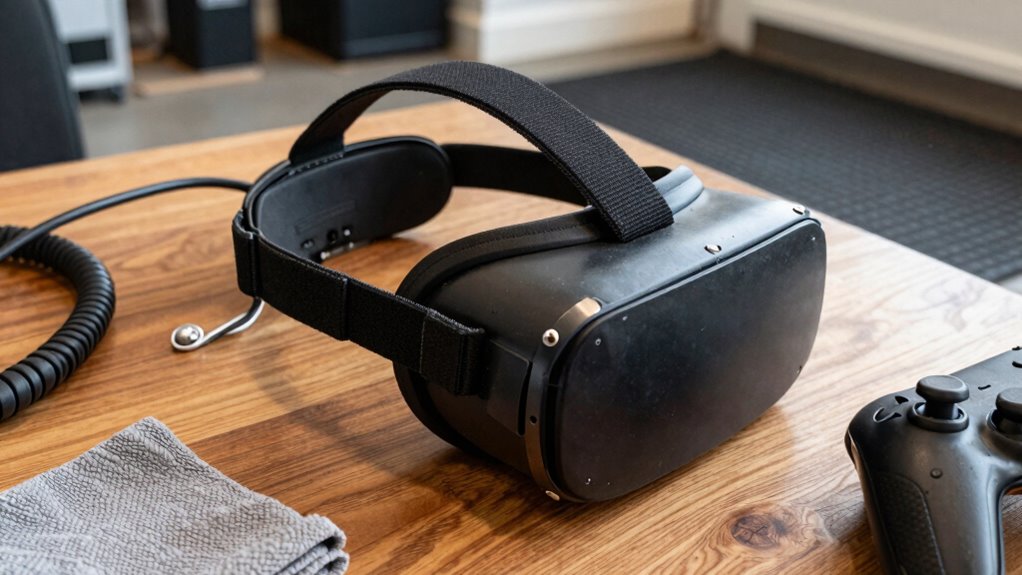
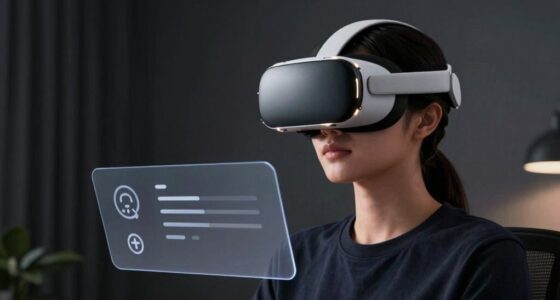
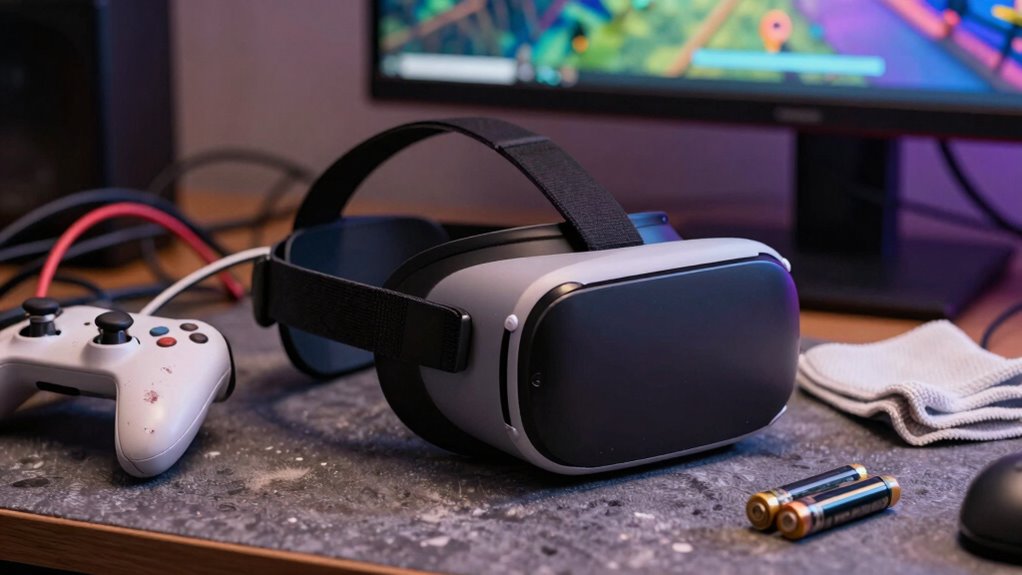
Building a durable VR setup is vital if you want your immersive experience to last. You’ll need to choose quality VR accessories that can withstand daily use while guaranteeing your equipment stays protected. Start by investing in sturdy head straps and adjustable mounts designed for long-term comfort and durability. These accessories not only improve your experience but also prevent unnecessary wear and tear on your headset. Consider protective covers or cases for your VR equipment—these help shield your devices from dust, scratches, and accidental drops, extending their lifespan.
One of the most overlooked aspects of building a durable VR setup is cord management. Properly organizing your cables reduces the risk of damage and keeps your play area safe. Use cable clips, sleeves, or ceiling-mounted cable management systems to keep cords out of your way. This prevents accidental yanks that could disconnect or damage your headset or sensors. When setting up your space, make sure that cables are routed in a way that minimizes tension and strain—avoid tight bends or stretching points. Good cord management not only protects your equipment but also creates a cleaner, more immersive environment. It’s worth investing in high-quality, braided or reinforced cables that resist fraying and bending over time, especially if you frequently connect and disconnect your devices. Additionally, proper cable management is essential for maintaining a safe and organized VR space. Paying attention to cable durability and choosing cables designed for frequent use can significantly extend your setup’s lifespan. Regular inspections and routine maintenance can help identify potential issues early, preventing costly repairs or replacements and ensuring your setup remains in top condition.
In addition to accessories and cord organization, pay attention to the placement of your sensors or tracking stations. Position them correctly and ensure they’re stable—they’re vital for accurate tracking and a seamless experience. Regularly check and tighten any mounting hardware to prevent shifts or falls, which can compromise your setup’s durability. Keep your play area free of clutter and sharp objects that could damage your equipment or cause accidents. Using a dedicated space for VR, with padded surfaces or protective mats, can further shield your gear and prolong its lifespan. Moreover, ensuring your environment is well-maintained and free of hazards is a key component of VR setup durability. Maintaining a consistent environment also helps prevent dust buildup, which can interfere with sensor accuracy and hardware longevity.

Kawaye for Meta Quest 3S/Quest 2/Quest 3 Head Strap, Double Knobs Adjustable Elite Strap Replacement,VR Headset Strap with Two Large Support Pad Enhanced Support, Reduce Pressure
【Weight Balance-Dual Adjustable Straps】Customize fit using by dual adjustment knobs (top/back), kawaye vr headset strap 4 points adjustable…
As an affiliate, we earn on qualifying purchases.
As an affiliate, we earn on qualifying purchases.
Frequently Asked Questions
How Often Should I Replace VR Headset Parts for Durability?
You should replace VR headset parts every 6 to 12 months, depending on usage. Regularly clean your headset for hygiene, especially the face padding and lenses. Check cables often and use proper cable management to prevent wear and tear. If you notice any damage or degradation, replace those parts promptly. Staying proactive guarantees durability, maintains hygiene, and keeps your VR experience smooth and safe for daily use.
Can I Customize My VR Setup for Better Longevity?
Yes, you can customize your VR setup for better longevity by prioritizing VR comfort and ergonomic design. Think of your gear as a trusted steed—tailoring its saddle and reins ensures it carries you smoothly through daily adventures. Upgrade straps, add padding, or choose lighter headsets. These modifications safeguard your equipment and keep you comfortable, allowing your VR experience to endure with resilience and grace over time.
What Are Common Signs of VR Equipment Wear and Tear?
You’ll notice signs of VR equipment wear and tear through frayed cables, loose connections, or reduced tracking accuracy, which indicate it’s time for maintenance. Regularly practicing VR hygiene by cleaning your headset and controllers helps prevent dirt buildup and prolongs their life. Proper cable management not only prevents damage but also keeps your play area safe, reducing the risk of accidental tugs that can cause wear or disconnections.
How Do I Prevent Accidental Damage During Intense VR Sessions?
To prevent accidental damage during intense VR sessions, use protective accessories like padding for controllers and face cushions to avoid impacts. Guarantee proper cable management by securing cables with clips or ties, reducing the risk of tripping or pulling equipment. Move furniture out of the way, and set clear boundaries for play areas. Regularly inspect your gear for wear, and encourage careful movements to keep your VR setup safe and durable.
Are There Specific Storage Tips to Prolong VR Device Lifespan?
To prolong your VR device’s lifespan, you’ll want to master the art of cleaning routines and clever storage solutions. Regularly wipe down your gear with a soft cloth, avoiding harsh chemicals—because, clearly, your device’s delicate sensors deserve spa days too. Store your VR headset in a cool, dust-free spot, preferably in a dedicated case or on a shelf, so it’s protected from sneaky pet paws and accidental coffee spills.

XHF 120 PCS Adhesive Cable Wire Clips Black, Outdoor Christmas Light Clips, Cable Management Wire Organizer Cord Holder for Under Desk, Car, Wall, TV PC Ethernet Cable
High quality material:XHF Adhesive Cable Clips are manufactured from Strong Adhesive and PA66 nylon
As an affiliate, we earn on qualifying purchases.
As an affiliate, we earn on qualifying purchases.
Conclusion
So, there you have it—your VR setup now stands as a fortress of resilience, ready to survive your daily adventures. Picture it: a brave knight, shielded from the chaos of spilled drinks, energetic dance-offs, and accidental chair collisions. With these tips, your headset won’t just survive; it’ll thrive, becoming a legendary relic of durability. Just remember, with great power comes great responsibility—so maybe avoid swinging swords in your living room.

Solwim 2 Pack Wall Mount Bracket for HTC Vive/Valve Index/Vive PRO Base Station, Universal Metal Wall Mount 1/4 Screw Mini Bracket for VR Rift Sensor (Type B-Double Sided Adhesive and Wall Nails)
360-degree Rotation: The ball head enables effortless and precise 360-degree rotation. This allows for easy adjustment of the…
As an affiliate, we earn on qualifying purchases.
As an affiliate, we earn on qualifying purchases.
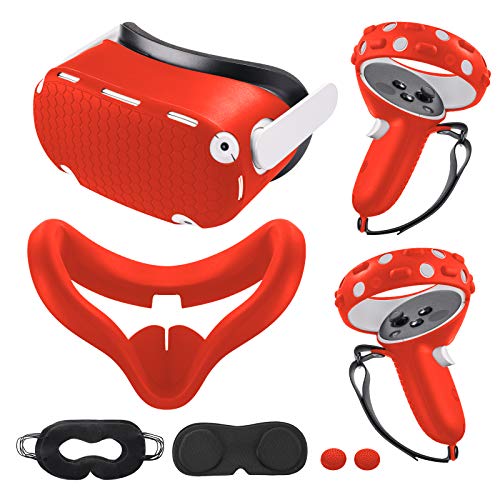
Compatible with Oculus Quest 2 Accessories, Silicone Face Cover, VR Shell Cover,Touch Controller Grip Cover,Protective Lens Cover,Disposable Eye Cover
What You Get – 1x VR Silicone face Cover, 1x VR Shell Cover,2x Controller Grip Cover, 1x Lens…
As an affiliate, we earn on qualifying purchases.
As an affiliate, we earn on qualifying purchases.