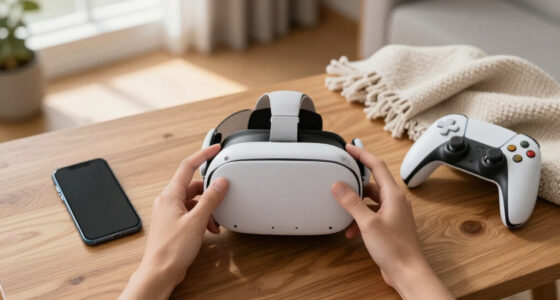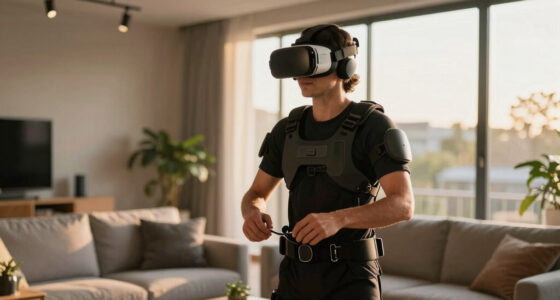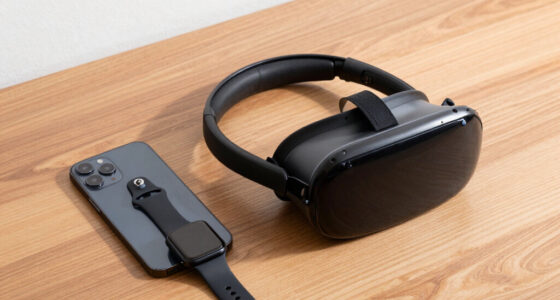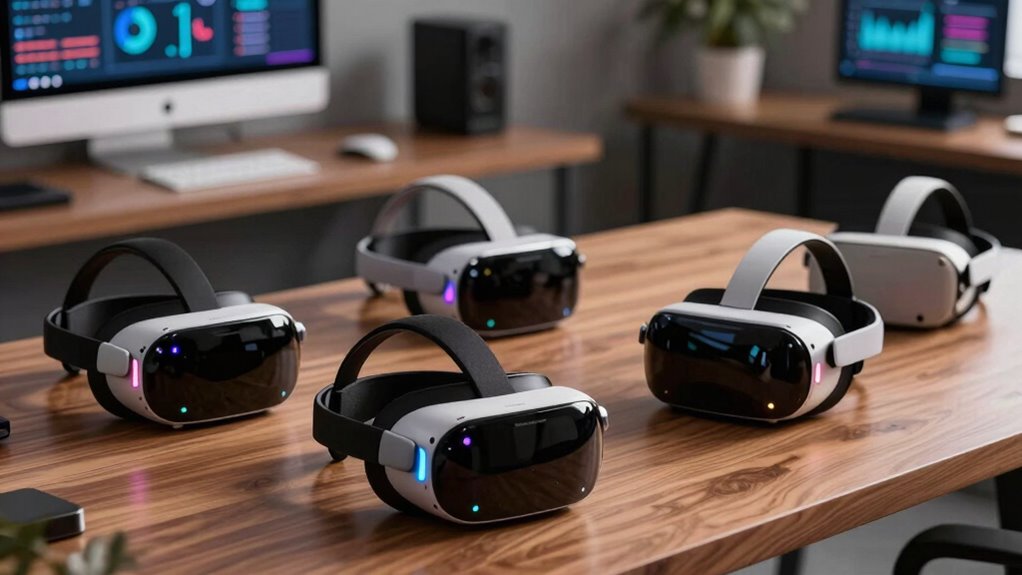

As VR technology advances, more headsets are tailored to enhance productivity, offering virtual workspaces, collaborative tools, and immersive environments. Among the standout options, the Meta Quest 3 512GB delivers high-resolution visuals and wireless freedom, perfect for multitasking and virtual meetings. The HTC Vive Focus Vision combines high-end visuals with advanced tracking, suited for complex interactions. However, tradeoffs like price, setup complexity, and hardware requirements mean choosing the right headset depends on your specific needs—whether you prioritize portability, visual fidelity, or PC integration.

Get VR and gaming gear delivered free — and shop member deals
- Fast, free delivery on millions of items
- Access to Prime Big Deal Days deals on October 6–7
- Prime Video, Amazon Music and more included
Complete the kit



Key Takeaways
- The Meta Quest 3 offers a wireless, versatile platform ideal for casual productivity and social collaboration.
- HTC Vive Focus Vision provides superior tracking and high-resolution displays for detailed virtual work environments.
- The Pimax Dream Air Slam excels with ultra-high resolution but requires significant system resources and setup effort.
- Battery life remains a common limitation across headsets, impacting extended work sessions.
- Choosing between standalone and PC-connected options hinges on your preferred balance of mobility and computing power.
| Meta Quest 3S 256GB Virtual Reality Headset with Gorilla Tag Bundle |  | Best Budget Wireless VR for Casual Productivity | Storage: 256GB | Memory: 8GB RAM | Battery Life: 2+ hours | VIEW ON AMAZON | See Our Full Breakdown |
| Meta Quest 3 512GB Virtual Reality Headset with Gorilla Tag Bundle |  | Best High-Resolution Wireless VR for Productivity | Storage: 512GB | Display: 4K+ Infinite Display | Processor: Snapdragon XR2 Gen 2 | VIEW ON AMAZON | See Our Full Breakdown |
| HTC Vive Focus Vision Wired Bundle — XR Headset with DisplayPort PC VR Streaming Kit |  | Best for High-End Mixed Reality and PC VR | Display Resolution: 2448 x 2448 pixels per eye | Field of View: up to 120° | Refresh Rate: 90 Hz | VIEW ON AMAZON | See Our Full Breakdown |
| Pimax Dream Air Slam VR Headset with Controllers |  | Best for Ultra-High-Resolution Immersive Work | Display Resolution: 3840 x 3552 pixels per eye | Field Of View: 110° | Display Technology: Micro-OLED | VIEW ON AMAZON | See Our Full Breakdown |
| HTC Vive Focus Vision — Mixed Reality and PC VR Headset with Controllers |  | Best for Versatile Mixed Reality and PC VR Use | Display: 5K (2448 x 2448 pixels per eye) | Field of View: up to 120° | Refresh Rate: 90 Hz | VIEW ON AMAZON | See Our Full Breakdown |
| vr headsets for productivity | Connectivity | Field of View | Refresh Rate | Tracking |
|---|---|---|---|---|
| Meta Quest 3S 256GB Virtual Re | Wi-Fi | — | — | — |
| Meta Quest 3 512GB Virtual Rea | — | — | — | — |
| HTC Vive Focus Vision Wired Bu | DisplayPort, Ethernet | up to 120° | 90 Hz | submillimeter accuracy with 4 cameras |
| Pimax Dream Air Slam VR Headse | DisplayPort, USB | 110° | 90Hz | 6DOF with eye and hand tracking |
| HTC Vive Focus Vision | DisplayPort, Ethernet, Wi-Fi | up to 120° | 90 Hz | full-body, eye, and face tracking |
More Details on Our Top Picks
Meta Quest 3S 256GB Virtual Reality Headset with Gorilla Tag Bundle
The Meta Quest 3S stands out for its wireless design and portability, making it a solid choice for users who want flexibility without being tethered to a PC. Its 256GB storage supports a variety of productivity apps and social platforms, while the enhanced graphics and full-color passthrough enable seamless multitasking and collaboration. Compared to the higher-end Meta Quest 3, the S version trims some features but keeps the core experience. The main tradeoff is battery life, which may limit extended sessions, and the absence of included controllers or accessories may require additional purchases. It’s ideal for lighter, mobile productivity, especially for those new to VR.
Pros:- Wireless and lightweight for easy movement
- Enhanced graphics and fast load times
- Includes exclusive Gorilla Tag bundle and 3-month game trial
Cons:- Limited battery life for longer work sessions
- No mention of controllers or accessories included
- Requires compatible Wi-Fi for setup
Best for: Casual users and beginners seeking a wireless, affordable VR experience for light productivity and social use
Not ideal for: Power users needing extended battery life or high-fidelity PC integration
- Storage:256GB
- Memory:8GB RAM
- Battery Life:2+ hours
- Processor:Snapdragon XR2 Gen 2
- Cameras:Dual RGB color cameras
- Connectivity:Wi-Fi
Our verdict“A versatile, portable VR headset perfect for casual productivity and social activities on a budget.”
Meta Quest 3 512GB Virtual Reality Headset with Gorilla Tag Bundle
The Meta Quest 3 with 512GB offers a significant upgrade in storage and visual clarity, thanks to its 4K+ display. Its wireless design means you can move freely during work or collaborative sessions, and the Snapdragon XR2 Gen 2 processor ensures smooth performance with 8GB RAM. The bundle includes exclusive Gorilla Tag content and in-game currency, adding value for casual and semi-professional users. The main tradeoff is its premium price, which may deter budget-conscious buyers, and battery life remains limited for those planning long hours of use. It’s best suited for users who prioritize clarity and mobility in their virtual workspace.
Pros:- High-resolution 4K+ display for immersive visuals
- Wireless, untethered experience
- Includes exclusive game bundle and in-game currency
Cons:- Premium price point
- Battery life may limit long sessions
Best for: Mid-level professionals and enthusiasts seeking high-fidelity visuals and portability
Not ideal for: Those on tight budgets or requiring extensive extended-use sessions
- Storage:512GB
- Display:4K+ Infinite Display
- Processor:Snapdragon XR2 Gen 2
- RAM:8GB
- Battery Life:2+ hours
- Cameras:Dual RGB color cameras
Our verdict“A premium, high-resolution VR headset ideal for productivity-focused users who value clarity and mobility.”
HTC Vive Focus Vision Wired Bundle — XR Headset with DisplayPort PC VR Streaming Kit
The HTC Vive Focus Vision offers a robust standalone experience with the option to connect via DisplayPort for PC VR. Its 5K display delivers sharp visuals, and its eye and hand tracking enable precise interaction, making it suitable for detailed virtual tasks and collaborative workspaces. The device’s mixed reality capabilities and advanced sensors support physical environment awareness, which can boost productivity in complex workflows. However, the setup complexity, including multiple sensors and cables, might be a barrier for casual users. This headset is best for those who need high-end visual fidelity and precise tracking for professional or creative work.
Pros:- High-resolution 5K display
- Advanced eye and hand tracking
- Supports mixed reality and PC VR
Cons:- Requires connection to PC via DisplayPort
- Complex setup and multiple sensors
- Potentially high cost
Best for: Power users requiring detailed virtual environments and mixed reality capabilities
Not ideal for: Casual users or those seeking portable, easy-to-use options
- Display Resolution:2448 x 2448 pixels per eye
- Field of View:up to 120°
- Refresh Rate:90 Hz
- Tracking:submillimeter accuracy with 4 cameras
- Battery:hot-swappable
- Connectivity:DisplayPort, Ethernet
Our verdict“A high-fidelity headset perfect for demanding VR workspaces and mixed reality applications, with setup complexity as a tradeoff.”
Pimax Dream Air Slam VR Headset with Controllers
The Pimax Dream Air Slam pushes visual fidelity with a 3840 x 3552 pixels per eye Micro-OLED display and a broad 110° field of view. Its advanced optics and eye/hand tracking support natural interactions, making it suitable for intricate design or detailed virtual collaboration. Compatibility with Windows PC VR platforms like SteamVR and OpenXR means it can integrate into existing workflows, but the system requirements are demanding, requiring high-end PC hardware. The weight and comfort aspects are less clear, and the complex setup may be intimidating for less experienced users. This headset is best for those needing the highest visual detail and immersive control for productivity tasks.
Pros:- Ultra-high resolution display
- Wide 110° field of view
- Supports eye and hand tracking
Cons:- Heavy system requirements
- Complex setup process
- Potentially heavy and less comfortable for extended wear
Best for: Power users and professionals needing maximum visual resolution and tracking
Not ideal for: Casual or mobility-focused users due to system requirements
- Display Resolution:3840 x 3552 pixels per eye
- Field Of View:110°
- Display Technology:Micro-OLED
- Refresh Rate:90Hz
- Tracking:6DOF with eye and hand tracking
- Connectivity:DisplayPort, USB
Our verdict“Ideal for users demanding the best visuals and precise interaction, with setup and hardware considerations as tradeoffs.”
HTC Vive Focus Vision — Mixed Reality and PC VR Headset with Controllers
The HTC Vive Focus Vision combines high-end visuals with comprehensive tracking, supporting both standalone and PC VR modes. Its 5K display ensures sharp, immersive visuals, while built-in eye, hand, face, and body tracking enable highly realistic interactions. Its mixed reality capabilities open new possibilities for physical-virtual hybrid workflows, making it suitable for creative professionals, designers, and VR enthusiasts. The setup involves multiple sensors and connection options, which can be a hurdle for casual users. Nonetheless, its versatility makes it a strong contender for those who need a comprehensive VR solution for productivity, collaboration, and immersive applications.
Pros:- High-resolution 5K display
- Built-in eye, hand, face, and body tracking
- Supports standalone and PC VR
Cons:- Complex setup with multiple sensors
- Higher cost due to features
- Requires space for mixed reality
Best for: Creative professionals and serious VR users needing full-body tracking and mixed reality
Not ideal for: Casual users or those preferring simple, plug-and-play devices
- Display:5K (2448 x 2448 pixels per eye)
- Field of View:up to 120°
- Refresh Rate:90 Hz
- Tracking:full-body, eye, and face tracking
- Connectivity:DisplayPort, Ethernet, Wi-Fi
Our verdict“A comprehensive VR headset for demanding workflows, with setup complexity offset by its advanced tracking and mixed reality support.”

How We Picked
Our selection process focused on VR headsets that support productivity tasks, emphasizing display quality, tracking accuracy, ease of use, and compatibility with work-related applications. We compared hardware specs, user interface features, and flexibility—considering both standalone and PC-tethered options—to identify devices that enhance virtual workflows without excessive setup or cost.
| vr headsets for productivity | Connectivity |
|---|---|
| Meta Quest 3S 256GB Virtual Re | Wi-Fi |
| Meta Quest 3 512GB Virtual Rea | — |
| HTC Vive Focus Vision Wired Bu | DisplayPort, Ethernet |
| Pimax Dream Air Slam VR Headse | DisplayPort, USB |
| HTC Vive Focus Vision | DisplayPort, Ethernet, Wi-Fi |
Factors to Consider When Choosing Vr Headsets For Productivity
Choosing a VR headset for productivity means balancing display quality, tracking accuracy, ease of use, and compatibility. Consider whether you prefer a standalone device for mobility or a PC-tethered system for maximum performance. Your workspace size, budget, and specific tasks—like virtual meetings, design, or collaborative work—will influence your ideal choice. Here are key factors to examine when selecting a VR headset suited for work and productivity.
Display Quality and Resolution
For productivity, clarity matters. Higher resolution displays reduce eye strain and improve detail, especially in tasks like design, data analysis, or virtual collaboration. Devices like the Pimax Dream Air Slam and HTC Vive Focus Vision stand out with their ultra-high-resolution screens, but they also demand more from your PC hardware or come at a higher price point. Balance resolution with your system capabilities and budget to find a practical sweet spot.
Tracking and Interaction
Accurate tracking enhances your ability to interact naturally within virtual environments. Eye, hand, and full-body tracking can make virtual meetings, design work, or simulations more intuitive. The HTC Vive Focus Vision and Pimax Dream Air Slam offer advanced tracking, while standalone headsets like Meta Quest models rely more on built-in sensors. Consider your need for physical interaction when choosing—more advanced tracking typically means higher cost and setup complexity.
Ease of Setup and Compatibility
Ease of use varies widely. Standalone headsets offer quick setup and portability, ideal for casual or mobile productivity. PC-tethered options like HTC Vive or Pimax require more space, sensors, and driver installation but support more demanding applications. Determine your workspace size and technical comfort level to select a device that fits your environment and skills.
Battery Life and Comfort
Extended sessions demand good battery life and comfort. Wireless headsets like Meta Quest and Vive Focus Vision are convenient but may need frequent recharging. Heavier headsets or those with complex hardware might cause fatigue during long workdays. Weigh your session length needs against device ergonomics and power options to ensure sustained productivity.
Frequently Asked Questions
Can I use these VR headsets for virtual meetings?
Yes, many VR headsets support virtual meeting platforms like Horizon Workrooms or custom enterprise apps, enabling remote collaboration. Wireless devices like Meta Quest 3 make it easy to join meetings without cables, but compatibility with your existing software and hardware is essential. For more advanced interactions, headsets with full tracking and mixed reality features provide a more realistic and engaging experience.
What is the typical battery life for VR headsets used for productivity?
Most standalone VR headsets, including Meta Quest 3 and Vive Focus Vision, offer around 2 hours of usage per charge, which may suffice for short work sessions but can be limiting for full-day productivity. External power sources or wired setups extend usage, but they reduce mobility. Planning for frequent recharging or wired connections is important for sustained work use.
Are high-end VR headsets suitable for all users?
High-end headsets like Pimax Dream Air Slam and HTC Vive Focus Vision provide exceptional visuals and tracking but require powerful PCs, complex setups, and can be expensive. They are better suited for professionals, designers, or VR enthusiasts who need maximum fidelity. Casual users or those new to VR may prefer simpler, standalone options for ease of use and lower cost.
How important is tracking accuracy for productivity?
Tracking accuracy directly impacts your ability to interact naturally and precisely in virtual environments. For tasks like 3D modeling, physical collaboration, or detailed control, full-body and eye tracking, as seen in the HTC Vive Focus Vision, are valuable. Less accurate tracking may suffice for simple virtual meetings or light productivity but can hinder more complex workflows.
What should I consider regarding compatibility with my current devices?
Compatibility depends on whether your existing hardware and software support the VR platform. Standalone headsets work well with built-in apps and cloud-based tools, while PC-tethered systems require compatible PCs with adequate specs and software like SteamVR or OpenXR. Ensuring your hardware meets the headset’s requirements will prevent frustration and maximize productivity benefits.
Conclusion
If you prioritize portability and ease of use for light productivity and social collaboration, the Meta Quest 3 makes a compelling choice. For users demanding high-resolution visuals and advanced interaction, the HTC Vive Focus Vision or Pimax Dream Air Slam are better suited, albeit with more setup complexity. Creative professionals or tech enthusiasts should weigh the importance of tracking and mixed reality features against budget and workspace constraints. Carefully matching your workflow needs with each headset’s strengths and limitations will ensure a satisfying VR productivity experience in 2026.
Halloween Picks
halloween
As an affiliate, we earn on qualifying purchases.