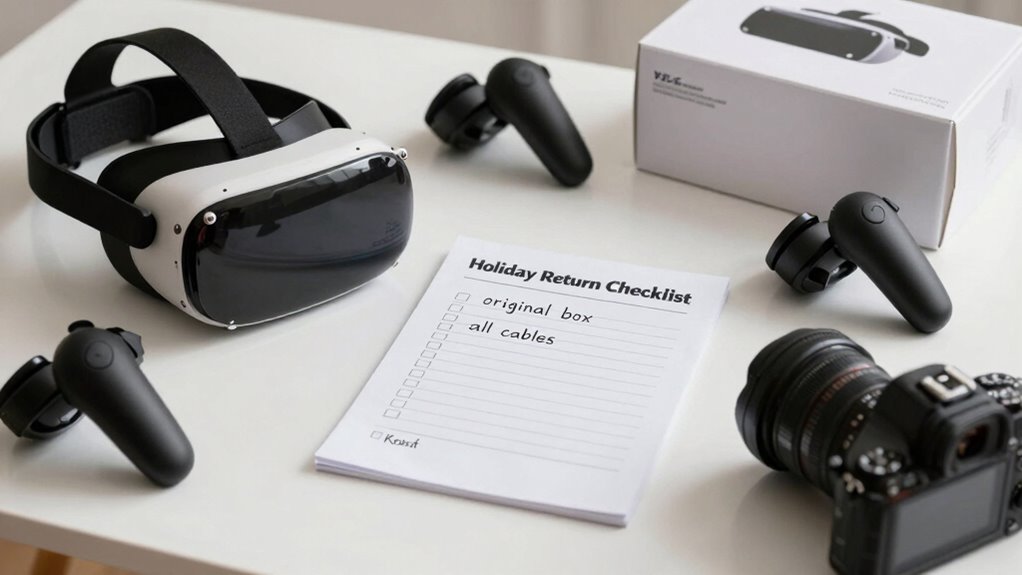

To guarantee a smooth holiday return or exchange for your VR gear, first verify it still fits comfortably and functions correctly. Check its physical condition for damages and gather any missing accessories or packaging. Confirm you meet the store’s return window and have your proof of purchase ready. Be clear on your reason for returning and organize supporting documents. Following this simple checklist will help you navigate the process easily—keep going to learn more about making it seamless.
Key Takeaways
- Verify the VR headset still fits comfortably and securely before returning.
- Confirm hardware and system compatibility with your device.
- Inspect for physical damage and ensure all accessories are included.
- Check the store’s return policy, deadlines, and required documentation.
- Prepare clear reasons and supporting documents for a smooth exchange process.
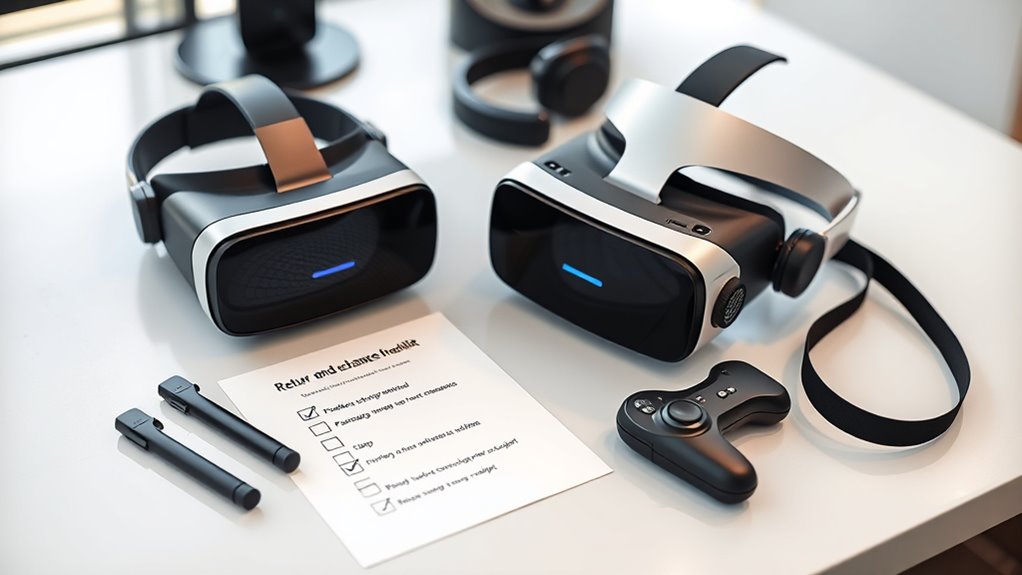
When you’re ready to return or exchange your VR gear, having a clear checklist can save you time and hassle. The first thing to verify is whether the VR headset still fits your virtual fit expectations. Comfort is key when it comes to VR, so ensure the device still feels snug but comfortable, without pinching or slipping during use. If the fit has changed or you find it uncomfortable, that’s a valid reason for a return or exchange. Make sure to try the gear on a few times, testing it during different sessions, so you can accurately assess its current comfort level.
Next, check the tech compatibility of your VR gear with your existing setup. Many VR headsets require specific hardware or software requirements, so ensure your PC, console, or other devices are still compatible. Confirm the system specifications match what’s needed for your VR device to function ideally. This includes graphics cards, ports, controllers, and even the operating system version. If there’s a mismatch or a recent software update has caused issues, that could be grounds for a return or exchange. Keep the original packaging and manuals handy, as some stores or manufacturers require these for processing returns.
Verify your VR gear’s compatibility with your current hardware and software to ensure proper function before returning or exchanging.
Additionally, inspect the physical condition of the VR gear. Look for any visible damage, scratches, or broken parts, especially on the lenses and controllers. If the device was damaged during shipping or use, document the condition with photos before returning. Check for missing accessories such as cables, adapters, or extra face cushions. Missing or damaged parts can complicate your return process, so gather everything that originally came with the device to avoid delays.
It’s also wise to review the return policy and deadlines. Many retailers have specific timeframes for holiday returns, often between 14 and 30 days from purchase. Make sure you’re within this window and have all necessary receipts or proof of purchase ready. Some stores might require you to initiate the return online, print a return label, or visit a physical store, so familiarize yourself with their process ahead of time. Additionally, understanding your consumer protections can help ensure a smoother return experience.
Finally, prepare a brief explanation for your return or exchange. Whether it’s due to comfort issues, tech incompatibility, or damage, clear communication helps expedite the process. Keep your supporting documents, like receipts, warranty info, and photos, organized and easily accessible. With this checklist in hand, you’ll be ready to handle your VR gear return smoothly, ensuring you get the right replacement or refund without unnecessary delays.
Top picks for "holiday return exchange"
Open Amazon search results for this keyword.
As an affiliate, we earn on qualifying purchases.
Frequently Asked Questions
How Long Do I Have to Return or Exchange VR Gear?
You typically have a 30-day return window to exchange or return your VR gear, but this can vary depending on the retailer’s return policy duration. Be sure to verify the specific return window before making a purchase, as some stores might offer longer or shorter periods. Act quickly if you need to return or exchange, and keep your receipt handy to ensure a smooth process within the allowed timeframe.
Are There Any Restocking Fees for Returns?
Most stores don’t charge restocking fees for VR gear returns if you follow their return policy, but some might. Always check the specific retailer’s return policy before making a purchase or returning a product. If a restocking fee applies, it’s usually a small percentage of the item’s price. Knowing this helps you avoid surprises and guarantees you’re comfortable with their return process.
Can I Exchange VR Accessories Separately?
Think of your VR accessories like puzzle pieces—you can usually swap them out separately if the retailer’s accessory return policies allow. Yes, you can often exchange VR accessories individually, provided they’re compatible with your headset. Just double-check VR accessory compatibility before returning, and review the store’s return policies on accessories. This way, you can customize your VR experience without having to send back the entire set.
Do I Need Original Packaging for a Return?
Yes, you generally need to keep the original packaging for a return, especially within the return window. Packaging requirements usually include the original box, inserts, and accessories to guarantee your VR gear is protected and accepted. Check the retailer’s policies because some may require the original packaging to process the return or exchange. Returning items on time and with proper packaging helps avoid delays and ensures a smooth process.
What if My VR Gear Is Defective Upon Arrival?
If your VR headset is defective upon arrival, contact the seller or manufacturer immediately. Check if the device is VR headset compatible with your system and review the warranty coverage to comprehend your options. You may need to provide proof of purchase, and the seller might offer a replacement or repair. Act quickly to guarantee your issue is addressed within the warranty period and to facilitate a smooth return process.
Conclusion
Remember, over 30% of shoppers return or exchange VR gear during the holiday season. To make yours smooth, follow this quick checklist: keep your receipts, verify return policies, and pack everything securely. By staying organized, you’ll avoid delays and get the most out of your holiday shopping. Stay proactive and enjoy your VR experience without stress—because a little prep goes a long way in ensuring your holiday returns are hassle-free!