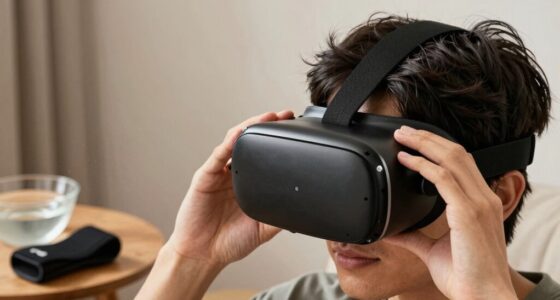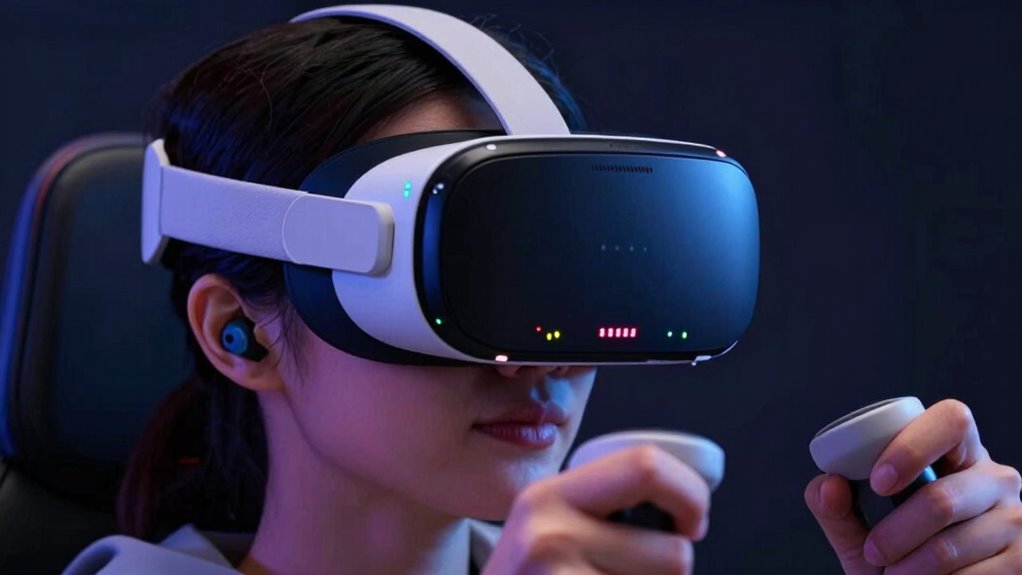

In VR, volume levels above 85 decibels can put your hearing at risk, especially if you listen for extended periods. To protect your ears, keep the sound moderate, use device controls for quick adjustments, and take regular breaks. Avoid maxing out the volume, as loud sounds can cause irreversible damage over time. Want to learn more about safe listening and how to avoid hearing issues? Keep going to find out how to stay safe during VR sessions.

Get VR and gaming gear delivered free — and shop member deals
- Fast, free delivery on millions of items
- Access to Prime Big Deal Days deals on October 6–7
- Prime Video, Amazon Music and more included
Key Takeaways
- Keep VR volume below 85 decibels to prevent hearing damage.
- Use device volume controls and safety features to monitor and limit sound levels.
- Take regular breaks to rest ears and avoid prolonged exposure to loud audio.
- Recognize signs of ear fatigue, such as ringing or muffled sounds, and adjust volume accordingly.
- External noise and high volume can increase risk; maintain moderate levels for safe listening.
Understanding Safe Listening Levels in Virtual Reality
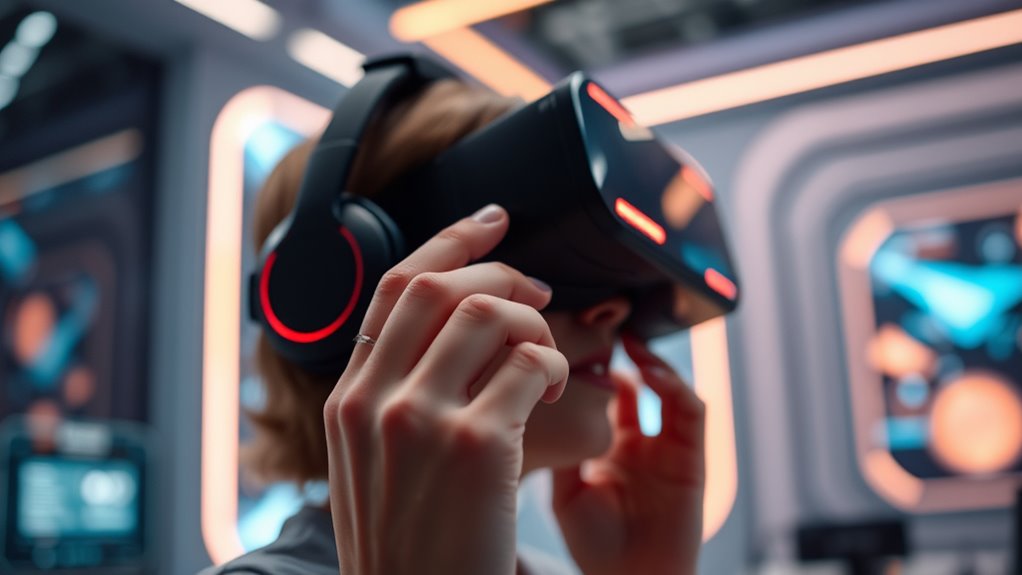
Since your ears are sensitive to loud sounds, it’s important to understand safe listening levels when using VR. You should keep volume levels below 85 decibels to protect your hearing. Many VR headsets have built-in volume controls, so regularly check and adjust them to avoid excessive loudness. Listening at high volumes for extended periods can cause hearing damage over time, even if the noise feels temporary or tolerable. Be mindful of how long you keep the volume high, and take breaks to give your ears a rest. It’s also helpful to use any safety features or warnings your device offers. Staying within safe listening levels ensures you enjoy immersive experiences without risking long-term hearing problems. Additionally, understanding the sound levels produced by your device can help you monitor and maintain safe listening practices. Being aware of noise exposure limits is essential for long-term ear health and overall comfort during VR use. To further protect your hearing, consider using volume limiting features or external decibel meters to keep sound levels in check. Recognizing the importance of hearing conservation can help you develop habits that safeguard your auditory health over time. Remember that safe listening practices are vital for enjoying VR responsibly and preserving your hearing health.
How Decibels Affect Your Hearing Health

Decibels measure the intensity of sound, and higher levels can quickly harm your hearing. When you’re exposed to loud sounds, your tiny hair cells in the inner ear can become damaged or die, leading to permanent hearing loss. Even brief exposure to loud noises can have lasting effects. Recognizing sound intensity levels is crucial to avoid unintentional damage, as understanding sound measurement units helps you gauge safe listening practices. Being aware of sound thresholds can help you determine when to protect your ears from potentially harmful noise levels. Additionally, understanding how sound filtration works can aid in reducing harmful noise exposure in noisy environments.
Recognizing the Signs of Hearing Fatigue in VR
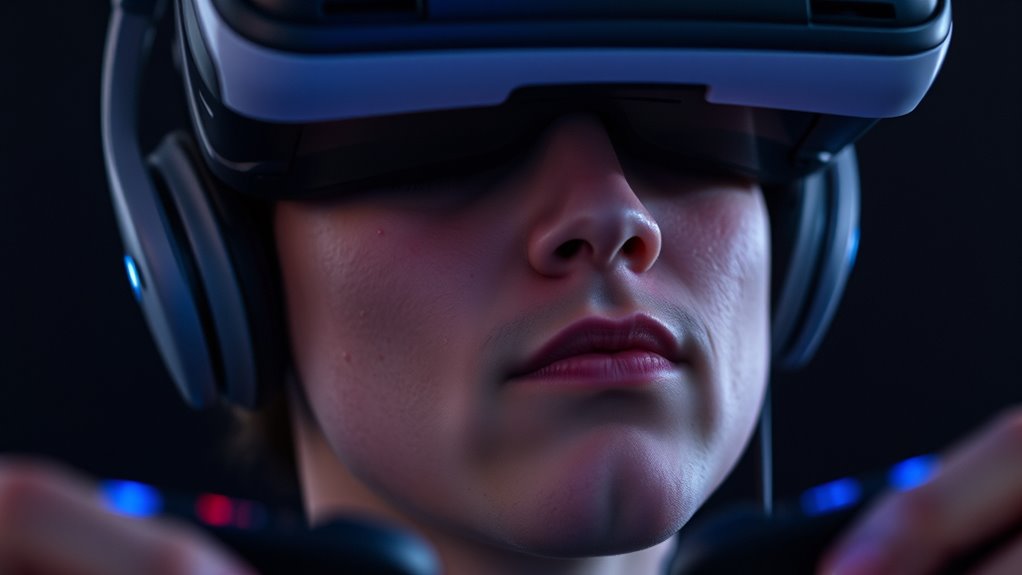
As you spend extended periods in VR, you might start to notice signs of hearing fatigue before any real damage occurs. You may find yourself needing to raise the volume more than usual or feeling that sounds are less clear. You might experience a ringing sensation or a feeling of fullness in your ears, which indicates your auditory system is overworked. If you notice muffled sounds or difficulty understanding voices after a session, it’s a warning sign that your ears are tired. Additionally, if you feel mentally exhausted or distracted, your hearing may be contributing to fatigue. Being mindful of sound levels and exposure duration can help prevent long-term damage and ensure your VR experience remains enjoyable. Recognizing these signs early helps you take breaks and adjust volume levels, preventing long-term damage and ensuring your VR experience remains enjoyable. Paying attention to auditory fatigue signs can help you identify when your ears need a break before more serious issues develop. To further protect your hearing, consider using hearing protection techniques during extended VR sessions. Regularly monitoring hearing health can also help maintain your overall auditory well-being over time.
Recommended Volume Limits for Extended VR Sessions
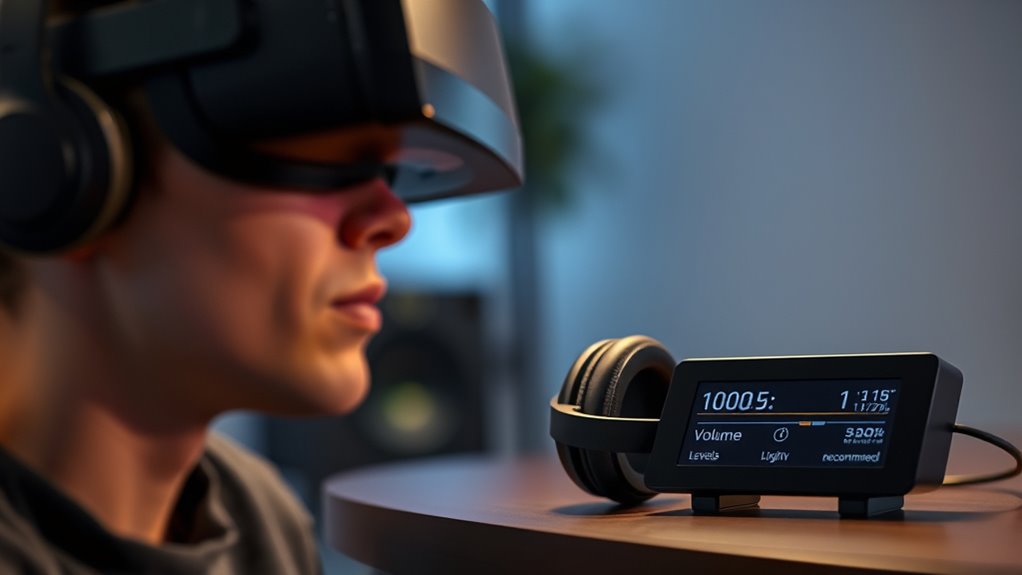
To protect your hearing during extended VR sessions, it’s important to set clear volume limits. Keep the volume at a level that doesn’t cause discomfort or ringing in your ears afterward. Aim to stay below 70 decibels, roughly equivalent to a normal conversation, to prevent long-term damage. Be mindful of how your ears feel during and after use—if they feel tired or sound muffled, reduce the volume immediately. Use built-in volume controls or external speakers to maintain safe levels. Remember, prolonged exposure to loud sounds can cause irreversible harm. Prioritize your hearing health by establishing these limits now, so you can enjoy immersive VR experiences without risking future hearing loss. Your ears will thank you for it. Additionally, being aware of sound exposure and managing your volume can help maintain a healthy balance between immersion and safety. Consistently monitoring your listening environment can further protect your hearing during extended use. Being aware of sound intensity levels can help you better judge safe listening volumes.
The Impact of High-Volume Audio on Ear Health
Listening to loud audio in VR can cause hearing damage over time. You might notice ear fatigue, like ringing or a feeling of fullness, if you push the volume too high. Long-term exposure can lead to permanent hearing loss, so it’s essential to stay mindful of your volume levels. Proper audio management helps protect your hearing health during extended VR sessions. Additionally, understanding safe listening practices can further reduce your risk of damage. Being aware of your listening environment is also crucial, as external noise can influence you to increase volume levels unintentionally. Recognizing sound levels and their effects can help you maintain a safe listening environment. Knowing about Rhythm Failure and its upbeat music, like “Blue Skies and Lemonade,” can also encourage more positive and controlled listening experiences.
Hearing Damage Risks
High-volume audio in VR can quickly lead to hearing damage if you’re not careful. Listening at loud levels, especially over prolonged periods, can cause irreversible harm to your ears. You might experience sudden ringing, muffled sounds, or even temporary hearing loss after intense VR sessions. The risks include:
- Permanent hearing loss from repeated exposure to loud sounds
- Tinnitus, a persistent ringing or buzzing in your ears
- Reduced ability to hear high-frequency sounds
- Increased sensitivity to noise over time
Ignoring these dangers can jeopardize your overall hearing health and quality of life. Protecting your ears means understanding these risks and moderating volume levels. Your hearing is fragile—take steps now to prevent long-term damage and enjoy VR safely. Be aware that hearing protection strategies can help mitigate these risks during extended VR use.
Ear Fatigue Signs
When you spend extended periods immersed in loud VR audio, your ears can start to feel fatigued, signaling that something’s off. You might notice a ringing or buzzing sound after a session, or your hearing feels temporarily muffled. You could also experience a sense of fullness or pressure in your ears, which indicates overstimulation. Sometimes, your ears may become more sensitive to sounds, making even quiet noises seem overwhelming. You might also feel a slight ache or discomfort, especially after longer use. These signs are your body’s way of warning you that your ears need a break. Ignoring these signals can lead to further stress on your hearing, so listen to your ears and take regular breaks. Using appropriate volume levels can help prevent damage and protect your hearing health over time. Additionally, being aware of ear fatigue signs can help you recognize when it’s time to reduce volume or pause your session to avoid long-term harm.
Long-Term Hearing Loss
Prolonged exposure to loud VR audio can cause irreversible damage to your hearing over time. Ignoring volume warnings may lead to permanent hearing loss, affecting your ability to enjoy sounds and communicate effectively. You might not notice the damage until it’s too late, and everyday sounds become muffled. The consequences include:
- Difficulty understanding conversations
- Ringing or buzzing in your ears
- Reduced sound clarity
- Increased risk of balance issues due to inner ear damage
Once hearing loss occurs, it’s often irreversible, and you could face a lifetime of hearing aids or cochlear implants. Protecting your ears now can prevent these devastating effects, ensuring you continue to experience rich, immersive sound in VR without sacrificing your hearing health.
Tips for Managing Audio Levels in VR Headsets
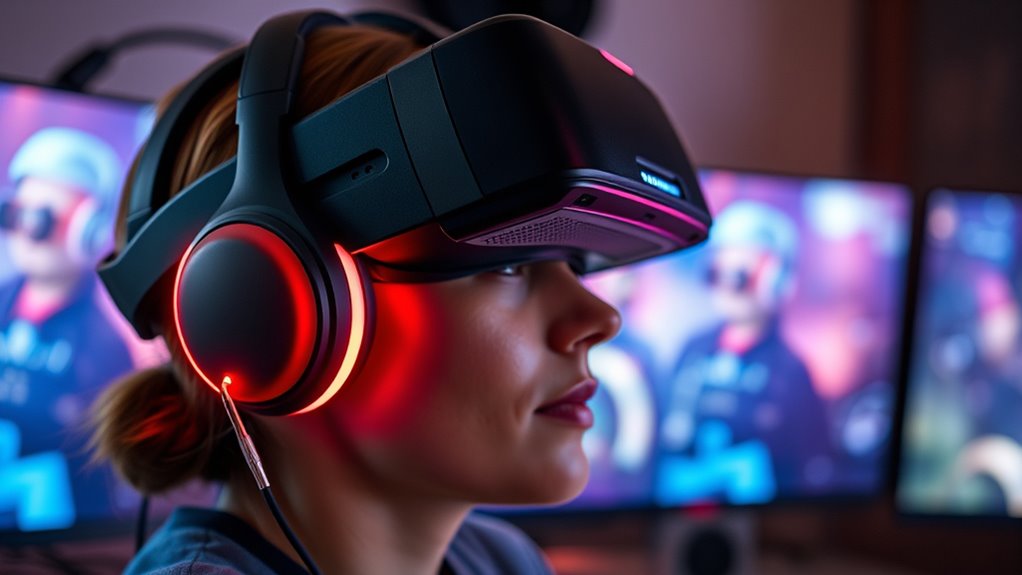
Managing audio levels in your VR headset is essential for both comfort and safety. Start by setting the volume to a moderate level before immersing yourself. Avoid turning the volume all the way up, as this can cause unnecessary strain and potential hearing damage over time. Use the headset’s built-in controls to make quick adjustments if the sound becomes too loud or too quiet. If available, enable any volume-limiting features to prevent accidental increases beyond safe levels. Take regular breaks to give your ears a rest, especially during long sessions. Consider using external speakers or headphones with adjustable volume controls for better management. Staying mindful of your volume settings helps protect your hearing while ensuring an enjoyable VR experience.
The Role of Noise-Canceling Features in Protecting Hearing
Noise-canceling features can help protect your hearing by reducing external sounds, allowing you to enjoy your VR experience at lower volumes. Active noise cancellation benefits include minimizing background noise, so you don’t need to crank up the volume to hear clearly. This not only safeguards your hearing but also enhances immersion, making your VR sessions more comfortable.
Active Noise Cancellation Benefits
Have you ever wondered how noise-canceling features can help protect your hearing during immersive VR experiences? These features reduce ambient sounds, allowing you to enjoy the experience without turning up the volume excessively. By blocking out distracting noises, active noise cancellation helps you keep sound levels lower, decreasing the risk of damage. It also enhances sound clarity, so you don’t feel compelled to increase volume to hear details. With noise-canceling tech, you’re empowered to set safer volume levels confidently.
- Experience more comfort during long sessions
- Avoid the temptation to crank up the volume
- Protect your ears from harmful noise exposure
- Focus fully on your VR world without external distractions
Reducing External Sound Levels
Active noise-canceling features play an essential role in reducing external sound levels, helping you stay aware of your surroundings while enjoying immersive VR experiences. By minimizing background noise, these features allow you to focus on the virtual environment without turning up the volume excessively. This not only enhances your immersion but also protects your hearing from potential damage caused by loud external sounds. When noise cancellation is effective, you don’t need to increase audio levels to compensate for noisy surroundings. As a result, your ears are less exposed to dangerously high volumes, reducing the risk of hearing loss. Using noise-canceling technology thoughtfully can help you find a comfortable balance between immersion and hearing safety during your VR sessions.
Enhancing Immersive Experience
Because external sounds can interfere with your focus, noise-canceling features play a essential role in enhancing your immersive VR experience. These features block out distracting noise, allowing you to fully engage with the virtual environment. With effective noise cancellation, you’ll notice sharper audio cues, deeper immersion, and a more natural sense of presence. Feel the difference as your surroundings fade away, giving you a sense of escape and adventure. Imagine feeling fully connected to another world, free from outside interruptions.
- Lose yourself in vivid worlds that feel real
- Feel every sound with clarity and precision
- Experience heightened emotions and engagement
- Protect your hearing without sacrificing immersion
Using External Speakers vs. Headphones Safely in VR
When choosing between external speakers and headphones for VR, safety should be a top priority. External speakers allow you to stay aware of your surroundings, reducing the risk of disorientation or accidents. However, they can also pose a danger if volume levels are too high, potentially damaging your hearing over time. Headphones provide immersive sound, but they can lead to dangerously loud volume if not monitored carefully. To stay safe, keep the volume at a moderate level regardless of your choice. Be aware of your environment—external speakers should not be loud enough to disturb others or cause hearing damage, while headphones should not block out all ambient sounds. Regularly check your volume settings and take breaks to protect your hearing health.
Practical Strategies to Prevent Hearing Damage During VR Use
To prevent hearing damage during VR sessions, it’s important to set clear boundaries for your volume levels and take regular breaks. Consistently monitor your sound, avoiding the temptation to crank it up. Take breaks every 20-30 minutes to give your ears a rest and reduce exposure risk. Use adjustable volume controls or noise-canceling headphones to keep sound at safe levels. Be mindful of your environment—avoid noisy or echo-prone spaces that tempt you to increase volume.
- Protect your hearing before permanent damage occurs
- Maintain control over volume to enjoy longer sessions
- Prevent discomfort and potential hearing loss
- Stay aware of your physical and auditory limits
When to Seek Professional Advice for Hearing Concerns
If you notice persistent ringing, pain, or muffled hearing after VR sessions, it’s a clear sign you should consult a professional. These symptoms indicate your ears may be damaged or overwhelmed, and ignoring them can lead to long-term hearing loss. Don’t dismiss these warning signs; seek advice from an audiologist or healthcare provider promptly. They can assess your hearing health, identify any damage, and recommend appropriate treatment or preventive measures. It’s especially important if symptoms persist or worsen over time. Early intervention can prevent further deterioration and help you regain normal hearing function. Remember, listening carefully to your body’s signals and acting quickly is essential to protect your hearing health in the long run.
Frequently Asked Questions
Can VR Audio Damage Hearing Even at Low Volumes?
Yes, VR audio can harm your hearing even at low volumes if you’re exposed for long periods. Constant exposure to repetitive sounds, especially in immersive environments, can cause ear fatigue or gradual damage over time. To safeguard your hearing, take regular breaks, keep the volume at a comfortable level, and avoid prolonged sessions. Listening at moderate volumes ensures your ears stay healthy while enjoying your VR experience.
How Long Can I Safely Listen to VR Audio Daily?
Think of your ears like a delicate garden—you need to nurture them carefully. You can generally listen to VR audio safely for up to 1-2 hours daily at moderate volume. After that, give your ears a break to prevent damage. Remember, continuous exposure, even at lower volumes, can accumulate harm over time. So, limit your VR sessions and always listen at a comfortable, moderate level.
Are There Specific VR Headsets With Better Hearing Protection?
Yes, some VR headsets offer better hearing protection. Look for models with adjustable volume controls, built-in noise isolation, or active noise-canceling features. Popular options like Oculus Quest 2 and HTC Vive Pro include customizable audio settings that help you limit loudness. Additionally, using over-ear headphones with good noise-canceling abilities can further protect your hearing, ensuring a safer and more comfortable VR experience.
Do Different VR Audio Formats Impact Hearing Safety?
Surprisingly, yes, different VR audio formats can impact your hearing safety. Compressed formats like MP3 might seem harmless, but they often require higher volumes to compensate for loss of quality, risking damage. Lossless formats like FLAC preserve audio fidelity at lower volumes, protecting your ears. So, don’t assume all formats are equal—choose high-quality audio and keep your volume at safe levels to enjoy VR without harm.
How Does Background Noise Influence Acceptable VR Volume Levels?
Background noise makes it harder to judge your VR volume safely. When there’s loud ambient sound, you might increase your headset volume to hear clearly, risking hearing damage. To protect your ears, keep your volume at a comfortable, moderate level, especially in noisy environments. Use noise-canceling features if available, and take breaks often to give your ears a rest. Always prioritize your hearing health over immersive sound.
Conclusion
Remember, your ears are your most valuable VR companions—treat them like a knight guarding a precious treasure. Keep the volume at safe levels, take breaks, and listen for signs of fatigue. Don’t let your immersive adventures turn into a tale of woe, like the fabled Sirens whose song led sailors astray. Stay vigilant, protect your hearing, and enjoy your virtual worlds without risking your future hearing health.
Halloween Picks
halloween
As an affiliate, we earn on qualifying purchases.