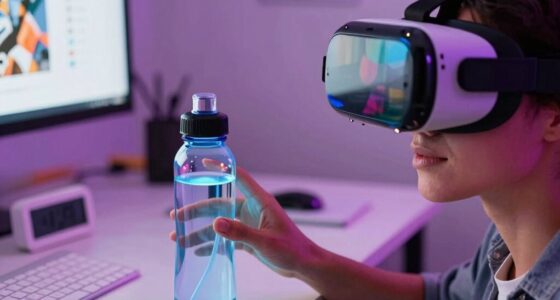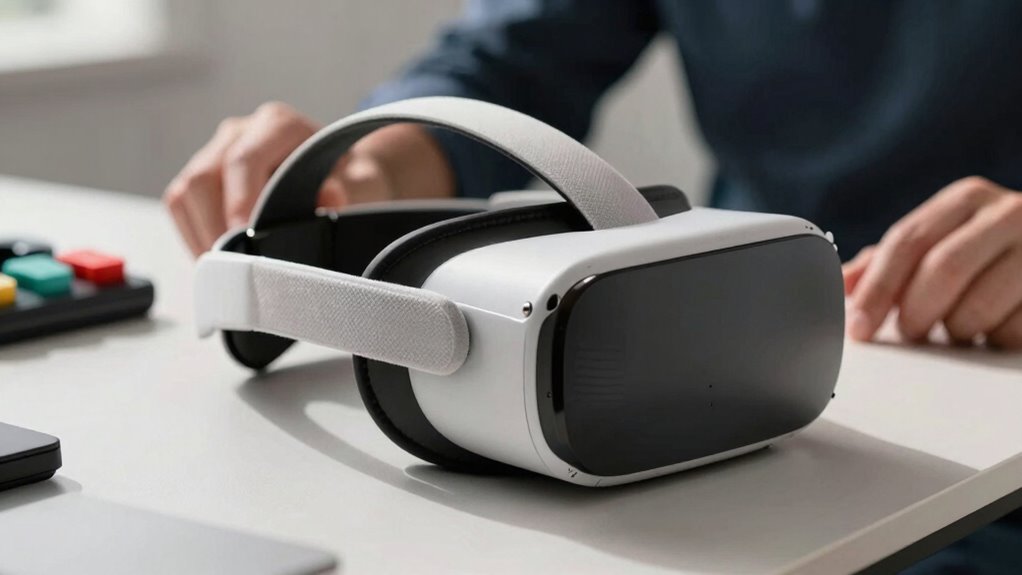

Accessibility features in VR are crucial because they guarantee everyone can fully enjoy and benefit from immersive experiences. By including options like haptic feedback and voice commands, you can overcome physical and sensory barriers. This not only makes VR more inclusive but also enhances engagement for all users. Ignoring these features limits potential and excludes many from exploring digital worlds. Keep exploring to discover how designing with accessibility in mind benefits everyone involved.

Play games on Amazon Luna for your next adventure, included with Prime
- A rotating selection of games, no download needed
- Play on TV, laptop or phone
- Fast, free delivery for your gear, too
Key Takeaways
- Inclusive accessibility features ensure VR experiences are usable by people with diverse abilities, fostering a more equitable environment.
- Prioritizing accessibility enhances user engagement and immersion for all, including those with visual, auditory, or mobility impairments.
- Integrating accessibility from the start reduces the need for costly retrofits and improves overall design quality.
- Accessible VR encourages broader adoption, expanding the technology’s societal and educational impact.
- Neglecting accessibility risks excluding marginalized users and limiting the full potential of VR innovation.
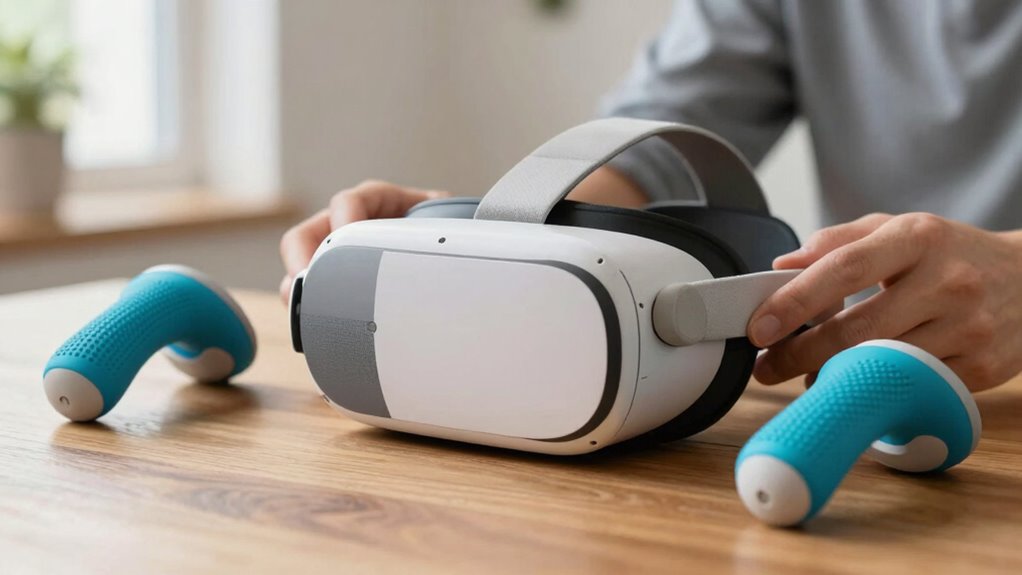
Have you ever wondered how virtual reality can be made accessible to everyone? As VR continues to grow in popularity, it’s essential to consider how people with different abilities can fully enjoy and benefit from this technology. Accessibility features are not just optional add-ons; they’re crucial for creating an inclusive experience. For instance, integrating haptic feedback can significantly enhance immersion for users with visual impairments. By providing tactile sensations that correspond to in-game events or environments, you get a more grounded sense of presence. When a virtual object vibrates or exerts pressure, you can feel its texture or weight, bridging the gap between sight and touch. This sensory feedback makes the experience more tangible and engaging, especially for those who might struggle with traditional visual cues.
Haptic feedback enhances immersion for visually impaired users by providing tactile sensations that bring virtual environments to life.
Voice commands are another powerful accessibility tool in VR. They allow you to control the environment hands-free, which benefits users with mobility challenges or those who find navigating controllers difficult. With voice recognition, you can issue commands like “move forward,” “pick up object,” or “open menu,” simplifying the interaction process. This reduces physical barriers and makes VR more intuitive. Imagine exploring a virtual museum or playing a game where you can effortlessly summon help or change settings using only your voice. These features empower users to customize their experience and feel more in control, removing frustrations that often come with complex controls. Incorporating inclusive design principles can further improve these features, ensuring they are accessible and usable by a diverse range of users.
However, despite their potential, accessibility features still don’t receive enough attention in VR development. Often, creators focus on visual fidelity or gameplay mechanics without considering diverse needs. You, as a user, shouldn’t have to compromise your experience because the technology isn’t designed with inclusivity in mind. Prioritizing accessibility means more than just adding features; it involves designing with empathy and foresight. Developers need to test their products with a broader range of users, ensuring that options like haptic feedback and voice commands are seamlessly integrated and easy to use. When accessibility is a core part of the design process, VR can become a space where everyone, regardless of physical ability, can explore, learn, and connect. Emphasizing the importance of user-centered design can significantly improve the adoption and effectiveness of these features. Moreover, integrating diverse input methods can help highlight the importance of biodiversity awareness, making virtual environments more inclusive and educational.
In the end, making VR accessible isn’t just about compliance or ticking boxes. It’s about opening doors to new experiences and opportunities for everyone. By focusing on features like haptic feedback and voice commands, creators can build worlds that truly include all users, enriching the technology’s potential and expanding its impact.
Products Worth Considering

Logitech MX Master 4 Ergonomic Wireless Mouse with Haptic Feedback, Graphite

LG UltraGear 32GX870A-B 32-inch 4K UHD OLED Dual-Mode Gaming Monitor

DJI Osmo 360 Motorcycle Handlebar POV Combo
As an affiliate, we earn on qualifying purchases.
Frequently Asked Questions
How Do Accessibility Features Impact Overall VR User Experience?
Accessibility features greatly enhance your overall VR experience by promoting sensory integration and ensuring everyone can participate comfortably. When developers prioritize usability testing, they identify and fix barriers, making VR more inclusive. These features help you adapt the environment to your needs, reducing discomfort and increasing engagement. As a result, you enjoy smoother, more immersive interactions, which ultimately make VR accessible and enjoyable for a broader range of users.
Are Accessibility Options Customizable for Different Disabilities?
Yes, accessibility options are highly customizable for different disabilities. Imagine a visually impaired gamer adjusting contrast and audio cues to navigate VR worlds comfortably—this showcases customization flexibility. Developers often include disability-specific adaptations, like speech-to-text or haptic feedback, allowing users to tailor their experience. These options guarantee everyone can enjoy VR fully, fostering inclusivity and making immersive experiences accessible to diverse needs.
What Challenges Exist in Implementing Accessibility in VR Hardware?
Implementing accessibility in VR hardware faces challenges like integrating effective haptic feedback and clear visual cues for all users. You might struggle with designing hardware that adapts to various disabilities without sacrificing performance or immersion. Balancing complex features, such as customizable visual cues and tactile feedback, requires innovation. Ensuring these features are seamlessly incorporated while maintaining affordability and comfort is essential, but often difficult, in creating truly accessible VR experiences.
How Do Developers Test Accessibility Features Effectively?
You test accessibility features effectively by focusing on universal design principles, ensuring your features accommodate diverse needs. You should involve a broad range of users with varying abilities during testing phases and gather their feedback actively. Observing how users interact with your VR environment helps you identify gaps and improve functionality. Incorporate user feedback to refine your features, making sure they truly enhance accessibility for everyone.
What Future Advancements Could Improve VR Accessibility?
Imagine VR as a bridge, and future advancements like haptic feedback and voice control are the sturdy planks that make it accessible to everyone. These innovations could allow users with mobility or sensory challenges to navigate seamlessly. Improvements might include more precise haptic feedback for tactile awareness or smarter voice control that understands diverse speech patterns, ensuring VR becomes truly inclusive for all users.
Conclusion
Just as the lighthouse guides ships safely through treacherous waters, accessibility features in VR guarantee no one gets lost in the digital domain. By prioritizing inclusive design, you open doors to endless adventures for everyone, regardless of ability. Remember, the true power of technology lies in its ability to unite us—so let’s make VR a place where all can explore, connect, and thrive. After all, the future belongs to those who make it accessible.